
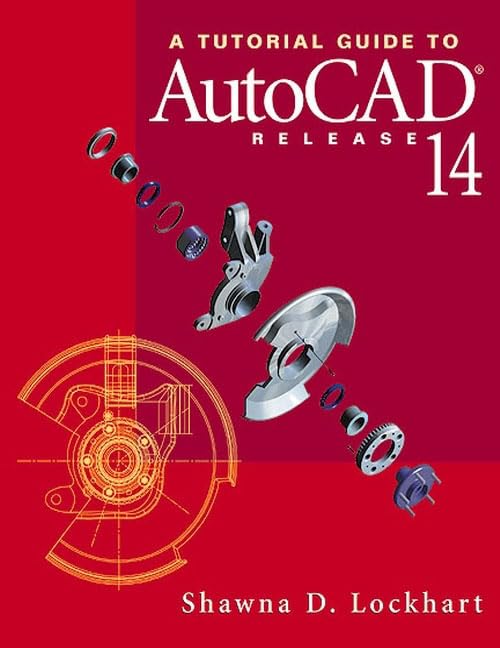
Title
A Tutorial Guide to Autocad Release 14,Used
Sold by Ergodebooks, an authorized reseller.
Returns accepted within 30 days | support@ergodebooks.com
Shipping Information
- Free Standard Shipping — United States only
- Processing Time: 3–5 business days
- Estimated Delivery: 6–10 business days after dispatch
- Double-boxed, fully insured & discreetly packaged
- Tracking number sent via email once dispatched
Returns & Refund
Returns accepted within 30 days of delivery.
Damaged or Defective Item
Free return shipping + replacement or full refund
Wrong Item Received
Free return shipping + replacement or full refund
Change of Mind
Return shipping at customer's expense · 25% restocking fee applies
Payment Option

Get handson experience with the most widely used design and drafting software in the world. A Tutorial Guide to AutoCAD(R) Release 14 is the ideal tool for learning the latest release of the most popular engineering design tool. In 15 clear and comprehensive lessons, Shawna Lockhart guides you from the basics, such as parts of the screen and simple command entry, through customizing your AutoCAD toolbars to rendering your models for presentation. In addition to teaching the important commands and techniques in AutoCAD Release 14, Lockhart provides thorough coverage of both modern 3D solid modeling and traditional 2D engineering graphics approaches to topics such as Orthographic Views, Sections, Auxiliary Views, and Assembly Drawings.The tutorials provide stepbystep instructions, complete with numerous screen illustrations, enabling you to apply the power of AutoCAD Release 14 to create your own engineering drawings. As you progress through the tutorials you apply what you have learned by completing familiar sequences on your own. Each tutorial takes about an hour to complete. To help you learn the concepts, each tutorial includes chapter objectives, definitions of AutoCAD and graphics terminology, and endofchapter problems. A quick reference command summary for icons, menus, command names, and keyboard commands is included as a practical reference tool.Other features of this tutorial manual: Excellent coverage of Dimensioning, Geometric Tolerancing, and Paper Space. Features the use of template drawings to improve your efficiency in creating drawings. Uses the powerful new AutoSnap tool to help you create accurate drawings and models.For engineering students and practicing professionals who want to get up to speed on AutoCAD, A Tutorial Guide to AutoCAD Release 14 is the right place to start.
⚠️ WARNING (California Proposition 65):
This product may contain chemicals known to the State of California to cause cancer, birth defects, or other reproductive harm.
For more information, please visit www.P65Warnings.ca.gov.