
Title
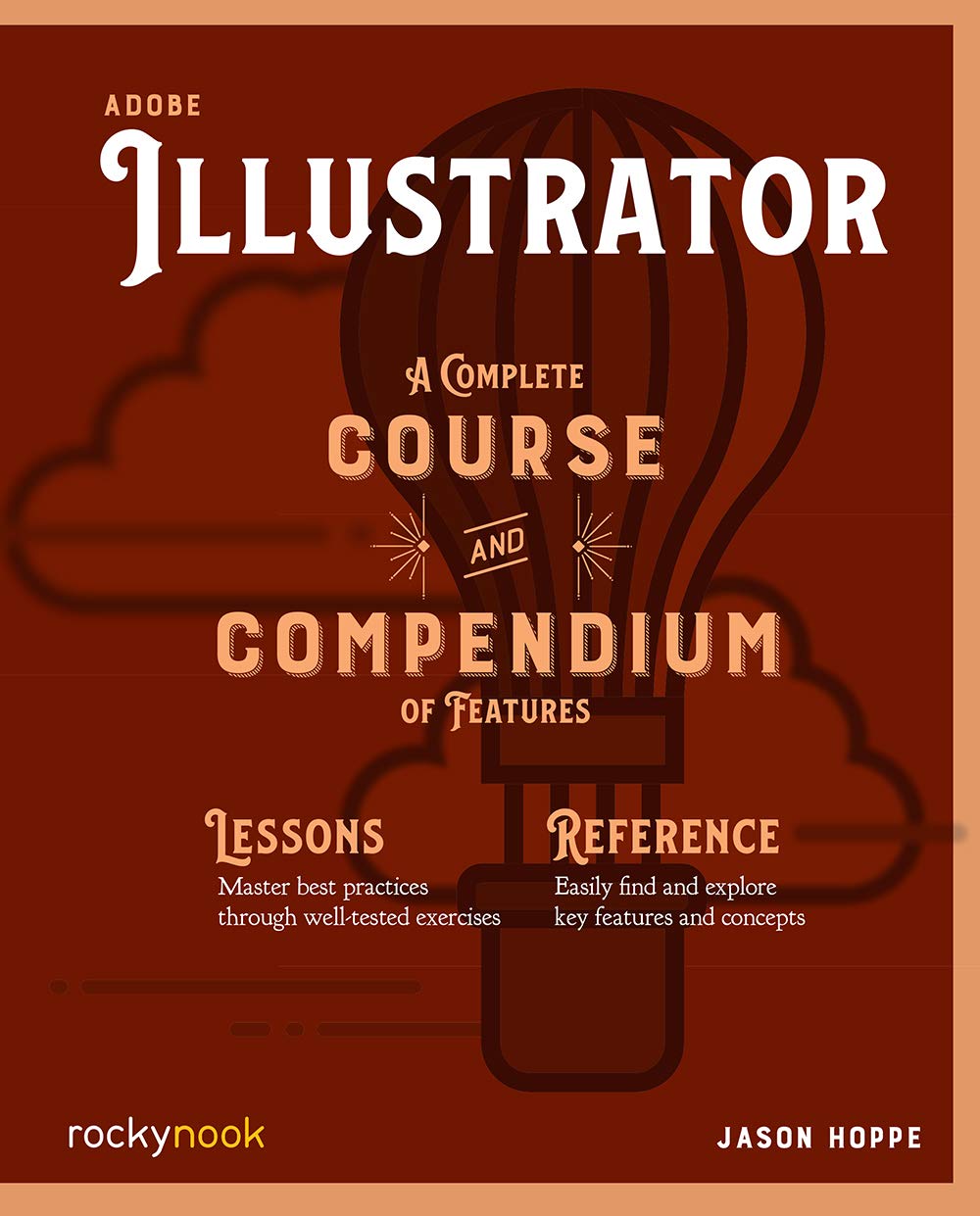
Adobe Illustrator: A Complete Course And Compendium Of Features (Course And Compendium, 3)
Sold by Ergodebooks, an authorized reseller.
Returns accepted within 30 days | support@ergodebooks.com
Shipping Information
- Free Standard Shipping — United States only
- Processing Time: 3–5 business days
- Estimated Delivery: 6–10 business days after dispatch
- Double-boxed, fully insured & discreetly packaged
- Tracking number sent via email once dispatched
Returns & Refund
Returns accepted within 30 days of delivery.
Damaged or Defective Item
Free return shipping + replacement or full refund
Wrong Item Received
Free return shipping + replacement or full refund
Change of Mind
Return shipping at customer's expense · 25% restocking fee applies
Payment Option

Adobe Illustrator: A Complete Course And Compendium Of Features Is Your Guide To Building Vector Graphics, Whether Youre Creating Logos, Icons, Drawings, Typography, Or Other Illustrationsand Regardless Of Their Destination: Print, Web, Video, Or Mobile.First, With A Complete Course That Includes A Set Of Projects And Lessons Derived From Adobe Certified Instructor Jason Hoppe, You Will Learn The Procedures Needed To Use Illustrator Effectively And Professionally. Dozens Of Lessons Are Included That Can Be Applied To Any Graphics You Have In Mind. Through These Stepbystep Lessons, Youll Be Exposed To All Of Illustrators Features In Practical Contexts And Its Best Practices For Optimal Workflows.To Complete The Course, Well Supply Lesson Documents And Their Assets To Download. These Can Even Serve As Starting Points For Your Own Projects.Then, For Greater Depth Of Knowledge And Subsequent Reference, Youll Use The Compendium To Uncover More Of The How And Why Of Illustrator. With Each Topic Easy To Access, You Can Find And Explore All Of Illustrators Key Features And Concepts In Depth. With Cross References Between The Course And Compendium, The Two Parts Of The Book Complement Each Other Perfectly. Best Of All, When The Lessons In The Course Are Done, The Compendium Will Continue To Serve For Months And Years To Come.Learn Step By Step How To: Draw Basic Shapes And Lines Build Graphics Using Illustrators Deep And Diverse Toolset Create Complex Icons Using The Pathfinder And Shape Builder Use Color With Predictable And Harmonic Results Work Effectively With Type And Much More!
⚠️ WARNING (California Proposition 65):
This product may contain chemicals known to the State of California to cause cancer, birth defects, or other reproductive harm.
For more information, please visit www.P65Warnings.ca.gov.
- Q: What is the main focus of Adobe Illustrator: A Complete Course and Compendium of Features? A: The book focuses on teaching users how to create vector graphics using Adobe Illustrator, covering various projects including logos, icons, illustrations, and typography for different platforms like print and web.
- Q: Who is the author of this book and what are his credentials? A: The author is Jason Hoppe, an Adobe Certified Instructor, who brings expertise in teaching Illustrator through practical lessons and projects.
- Q: What type of content can I expect in the Course section of the book? A: The Course section includes step-by-step lessons and projects designed to help users learn Illustrator effectively, covering all key features and best practices.
- Q: How many pages does this book have? A: The book comprises 388 pages, providing extensive coverage of Adobe Illustrator's features.
- Q: What is included in the Compendium section of the book? A: The Compendium provides in-depth explanations of Illustrator's features and concepts, serving as a reference guide for users after completing the Course.
- Q: Is this book suitable for beginners? A: Yes, the book is designed for users of all skill levels, making it suitable for beginners who want a comprehensive guide to Adobe Illustrator.
- Q: What is the binding type of this book? A: The book is available in paperback binding, providing durability for regular use.
- Q: When was this book published? A: Adobe Illustrator: A Complete Course and Compendium of Features was published on June 23, 2020.
- Q: What kind of projects can I learn to create with this book? A: You can learn to create a variety of projects such as logos, icons, illustrations, and typography, utilizing Illustrator's extensive toolset.
- Q: Does this book include downloadable lesson documents and assets? A: Yes, the book includes downloadable lesson documents and assets that can serve as starting points for your own projects.