
Title
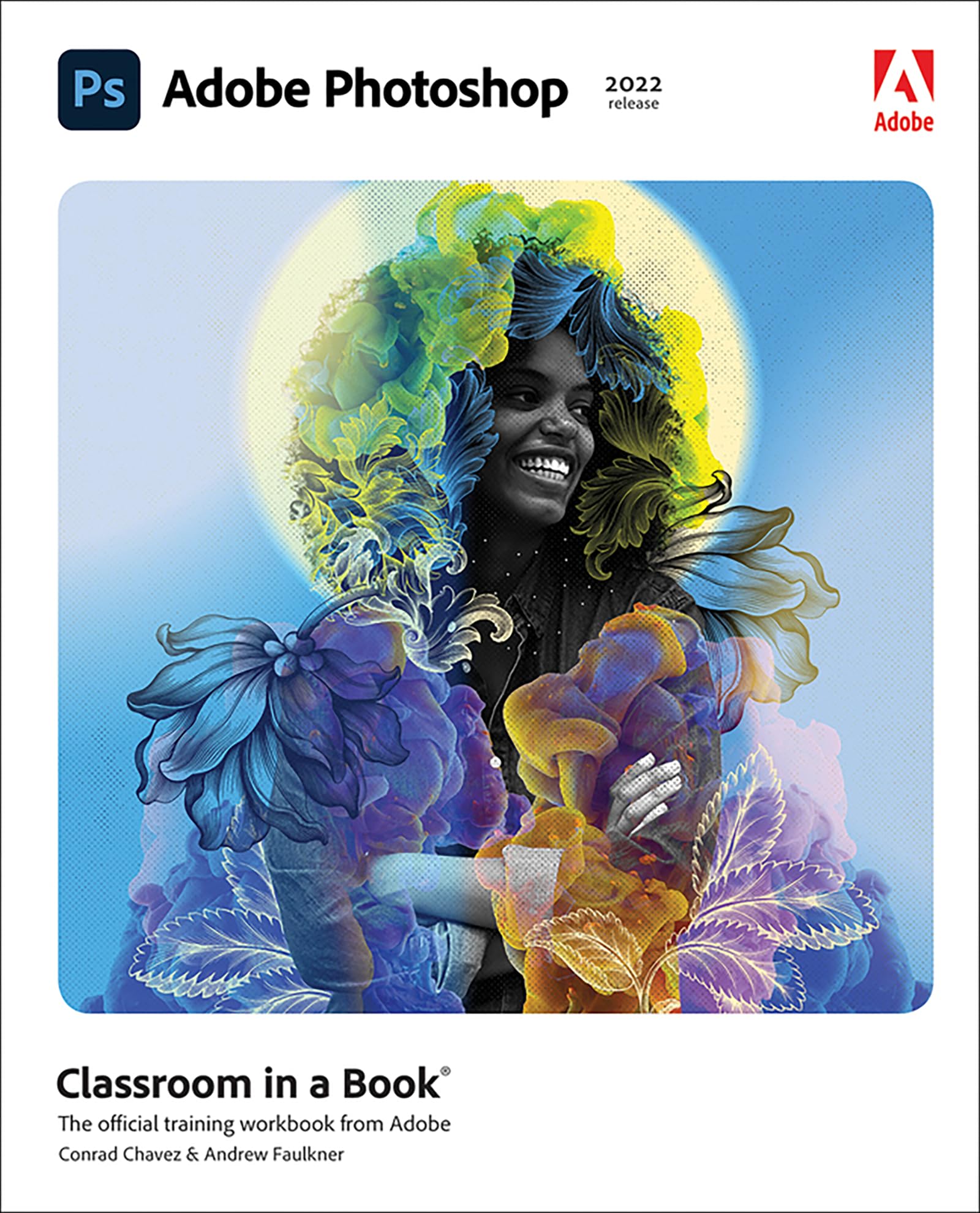
Adobe Photoshop Classroom In A Book (2022 Release),New
Sold by Ergodebooks, an authorized reseller.
Returns accepted within 30 days | support@ergodebooks.com
Shipping Information
- Free Standard Shipping — United States only
- Processing Time: 3–5 business days
- Estimated Delivery: 6–10 business days after dispatch
- Double-boxed, fully insured & discreetly packaged
- Tracking number sent via email once dispatched
Returns & Refund
Returns accepted within 30 days of delivery.
Damaged or Defective Item
Free return shipping + replacement or full refund
Wrong Item Received
Free return shipping + replacement or full refund
Change of Mind
Return shipping at customer's expense · 25% restocking fee applies
Payment Option

Learn To Correct And Improve Digital Images. Seamlessly Remove Backgrounds And Repair Images Using Contentaware Tools. Explore Advanced Filters That Enhance Images Using Machine Learning And Cloud Processing. Select Subjects With Complex Outlines, Including Hair, Quickly And Precisely. Design Composite Images, Including Instant Sky Replacement. Create Advanced Typography. Edit Video, Including Transitions And Motion Effects. Automate Tasks With Actions. Save As A Photoshop Cloud Document To Easily Edit Across Desktop And Mobile Devices. Export Your Work For Web, Mobile Devices, And Print. The Fastest, Easiest, Most Comprehensive Way To Learn Adobe Photoshopclassroom In A Book
⚠️ WARNING (California Proposition 65):
This product may contain chemicals known to the State of California to cause cancer, birth defects, or other reproductive harm.
For more information, please visit www.P65Warnings.ca.gov.
- Q: What is the page count of this book? A: This book has four hundred sixteen pages. It offers a comprehensive guide to learning Adobe Photoshop.
- Q: What are the dimensions of this book? A: The book measures seven point three inches in length, nine point one inches in height, and zero point eight seven inches in width.
- Q: What type of binding does this book have? A: This book is bound in paperback format. This makes it lightweight and easy to handle.
- Q: How do I get access to the online extras? A: You can access the online extras by following the instructions in the book's 'Getting Started' section. This includes downloadable lesson files and a web edition.
- Q: Is this book suitable for beginners? A: Yes, this book is designed for both beginners and advanced users. It covers basics and advanced techniques in Adobe Photoshop.
- Q: Can I learn video editing with this book? A: Yes, this book includes lessons on editing video, including transitions and motion effects. You'll gain skills in video editing using Adobe Photoshop.
- Q: Does this book include tips for automated tasks? A: Yes, it offers guidance on automating tasks with actions in Adobe Photoshop. This helps enhance productivity while working on projects.
- Q: Is this book appropriate for children? A: Yes, the content is educational and suitable for children interested in digital photography and graphic design. Adult supervision may enhance learning.
- Q: How do I keep this book in good condition? A: Store the book in a cool, dry place away from direct sunlight. Avoid bending or damaging the cover and pages.
- Q: What if the book arrives damaged? A: If the book arrives damaged, you should contact the seller for their return policy. Most sellers will provide options for a replacement or refund.
- Q: Can this book help me create composite images? A: Yes, it includes lessons on designing composite images, including features like instant sky replacement. You'll learn advanced techniques for image manipulation.
- Q: Does this book cover Photoshop for iPad? A: No, this book covers Photoshop on desktop only and does not address features for the iPad version. It focuses on desktop software.
- Q: What software do I need to use this book? A: You need Adobe Photoshop 2022 release software to follow the lessons in this book. The software is not included with the purchase.
- Q: Are there interactive quizzes included? A: Yes, the web edition includes interactive quizzes that help reinforce learning as you progress through the book.
- Q: What kind of photography does this book focus on? A: This book focuses on digital photography techniques, including image correction and enhancement using Adobe Photoshop.
- Q: Does this book provide step-by-step instructions? A: Yes, it provides step-by-step instructions for each lesson to help you learn effectively. Videos accompany the lessons for additional guidance.