
Title


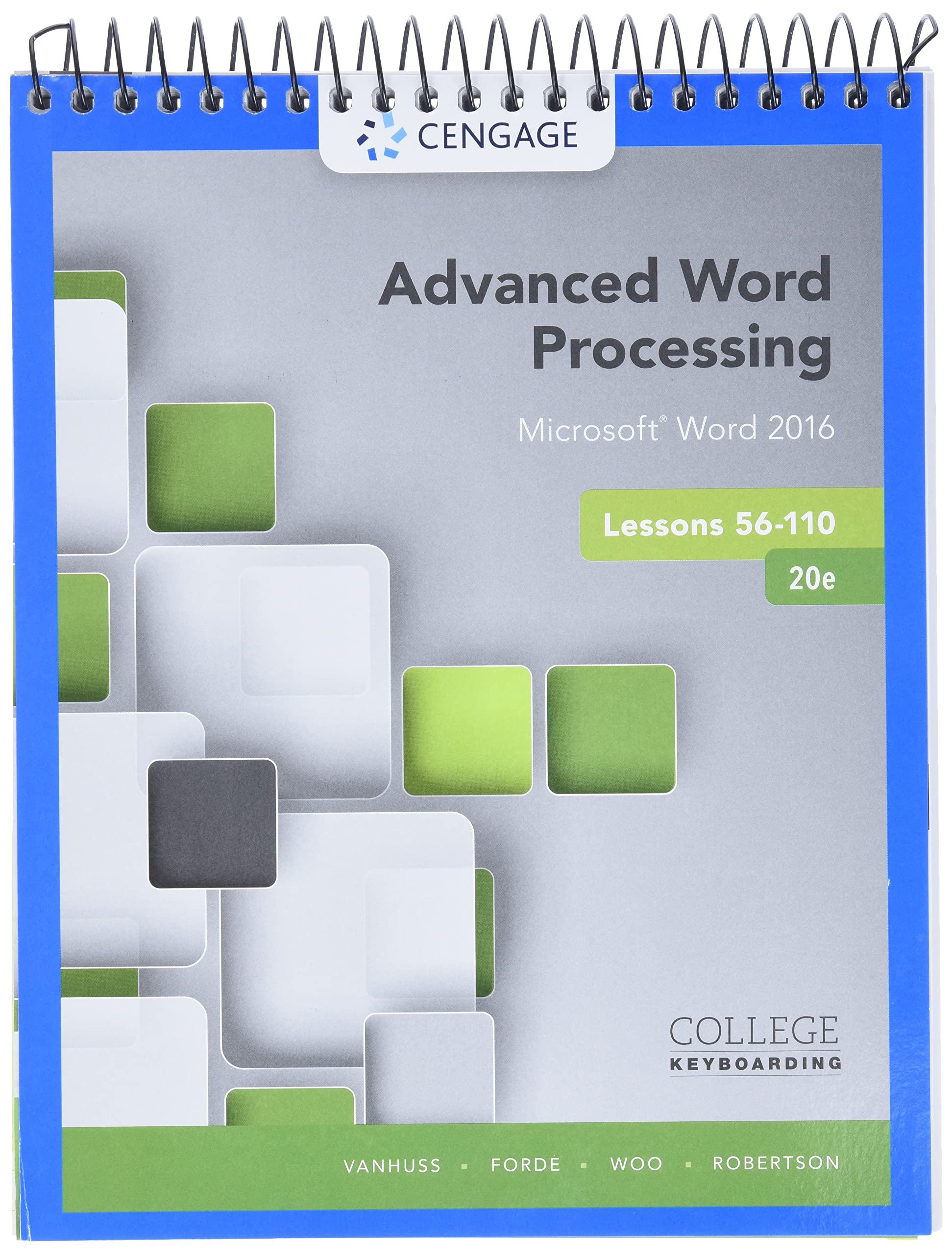
Advanced Word Processing Lessons 56110: Microsoft Word 2016, Spiral Bound Version
Sold by Ergodebooks, an authorized reseller.
Returns accepted within 30 days | support@ergodebooks.com
Shipping Information
- Free Standard Shipping — United States only
- Processing Time: 3–5 business days
- Estimated Delivery: 6–10 business days after dispatch
- Double-boxed, fully insured & discreetly packaged
- Tracking number sent via email once dispatched
Returns & Refund
Returns accepted within 30 days of delivery.
Damaged or Defective Item
Free return shipping + replacement or full refund
Wrong Item Received
Free return shipping + replacement or full refund
Change of Mind
Return shipping at customer's expense · 25% restocking fee applies
Payment Option

Get Ready For Academic And Workplace Success! This Robust Learning Package Integrates Advanced Word Processing, Document Formatting And Design, And Communication Skills Within A Single Text, Along With A Strong Emphasis On Honing Skills By Competing Projects In A Realistic Office Environment. Using Microsoft Word 2016, You Will Format Advanced Business Correspondence, Tables, Reports, Mail Merge Files, Graphics, And A Broad Range Of Common Document Types, Including Meeting, Travel, News, Legal, Medical, And Human Resources/Employment, As Well As Practicing Realtime Coauthoring On Onedrive. The Text Includes Nine Modular Projects And Two Comprehensive Projects To Help You Apply What You Learn And Prepare To Be Productive Immediately When Beginning Your Professional Career. Combined With Skills Assessment Manager (Sam), The Text Makes Learning Even Easier And More Effective, Allowing You To Work Independently From Anywhere.
⚠️ WARNING (California Proposition 65):
This product may contain chemicals known to the State of California to cause cancer, birth defects, or other reproductive harm.
For more information, please visit www.P65Warnings.ca.gov.
- Q: What is the page count of the book? A: The book contains three hundred fifty-two pages. This comprehensive length allows for detailed coverage of advanced word processing skills.
- Q: What are the dimensions of the book? A: The book measures eight inches in length, zero point two five inches in width, and eleven point two six inches in height. These dimensions make it easy to handle and store.
- Q: What type of binding does this book have? A: The book features spiral binding. This design allows for easy page turning and lays flat for convenience during use.
- Q: What software does this book focus on? A: The book focuses on Microsoft Word 2016. It covers advanced features and tools available in this version of the software.
- Q: Who is the author of this book? A: The author of the book is Susie Vanhuss. She is known for her expertise in teaching word processing and computer skills.
- Q: Is this book suitable for beginners? A: Yes, the book is suitable for beginners as it covers foundational skills alongside advanced techniques. It provides a comprehensive learning experience.
- Q: How do I apply what I learn from this book? A: You can apply what you learn by completing the nine modular projects and two comprehensive projects it includes. These projects simulate real-world office tasks.
- Q: Is this book useful for workplace skills? A: Yes, the book prepares you for workplace success by focusing on practical document formatting and design skills. It emphasizes real-life applications.
- Q: What kind of projects are included in the book? A: The book includes nine modular projects and two comprehensive projects. These projects help reinforce your learning through practical application.
- Q: Can I use this book for online collaboration? A: Yes, the book includes practice for real-time co-authoring on OneDrive. This feature is essential for modern workplace collaboration.
- Q: How should I care for this book? A: To care for the book, keep it in a dry environment and avoid exposing it to moisture. This will help preserve the integrity of the spiral binding.
- Q: Is there a warranty for this book? A: No, there is typically no warranty for textbooks like this one. However, check with the seller for their return policy.
- Q: What if the book arrives damaged? A: If the book arrives damaged, contact the seller immediately for return or exchange options. Most sellers offer a satisfaction guarantee.
- Q: Does this book contain assessments? A: Yes, this book is combined with Skills Assessment Manager (SAM). This feature allows for effective tracking of your progress and skills.
- Q: Is there any focus on legal document formatting? A: Yes, the book covers formatting for a variety of document types, including legal documents. This is crucial for students entering legal professions.