
Title
Android Smartphones Made Easy: The Beginners Guide Made For Beginners (Computers Made Easy),Used
Sold by Ergodebooks, an authorized reseller.
Returns accepted within 30 days | support@ergodebooks.com
Shipping Information
- Free Standard Shipping — United States only
- Processing Time: 3–5 business days
- Estimated Delivery: 6–10 business days after dispatch
- Double-boxed, fully insured & discreetly packaged
- Tracking number sent via email once dispatched
Returns & Refund
Returns accepted within 30 days of delivery.
Damaged or Defective Item
Free return shipping + replacement or full refund
Wrong Item Received
Free return shipping + replacement or full refund
Change of Mind
Return shipping at customer's expense · 25% restocking fee applies
Payment Option

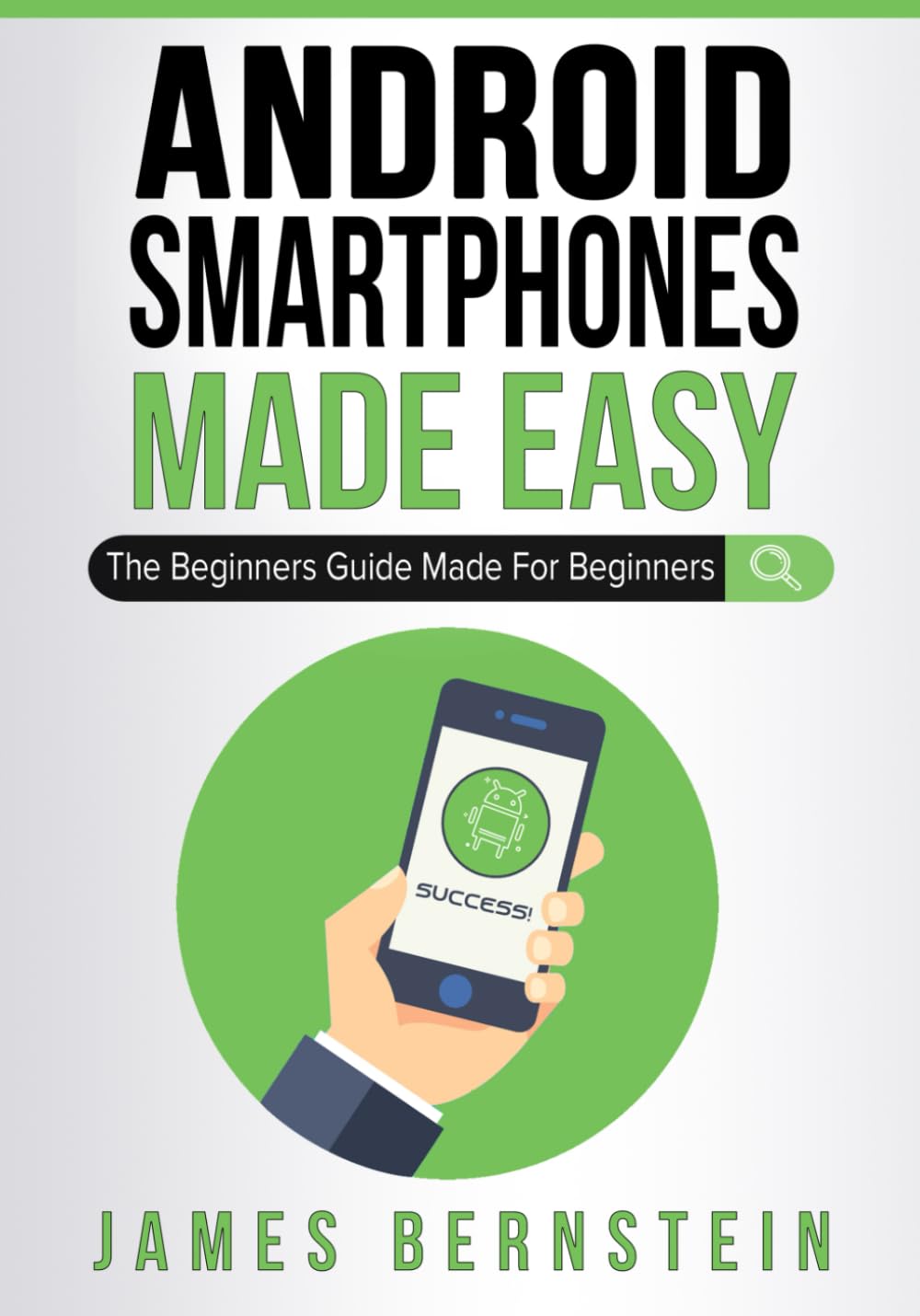
**UPDATED FOR 2025**Within the last decade, smartphones have gone from something only technically savvy people enjoyed to a daily device that can be used by anyone from children to grandparents. These days you are in the minority if you don't have a smartphone and are missing out on all the wonderful things you can do with them. As these smartphones keep getting more advanced, some people may find it hard to keep up with everything they can do and how to do even the simplest of tasks. Not everyone is a tech genius and since our smartphones generally don't come with instruction guides we are left to figure it out on our own.The goal of this book is to get you up and running on your smartphone without confusing you in the process or making you feel like a dummy. Whether you are just getting started using a smartphone or have had one for some time and would like to become more proficient in its operation this book will help you do so. Its written so people with no experience can easily grasp the concepts and people with experience can gain some new skills and sharpen the ones they already have. Most importantly its filled with pictures to help explain these concepts so you aren't left guessing how the words you are reading actually relate to using your phone.The chapters in the book cover the following topics:Chapter 1 What is a SmartphoneChapter 2 Setting Up Your New PhoneChapter 3 The Home ScreenChapter 4 NotificationsChapter 5 Installing AppsChapter 6 Setting Up EmailChapter 7 Browsing the InternetChapter 8 Taking Pictures and VideoChapter 9 Listening to MusicChapter 10 ContactsChapter 11 Making Phone CallsChapter 12 TextingChapter 13 Configuring Your Phone's SettingsChapter 14 NavigationChapter 15 SecurityChapter 16 Tips and TricksAbout the AuthorJames Bernstein has been working with various companies in the IT field for over 20 years, managing technologies such as SAN and NAS storage, VMware, backups, Windows Servers, Active Directory, DNS, DHCP, Networking, Microsoft Office, Exchange, and more.He has obtained certifications from Microsoft, VMware, CompTIA, ShoreTel, and SNIA, and continues to strive to learn new technologies to further his knowledge on a variety of subjects.He is also the founder of the website OnlineComputerTips.com, which offers its readers valuable information on topics such as Windows, networking, hardware, software, and troubleshooting. Jim writes much of the content himself and adds new content on a regular basis. The site was started in 2005 and is still going strong today.
⚠️ WARNING (California Proposition 65):
This product may contain chemicals known to the State of California to cause cancer, birth defects, or other reproductive harm.
For more information, please visit www.P65Warnings.ca.gov.