If you have any questions, you are always welcome to contact us. We'll get back to you as soon as possible, withing 24 hours on weekdays.
Customer service
All questions about your order, return and delivery must be sent to our customer service team by e-mail at yourstore@yourdomain.com
Sale & Press
If you are interested in selling our products, need more information about our brand or wish to make a collaboration, please contact us at press@yourdomain.com
Help
If you have any questions, you are always welcome to contact us. We'll get back to you as soon as possible, withing 24 hours on weekdays.
Customer service
All questions about your order, return and delivery must be sent to our customer service team by e-mail at yourstore@yourdomain.com
Sale & Press
If you are interested in selling our products, need more information about our brand or wish to make a collaboration, please contact us at press@yourdomain.com
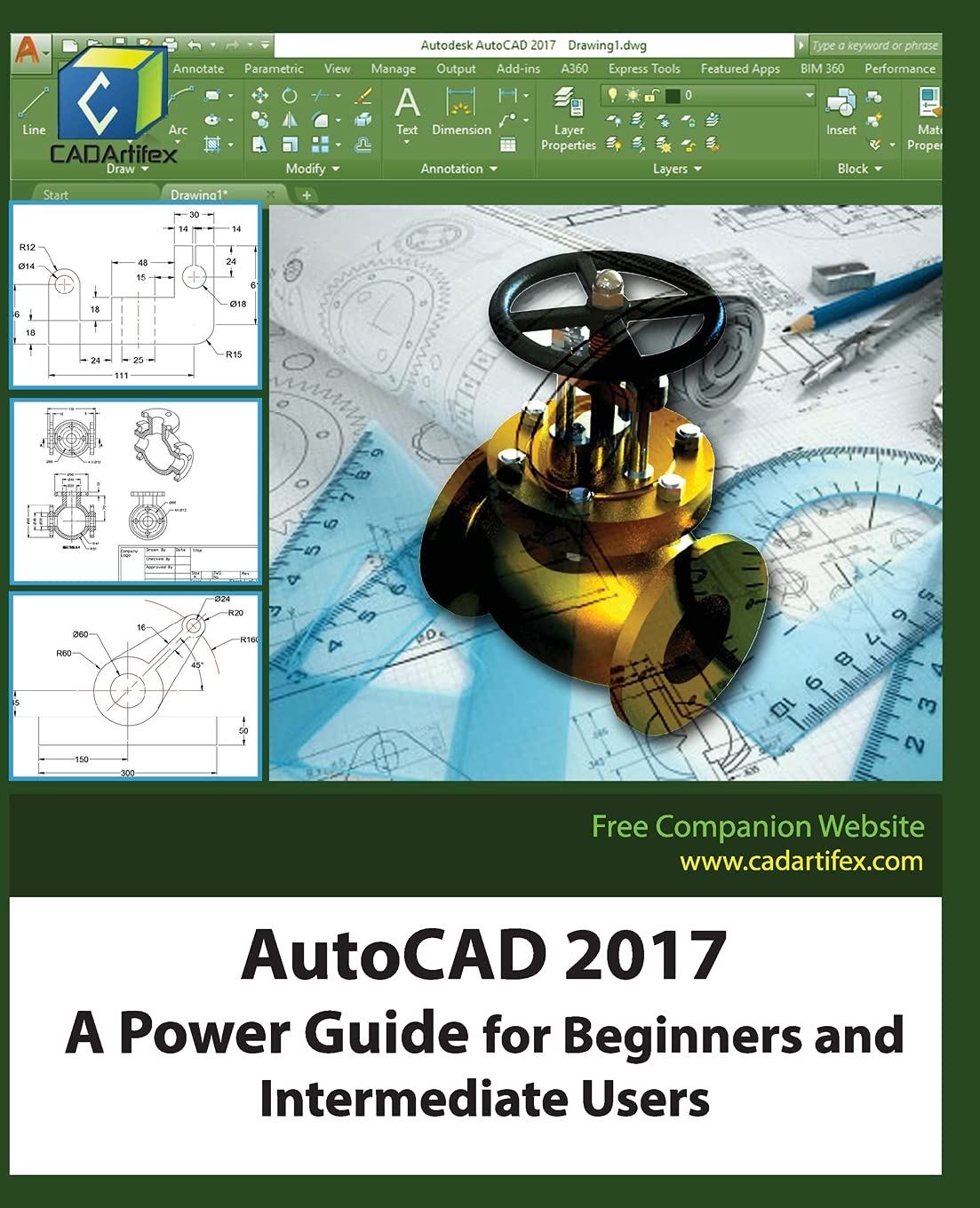
AutoCAD 2017: A Power Guide for Beginners and Intermediate Users textbook is designed for instructorled courses as well as for selfpaced learning. This textbook is intended to help engineers, designers, and CAD operators interested in learning AutoCAD for creating engineering and architectural 2D drawings. Taken together, this textbook can be a great starting point for new AutoCAD users and a great teaching aid in classroom training. This textbook contains 12 chapters which consist of 502 pages covering Drafting & Annotation environment of AutoCAD, which teaches you how to use AutoCAD software to create, edit, plot, and manage real world engineering and architectural 2D drawings.Every chapter of this textbook contains tutorials, intended to help users to experience how things can be done in AutoCAD stepbystep. Moreover, every chapter ends with handson test drives that allow the users of this textbook to experience themselves the easeofuse and powerful capabilities of AutoCAD.Table of Contents:Chapter 1. Introduction to AutoCAD Chapter 2. Creating Drawings IChapter 3. Using Drawing Aids and Selection MethodsChapter 4. Creating Drawings IIChapter 5. Modifying and Editing Drawings IChapter 6. Working with Dimensions and Dimensions StyleChapter 7. Editing Dimensions and Adding TextChapter 8. Modifying and Editing Drawings IIChapter 9. Hatching and GradientsChapter 10. Working with Blocks and XrefsChapter 11. Working with LayoutsChapter 12. Printing and Plotting
⚠️ WARNING (California Proposition 65):
This product may contain chemicals known to the State of California to cause cancer,
birth defects, or other reproductive harm.
For MAP (Minimum Advertised Price) violations and Intellectual Property (IP) or Trademark concerns, please contact:
support@ergodebooks.com
⚠️ California Proposition 65 Warning: Some products sold on this website may expose you to chemicals known to the State of California to cause cancer, birth defects, or other reproductive harm. For more information, visit www.P65Warnings.ca.gov.