
Title
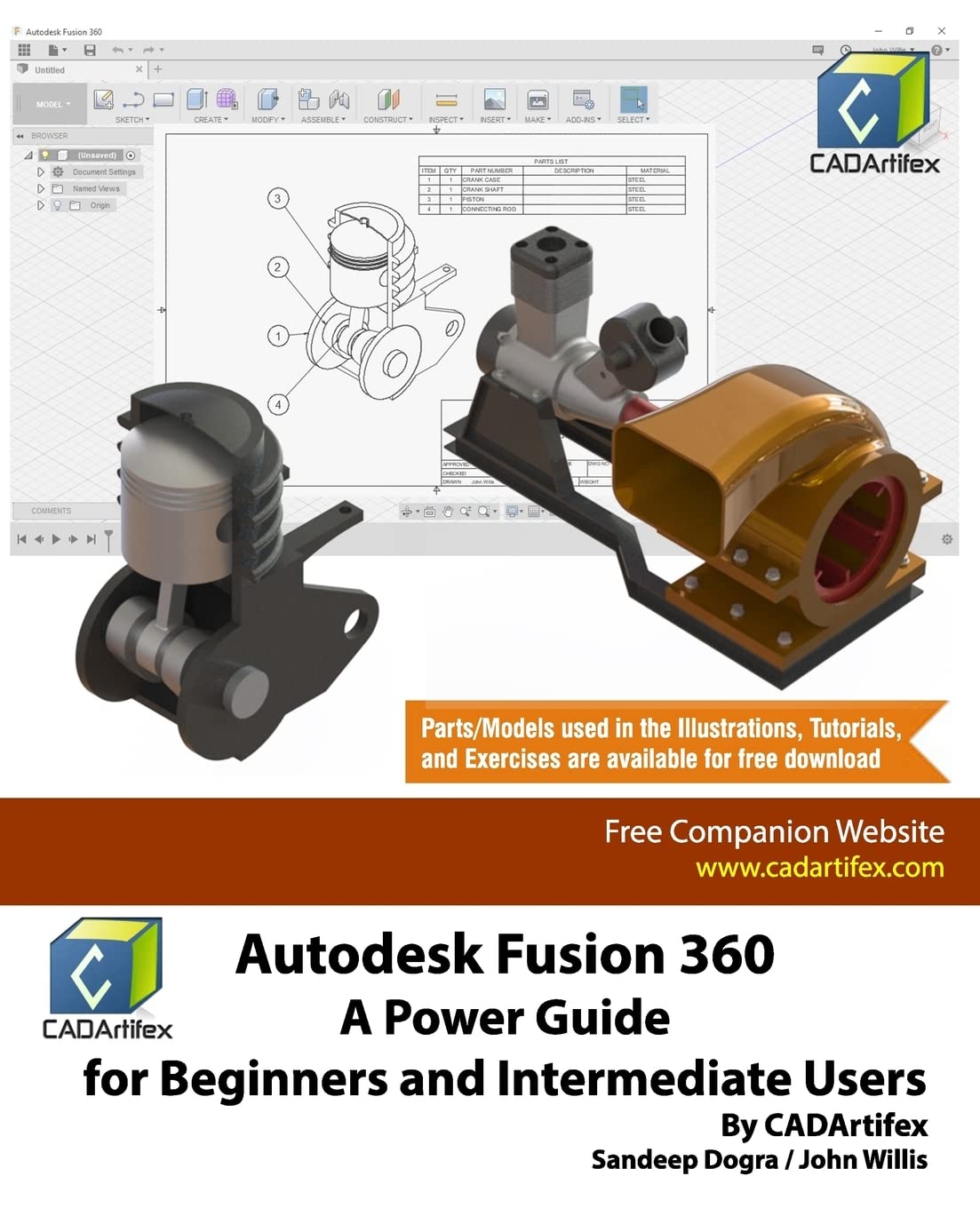
Autodesk Fusion 360: A Power Guide for Beginners and Intermediate Users,Used
Sold by Ergodebooks, an authorized reseller.
Returns accepted within 30 days | support@ergodebooks.com
Shipping Information
- Free Standard Shipping — United States only
- Processing Time: 3–5 business days
- Estimated Delivery: 6–10 business days after dispatch
- Double-boxed, fully insured & discreetly packaged
- Tracking number sent via email once dispatched
Returns & Refund
Returns accepted within 30 days of delivery.
Damaged or Defective Item
Free return shipping + replacement or full refund
Wrong Item Received
Free return shipping + replacement or full refund
Change of Mind
Return shipping at customer's expense · 25% restocking fee applies
Payment Option

9798775245610Autodesk Fusion 360: A Power Guide for Beginners and Intermediate Users textbook has been designed for instructorled courses as well as for selfpaced learning. It is intended to help engineers and designers interested in learning Fusion 360 for creating 3D mechanical designs. This textbook is a great help for new Fusion 360 users and a great teaching aid in a classroom setting. This textbook consists of 14 chapters, total 720 pages covering major workspaces of Fusion 360: MODEL, ANIMATION, and DRAWING. This textbook teaches you how to use the Fusion 360 mechanical design software to build parametric 3D solid components and assemblies as well as how to create animations and 2D drawings. This textbook has been developed using software version: 2.0.4126.This textbook not only focuses on the usages of the tools/commands of Fusion 360 but also on the concept of design. Every chapter of this textbook contains tutorials that instruct users stepbystep how to create mechanical designs and drawings with ease. Moreover, every chapter ends with handson test drives that allow users to experience themselves the easeofuse and powerful capabilities of Fusion 360.Table of Contents:Chapter 1. Introducing Fusion 360Chapter 2. Drawing Sketches with Autodesk Fusion 360Chapter 3. Editing and Modifying SketchesChapter 4. Applying Constraints and DimensionsChapter 5. Creating Base Feature of Solid ModelsChapter 6. Creating Construction GeometriesChapter 7. Advanced Modeling IChapter 8. Advanced Modeling IIChapter 9. Patterning and MirroringChapter 10. Editing and Modifying 3D ModelsChapter 11. Working with Assemblies IChapter 12. Working with Assemblies IIChapter 13. Creating Animation of a DesignChapter 14. Working with DrawingsMain Features of the Textbook Comprehensive coverage of tools Stepbystep realworld tutorials with every chapter Handson test drives to enhance the skills at the end of every chapter Additional notes and tips Customized content for faculty (PowerPoint Presentations) Free learning resources for faculty and students Additional student and faculty projects Technical support for the book by contacting info@cadartifex.com
⚠️ WARNING (California Proposition 65):
This product may contain chemicals known to the State of California to cause cancer, birth defects, or other reproductive harm.
For more information, please visit www.P65Warnings.ca.gov.