
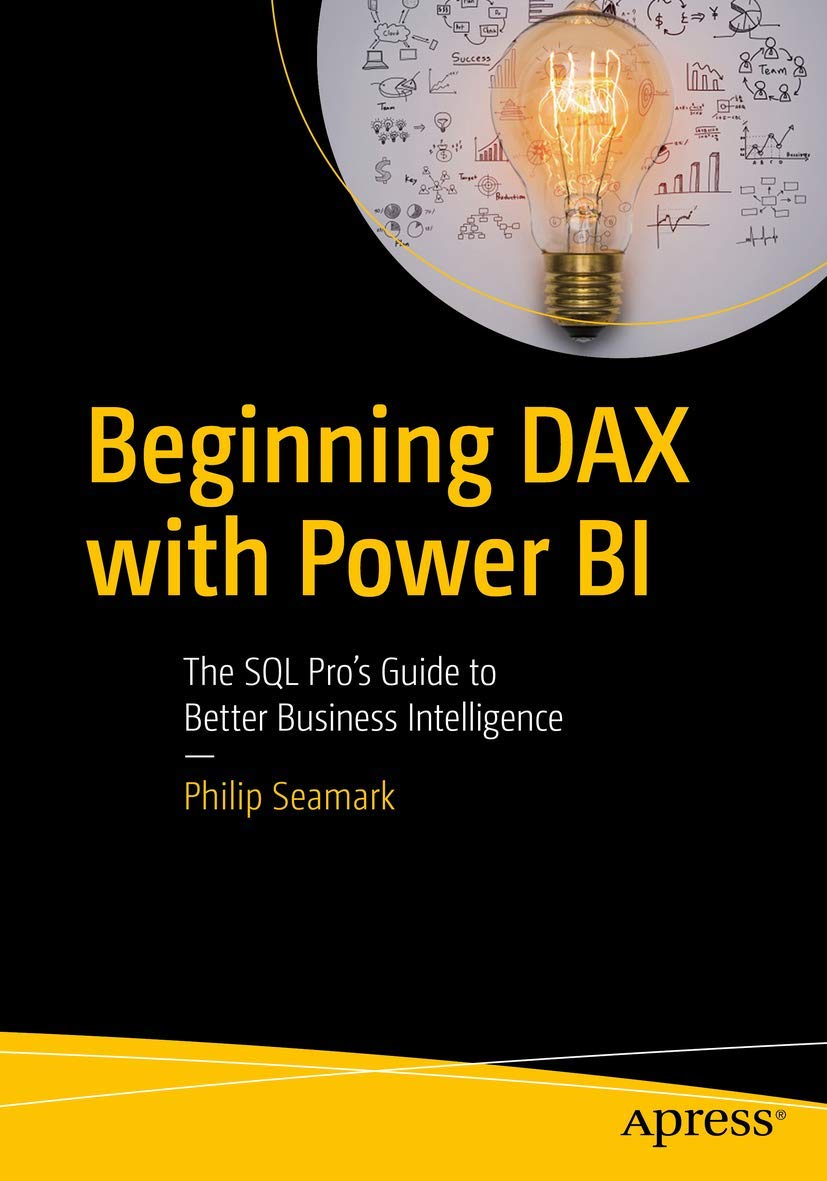
Title
Beginning DAX with Power BI: The SQL Pros Guide to Better Business Intelligence,New
Sold by Ergodebooks, an authorized reseller.
Returns accepted within 30 days | support@ergodebooks.com
Shipping Information
- Free Standard Shipping — United States only
- Processing Time: 3–5 business days
- Estimated Delivery: 6–10 business days after dispatch
- Double-boxed, fully insured & discreetly packaged
- Tracking number sent via email once dispatched
Returns & Refund
Returns accepted within 30 days of delivery.
Damaged or Defective Item
Free return shipping + replacement or full refund
Wrong Item Received
Free return shipping + replacement or full refund
Change of Mind
Return shipping at customer's expense · 25% restocking fee applies
Payment Option

Attention all SQL Pros, DAX is not just for writing Excelbased formulas! Get handson learning and expert advice on how to use the vast capabilities of the DAX language to solve common data modeling challenges.Beginning DAX with Power BI teaches key concepts such as mapping techniques from SQL to DAX, filtering, grouping, joining, pivoting, and using temporary tables, all aimed at the SQL professional. Join author Philip Seamark as he guides you on a journey through typical business data transformation scenarios and challenges, and teaches you, stepbystep, how to resolve challenges using DAX. Tips, tricks, and shortcuts are included and explained, along with examples of the SQL equivalent, in order to accelerate learning. Examples in the book range from beginner to advanced, with plenty of detailed explanation when walking through each scenario.What Youll LearnTurbocharge your Power BI model by adding advanced DAX programming techniques Know when to use calculated measures versus calculated columnsGenerate new tables on the fly from existing dataOptimize, monitor, and tune Power BI to improve performance of your modelsDiscover new ideas, tricks, and timesaving techniques for better modelsWho This Book Is ForBusiness intelligence developers, business analysts, or any SQL user who wants to use Power BI as a reporting tool. A solid understanding of SQL is recommended, as examples throughout the book include the DAX equivalents to SQL problem/solution scenarios.
⚠️ WARNING (California Proposition 65):
This product may contain chemicals known to the State of California to cause cancer, birth defects, or other reproductive harm.
For more information, please visit www.P65Warnings.ca.gov.
- Q: What is the main focus of 'Beginning DAX with Power BI'? A: 'Beginning DAX with Power BI' focuses on teaching SQL professionals how to effectively use DAX (Data Analysis Expressions) within Power BI to address common data modeling challenges. It covers concepts like mapping SQL techniques to DAX, filtering, and creating new tables.
- Q: Who is the author of this book? A: The author of 'Beginning DAX with Power BI' is Philip Seamark, who provides expert guidance on using DAX for business intelligence.
- Q: What prior knowledge is recommended before reading this book? A: A solid understanding of SQL is recommended for readers, as the book includes examples that compare SQL problem/solution scenarios with their DAX equivalents.
- Q: How many pages does this book have? A: 'Beginning DAX with Power BI' contains a total of 281 pages.
- Q: What type of binding does this book have? A: This book is available in paperback binding.
- Q: When was 'Beginning DAX with Power BI' published? A: The book was published on March 31, 2018.
- Q: What topics are covered in the book? A: The book covers advanced DAX programming techniques, calculated measures versus calculated columns, generating new tables, and optimizing Power BI performance.
- Q: Is this book suitable for beginners? A: Yes, 'Beginning DAX with Power BI' includes examples that range from beginner to advanced, making it suitable for those new to DAX as well as seasoned users.
- Q: What are some benefits of learning DAX from this book? A: Learning from this book can help improve your Power BI models, enhance data analysis skills, and provide tips and tricks for effective business intelligence reporting.
- Q: Does the book provide practical examples? A: Yes, the book includes practical examples and detailed explanations to help readers understand how to apply DAX in real-world scenarios.