
Title
Blender 2.8 for architecture: Modeling and rendering with Eevee and Cycles,Used
Sold by Ergodebooks, an authorized reseller.
Returns accepted within 30 days | support@ergodebooks.com
Shipping Information
- Free Standard Shipping — United States only
- Processing Time: 3–5 business days
- Estimated Delivery: 6–10 business days after dispatch
- Double-boxed, fully insured & discreetly packaged
- Tracking number sent via email once dispatched
Returns & Refund
Returns accepted within 30 days of delivery.
Damaged or Defective Item
Free return shipping + replacement or full refund
Wrong Item Received
Free return shipping + replacement or full refund
Change of Mind
Return shipping at customer's expense · 25% restocking fee applies
Payment Option

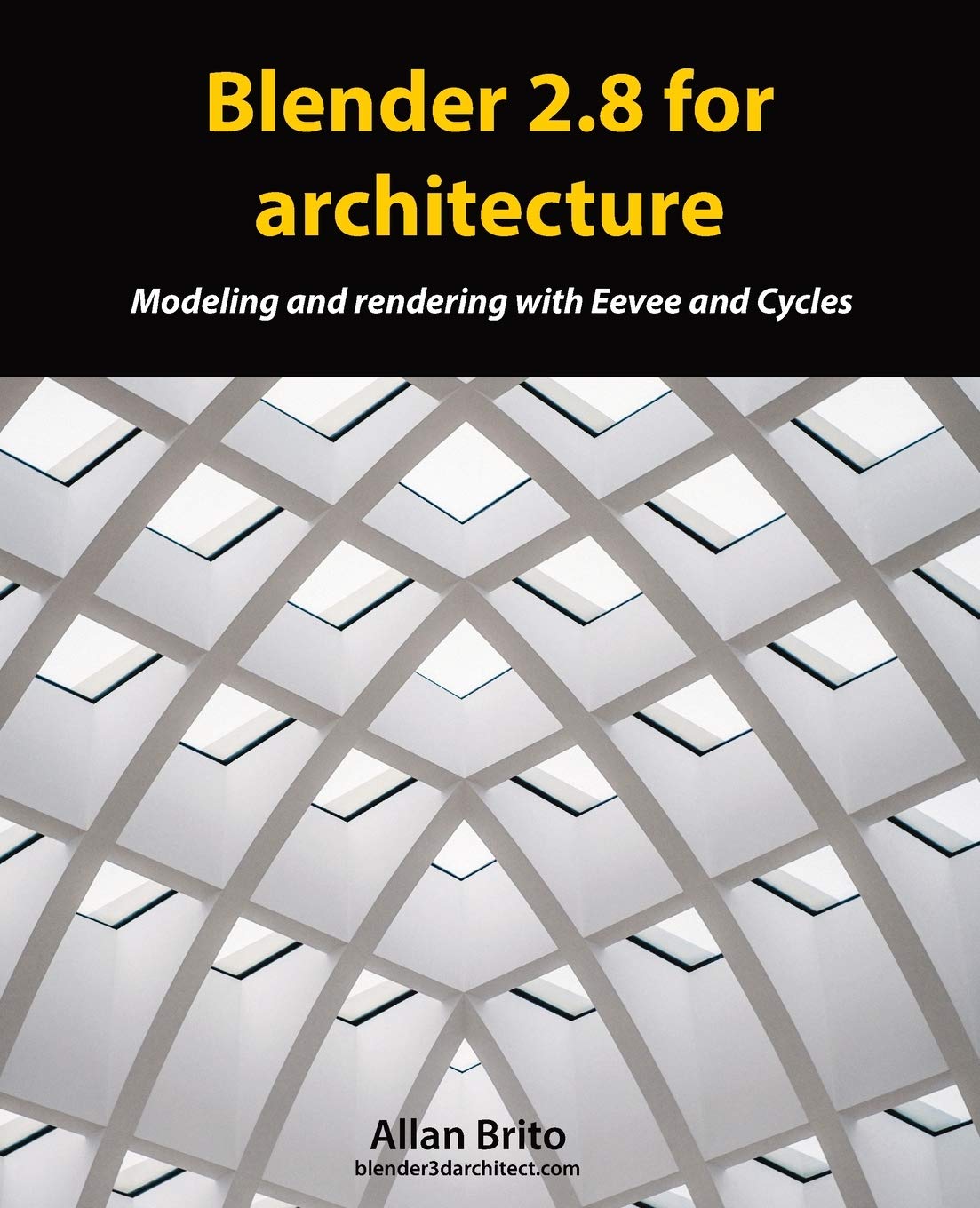
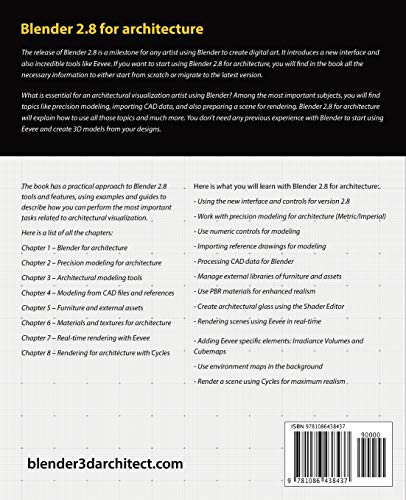
The release of Blender 2.8 is a milestone for any artist using Blender to create digital art. It introduces a new interface and also incredible tools like Eevee.If you want to start using Blender 2.8 for architecture, you will find all the necessary information to either start from scratch or migrate to the latest version.What is essential for an architectural visualization artist using Blender? Among the most important subjects, you will find topics like precision modeling, importing CAD data, and also preparing a scene for rendering.Blender 2.8 for architecture will explain how to use all those topics and much more. You don't need any previous experience with Blender to start using Eevee and create 3D models from your designs.Here is what you will learn with Blender 2.8 for architecture: Blender 2.8 basics for architecture Using the new interface and controls for version 2.8 Work with precision modeling for architecture (Metric/Imperial) Use numeric controls for modeling Importing reference drawings for modeling Processing CAD data for Blender Manage external libraries of furniture models and assets Add materials to objects Use PBR materials for enhanced realism Craft materials with the Shader Editor Create architectural glass using the Shader Editor Rendering scenes using Eevee in realtime Adding Eevee specific elements to a scene like Irradiance Volumes and Cubemaps Use environment maps in the background Render a scene using Cycles for maximum realismBy the end of the book, you will have a substantial understatement of how to use Blender 2.8 for architecture.
⚠️ WARNING (California Proposition 65):
This product may contain chemicals known to the State of California to cause cancer, birth defects, or other reproductive harm.
For more information, please visit www.P65Warnings.ca.gov.