
Title
Blender 2.8 parametric modeling: Drivers, Custom Properties, and Shape Keys for 3D modeling,Used
Sold by Ergodebooks, an authorized reseller.
Returns accepted within 30 days | support@ergodebooks.com
Shipping Information
- Free Standard Shipping — United States only
- Processing Time: 3–5 business days
- Estimated Delivery: 6–10 business days after dispatch
- Double-boxed, fully insured & discreetly packaged
- Tracking number sent via email once dispatched
Returns & Refund
Returns accepted within 30 days of delivery.
Damaged or Defective Item
Free return shipping + replacement or full refund
Wrong Item Received
Free return shipping + replacement or full refund
Change of Mind
Return shipping at customer's expense · 25% restocking fee applies
Payment Option

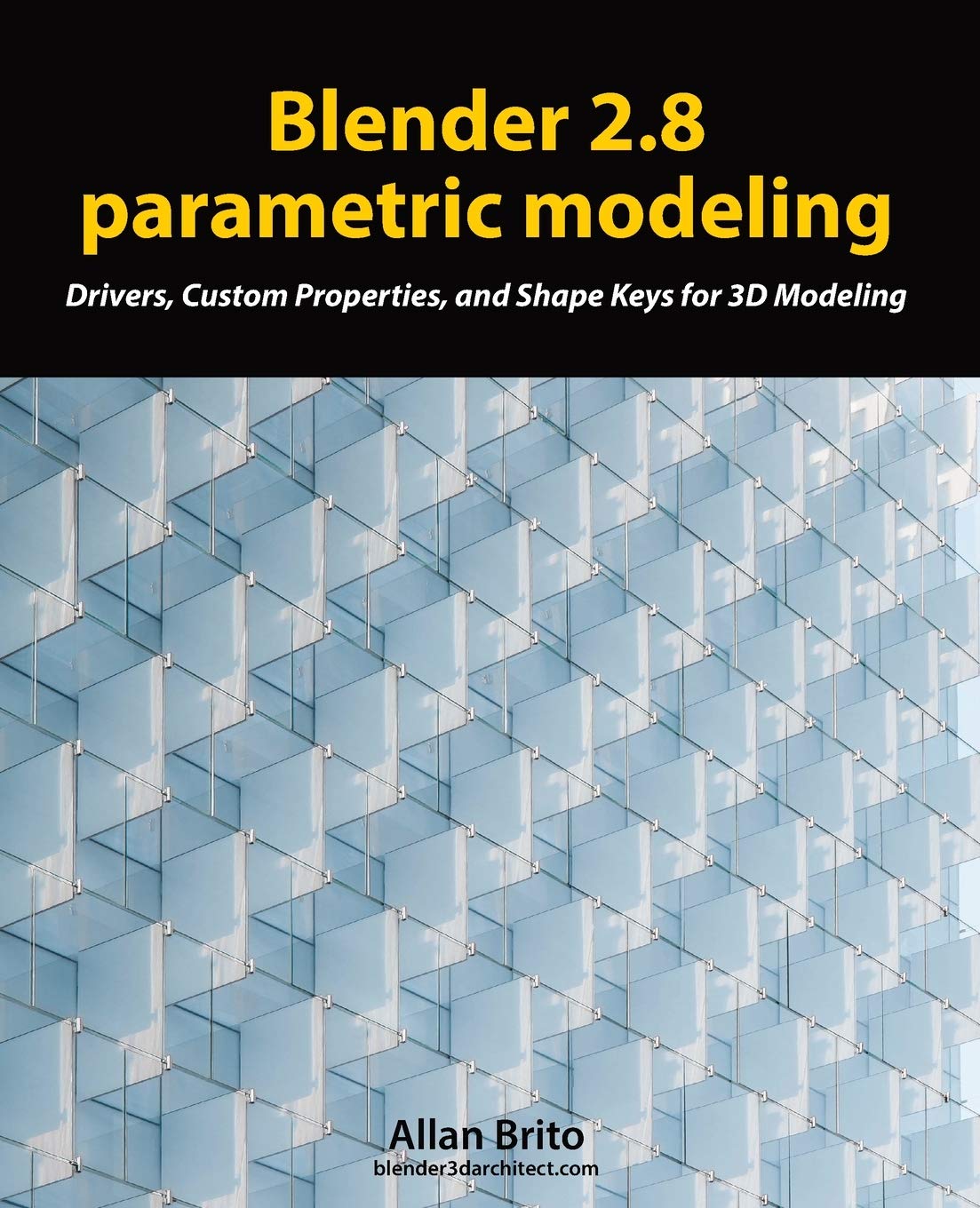
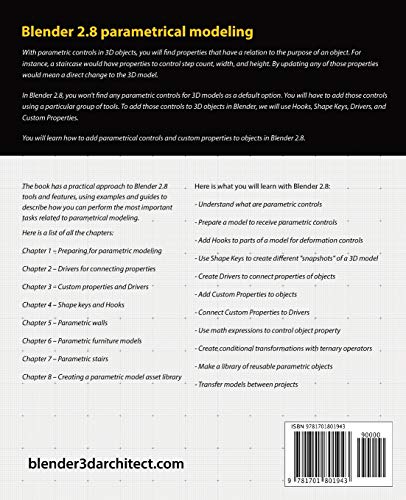
Blender 2.8 parametric modelingWith parametric controls in 3D objects, you will find properties that have a relation to the purpose of an object. For instance, a staircase would have properties to control step count, width, and height. By updating any of those properties would mean a direct change to the 3D model.Those are parametric controls that will help you reuse 3D models in several projects with a simple update on properties.In Blender 2.8, you won't find any parametric controls for 3D models as a default option. You will have to add those controls using a particular group of tools. To add those controls to 3D objects in Blender, we will use Hooks, Shape Keys, Drivers, and Custom Properties.If you want to learn how to use those tools in projects related to 3D modeling, you will find lots of examples and explanations in the book about them. You will create objects like a parametric chair and a staircase. Understand what are parametric controls Prepare a model to receive parametric controls Add Hooks to parts of a model for deformation controls Use Shape Keys to create different "snapshots" of a 3D model Create Drivers to connect properties of objects Add Custom Properties to objects Connect Custom Properties to Drivers Use math expressions to control object property Create conditional transformations with ternary operators Make a library of reusable parametric objects Transfer models between projectsYou will learn how to add parametrical controls and properties to objects in Blender 2.8. Among the examples described in the book, you will learn how to create a parametric chair and also a staircase.
⚠️ WARNING (California Proposition 65):
This product may contain chemicals known to the State of California to cause cancer, birth defects, or other reproductive harm.
For more information, please visit www.P65Warnings.ca.gov.