
Title
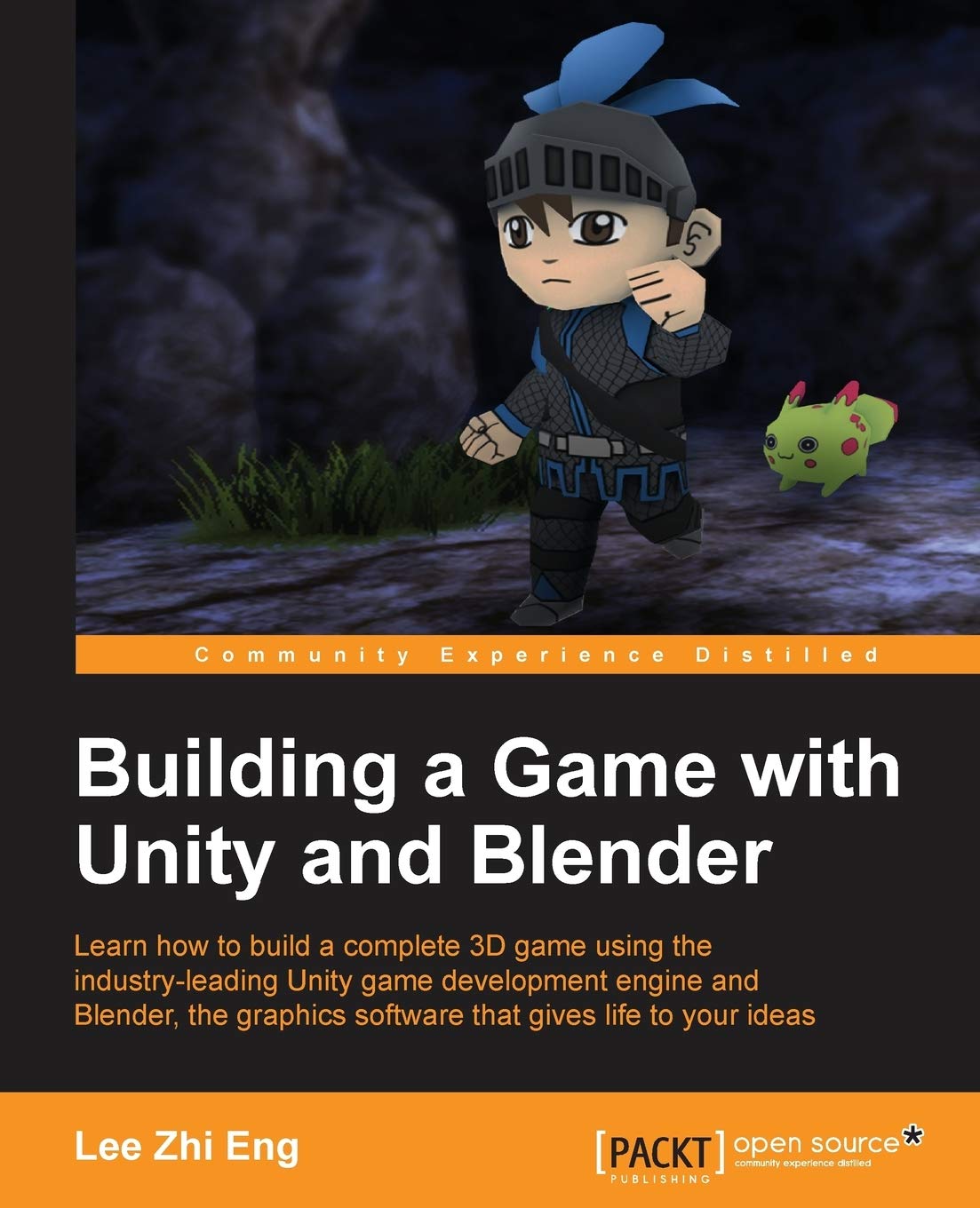
Building a Game With Unity and Blender: Learn How to Build a Complete 3d Game Using the Industryleading Game Development Engine,Used
Sold by Ergodebooks, an authorized reseller.
Returns accepted within 30 days | support@ergodebooks.com
Shipping Information
- Free Standard Shipping — United States only
- Processing Time: 3–5 business days
- Estimated Delivery: 6–10 business days after dispatch
- Double-boxed, fully insured & discreetly packaged
- Tracking number sent via email once dispatched
Returns & Refund
Returns accepted within 30 days of delivery.
Damaged or Defective Item
Free return shipping + replacement or full refund
Wrong Item Received
Free return shipping + replacement or full refund
Change of Mind
Return shipping at customer's expense · 25% restocking fee applies
Payment Option

Learn how to build a complete 3D game using the industryleading Unity game development engine and Blender, the graphics software that gives life to your ideasAbout This BookLearn the fundamentals of two powerful tools and put the concepts into practice Find out how to designand buildall the core elements required for a great game from characters to environments, to props Learn how to integrate Artificial Intelligence (AI) into your game for sophisticated and engaging gameplayWho This Book Is ForThis book has been created for anyone who wants to learn how to develop their own game using Blender and Unity, both of which are freely available, yet very popular and powerful, tools. Not only will you be able to master the tools, but you will also learn the entire process of creating a game from the ground up.What You Will LearnDesign and create a game concept that will determine how your game will look and how it will be played Construct 3D models of your game characters and create animations for them before importing them into the game Build the game environment from scratch by constructing the terrain and props, and eventually put it all together to form a scene Import and integrate game assets created in Blender into Unityfor example, setting up textures, materials, animation states, and prefabs Develop game structures including a game flow, user interface diagram, game logic, and a state machine Make the game characters move around and perform certain actions either through player inputs or fully controlled by artificial intelligence Create particles and visual effects to enhance the overall visual aesthetic Deploy the game for various types of platformsIn DetailIn the wake of the indie game development scene, game development tools are no longer luxury items costing up to millions of dollars but are now affordable by smaller teams or even individual developers. Among these cuttingedge applications, Blender and Unity stand out from the crowd as a powerful combination that allows smalltono budget indie developers or hobbyists alike to develop games that they have always dreamt of creating.Starting from the beginning, this book will cover designing the game concept, constructing the gameplay, creating the characters and environment, implementing game logic and basic artificial intelligence, and finally deploying the game for others to play. By sequentially working through the steps in each chapter, you will quickly master the skills required to develop your dream game from scratch.Style and approachA stepbystep approach with tons of screenshots and sample code for readers to follow and learn from. Each topic is explained sequentially and placed in context so that readers can get a better understanding of every step in the process of creating a fully functional game.
⚠️ WARNING (California Proposition 65):
This product may contain chemicals known to the State of California to cause cancer, birth defects, or other reproductive harm.
For more information, please visit www.P65Warnings.ca.gov.