
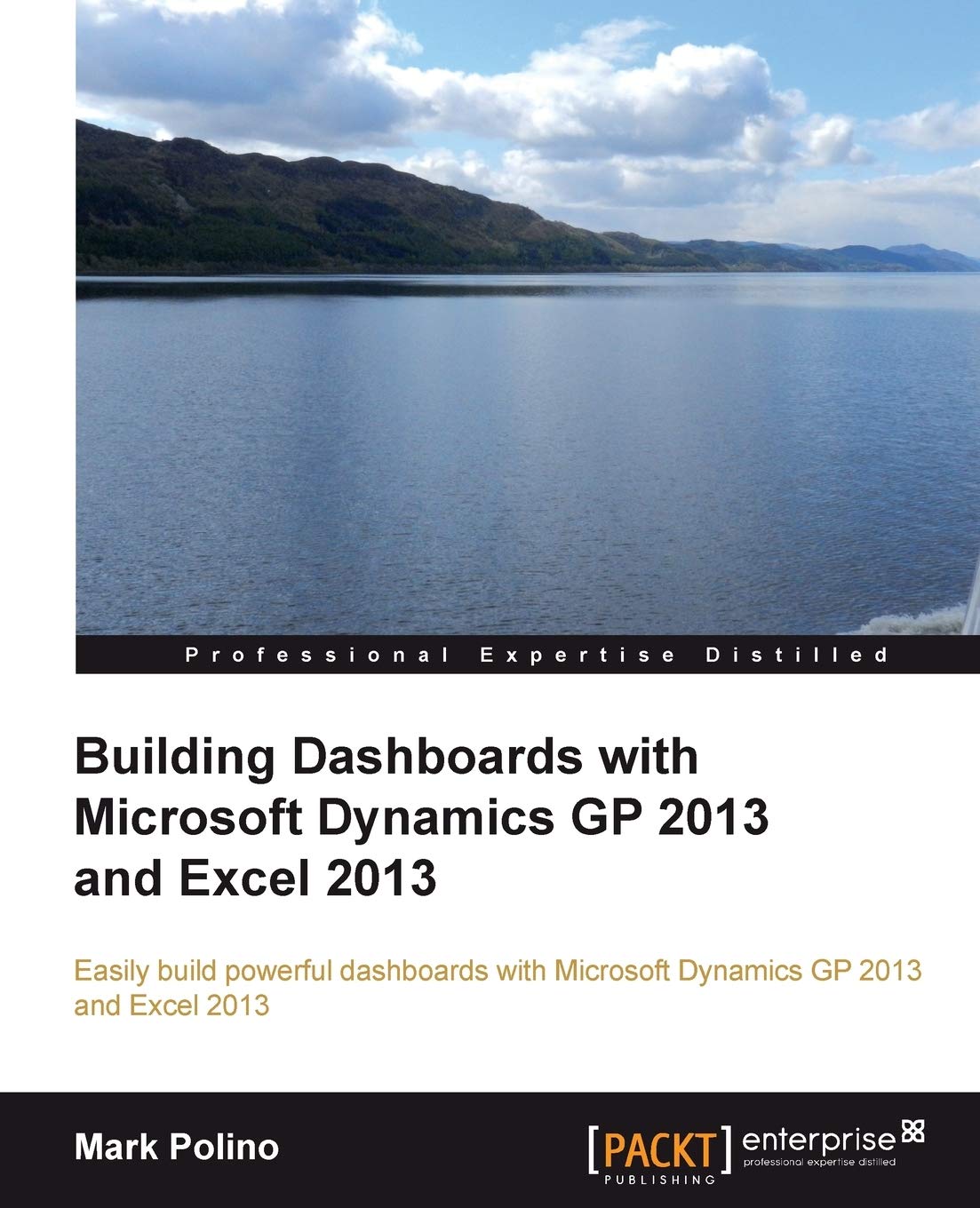
Title
Building Dashboards With Microsoft Dynamics GP 2013 and Excel 2013: Easily Build Powerful Dashboards with Microsoft Dynamics GP ,Used
Sold by Ergodebooks, an authorized reseller.
Returns accepted within 30 days | support@ergodebooks.com
Shipping Information
- Free Standard Shipping — United States only
- Processing Time: 3–5 business days
- Estimated Delivery: 6–10 business days after dispatch
- Double-boxed, fully insured & discreetly packaged
- Tracking number sent via email once dispatched
Returns & Refund
Returns accepted within 30 days of delivery.
Damaged or Defective Item
Free return shipping + replacement or full refund
Wrong Item Received
Free return shipping + replacement or full refund
Change of Mind
Return shipping at customer's expense · 25% restocking fee applies
Payment Option

Microsoft Dynamics GP and Excel are made for each other. With this book you'll learn to use Excel to present the information contained in Dynamics in a datarich dashboard. Stepbystep instructions come with reallife examples.Overview Build a dashboard using Excel 2013 with information from Microsoft Dynamics GP 2013 Make Excel a true business intelligence tool with charts, sparklines, slicers, and more Utilize PowerPivots full potential to create even more complex dashboardsIn DetailAccounting systems like Microsoft Dynamics GP 2013 hold a wealth of information. Excel 2013 provides a great tool for linking to, extracting, analysing, and presenting that rich data to help companies make better, faster, and smarter decisions.Building Dashboards with Microsoft Dynamics GP 2013 and Excel 2013 covers how to get the rich, detailed information contained in Microsoft Dynamics GP 2013 and present it in an attractive, easytounderstand way using Excel 2013. The book shows in detail how to build greatlooking dashboards that enhance a companys decisionmaking process.This book shows you how to get at the rich, detailed information contained in Microsoft Dynamics GP 2013 and present it in an attractive, easytounderstand way using Excel 2013. This guide will take you from the basics of setup and deployment to creating secure, refreshable Excel reports. Using a whole host of tools available within Excel, this tutorial will show you how to visualize your data using simple conditional formatting techniques, easytoread charts, and allow you to make your data interactive with Slicers.Building Dashboards with Microsoft Dynamics GP 2013 and Excel 2013 provides a way for you to easily build that interactive dashboard that your CFO keeps asking for.What you will learn from this book Get Dynamics GP 2013 information into Excel 2013 Set up, deploy, and secure refreshable Excel reports in Dynamics GP 2013 to get live GP data to Excel Consolidate and present GP 2013 data using Excel pivot tables Improve the look and feel of a dashboard with conditional formatting Enhance data clarity with charts and sparklines Add interactivity to a dashboard using Slicers Link dashboard data back to Dynamics GP 2013 Approach more complex dashboards and sources using PowerPivotApproachFollow reallife, stepbystep examples that provide the building blocks to build engaging dashboards. This practical guide is all about doing. Get your data, open up Excel, and go!Who this book is written forYou don't need to be an expert to get the most out of your Dynamics GP implementation and build greatlooking, easily maintained dashboards using Microsoft Excel. If you have a working knowledge of Dynamics and Excel you'll be producing amazing dashboards in hours not days.
⚠️ WARNING (California Proposition 65):
This product may contain chemicals known to the State of California to cause cancer, birth defects, or other reproductive harm.
For more information, please visit www.P65Warnings.ca.gov.