
Title
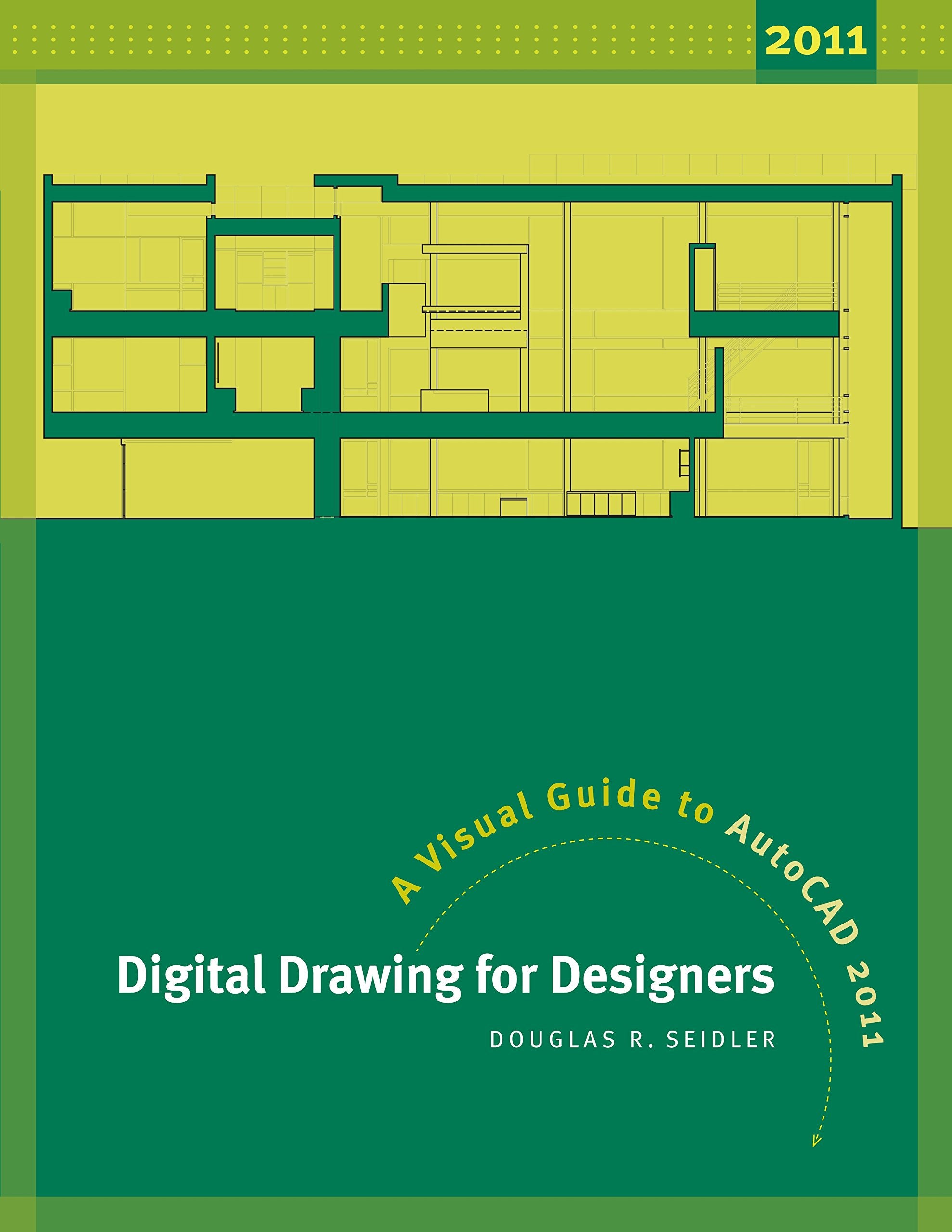
Digital Drawing for Designers: A Visual Guide to AutoCAD 2011,New
Sold by Ergodebooks, an authorized reseller.
Returns accepted within 30 days | support@ergodebooks.com
Shipping Information
- Free Standard Shipping — United States only
- Processing Time: 3–5 business days
- Estimated Delivery: 6–10 business days after dispatch
- Double-boxed, fully insured & discreetly packaged
- Tracking number sent via email once dispatched
Returns & Refund
Returns accepted within 30 days of delivery.
Damaged or Defective Item
Free return shipping + replacement or full refund
Wrong Item Received
Free return shipping + replacement or full refund
Change of Mind
Return shipping at customer's expense · 25% restocking fee applies
Payment Option

With AutoCAD 2011, Autodesk enhanced the user interface and improved many drawing functions including annotative dimensions and text. Neither simplistic nor exhaustive, this revised edition of Digital Drawing for Designers teaches the latest version of AutoCAD by relating to what architects and interior designers understand best: the visual world.Beginning with the building blocks of drawing (lines, circles, and arcs), the book progresses through architectural graphic standards allowing students to create drawings and effectively communicate their design ideas. Advanced features such as annotative dimensions, annotative blocks, express tools, and linking drawings (XREFs) are also covered. Instructions are illustrated using language and concepts from manual drafting, creating a smooth transition to the digital environment for all designers. New learners will appreciate the stepbystep lessons and visual illustrations. Experienced design professionals can easily access material to refresh their knowledge. Clear, concise, and above all visual, this is the AutoCAD guide written for interior designers and architects.Features: Updated for AutoCAD 2011: compatible with AutoCAD versions 14 through 2011 Illustrations depicting tools, functions, the AutoCAD ribbon interface, and keyboard commands Practice exercises to reinforce each chapter's topics Clear explanation of drawing and printing with line weight Quick reference aids: command reference guide, index, and largetype page headers Companion website features downloads for each chapter, including exercises, plot styles, title blocks, drawing templates, and professional AutoCAD drawingsInstructor's Resources: Instructor's Guide includes course syllabi and chapter outlines, tips for teachers, and problems and assignments to suit the skill levels of both interior design students and new interior designers
⚠️ WARNING (California Proposition 65):
This product may contain chemicals known to the State of California to cause cancer, birth defects, or other reproductive harm.
For more information, please visit www.P65Warnings.ca.gov.