
Title
Dominando Excel: Tablas Dinamicas (Spanish Edition)
Sold by Ergodebooks, an authorized reseller.
Returns accepted within 30 days | support@ergodebooks.com
Shipping Information
- Free Standard Shipping — United States only
- Processing Time: 3–5 business days
- Estimated Delivery: 6–10 business days after dispatch
- Double-boxed, fully insured & discreetly packaged
- Tracking number sent via email once dispatched
Returns & Refund
Returns accepted within 30 days of delivery.
Damaged or Defective Item
Free return shipping + replacement or full refund
Wrong Item Received
Free return shipping + replacement or full refund
Change of Mind
Return shipping at customer's expense · 25% restocking fee applies
Payment Option

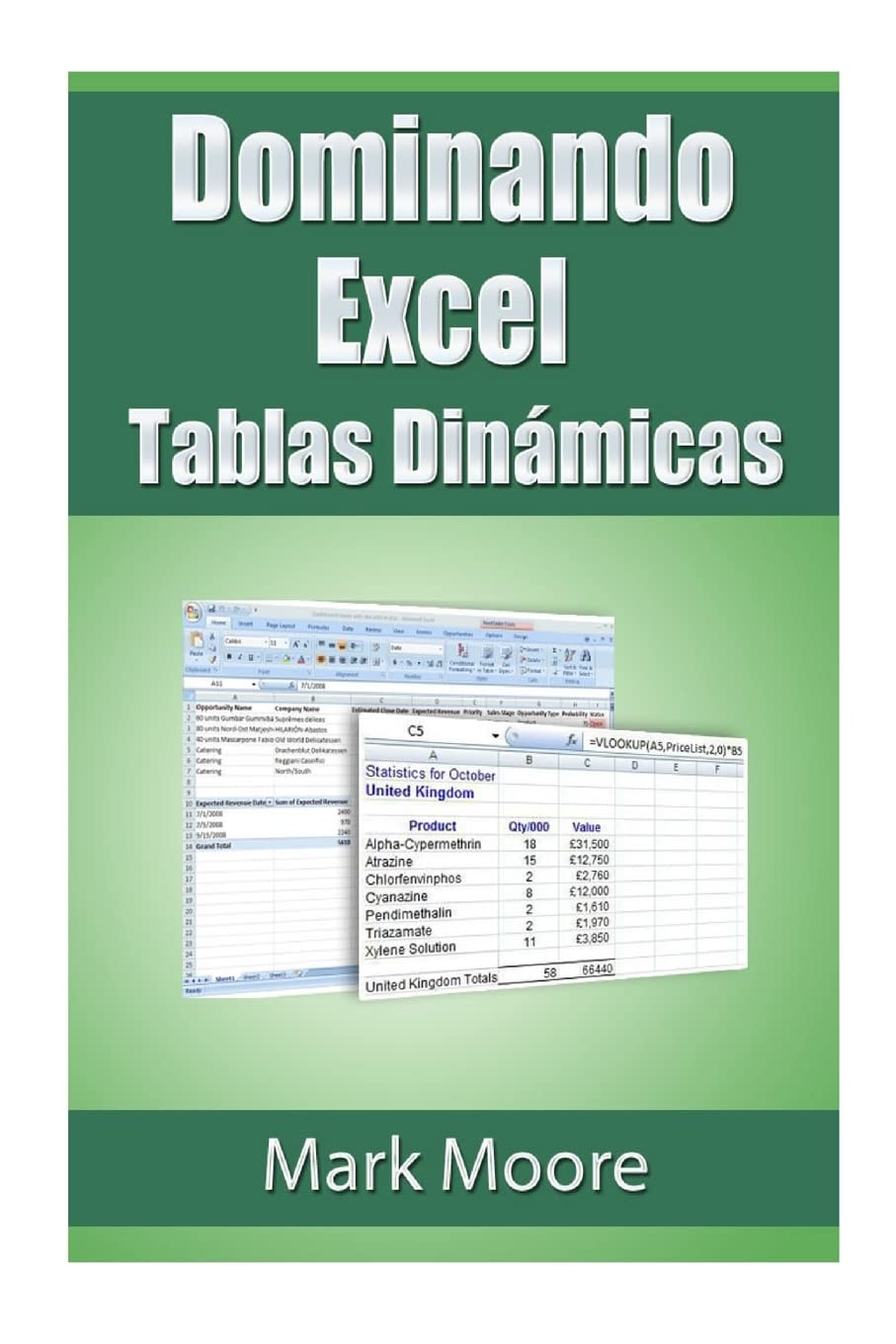
En Esta Leccin Cubrimos Uno De Los Temas Ms Solicitados En Excel. Tablas Dinmicas.Que Son Las Tablas Dinmicas?Cmo Funcionan?Le Guiar A Travs De Todos Los Pasos Para Crear Una Tabla Dinmica, Cmo Trabajar Con Tablas Dinmicas, Utilizando Tablas De Excel Eficazmente Con Las Tablas Dinmicas, Cmo Crear Clculos En Tablas Dinmicas, Y Ms.Como Siempre, Trabajamos A Travs De Todos Los Pasos. Nuestras Clases Estn Orientadas A Que El Usuario Regular De Excel Que Slo Quiere Mejorar Sus Habilidades Sin Tener Que Sufrir A Travs De Horas De Instruccin Tcnica.Incluido En El Libro Hay Un Enlace Para Descargar Un Archivo Gratuito Para Que Los Lectores Puedan Seguir Con Los Ejercicios A Su Propio Paso.El Material Para Este Libro Es Para Excel 2010 Para Windows. Usted Puede Utilizar Excel 2007 Pero Habrn Algunas Diferencias Entre El Texto Y Excel 2007.
⚠️ WARNING (California Proposition 65):
This product may contain chemicals known to the State of California to cause cancer, birth defects, or other reproductive harm.
For more information, please visit www.P65Warnings.ca.gov.
- Q: How many pages does this book have? A: This book has seventy-four pages. It's a concise guide focused on mastering Excel's pivot tables.
- Q: What is the binding type of this book? A: The binding type is paperback. This makes it lightweight and easy to handle for readers.
- Q: What are the dimensions of the book? A: The dimensions are six inches wide, zero point two inches thick, and nine point zero two inches tall. These dimensions make it convenient for storage.
- Q: What level of Excel user is this book suitable for? A: This book is suitable for regular Excel users. It is designed to improve skills without complex technical jargon.
- Q: Does this book include exercises for practice? A: Yes, the book includes a link to download a free file for practice exercises. This allows readers to follow along at their own pace.
- Q: Is this book focused on a specific version of Excel? A: Yes, the material is specifically for Excel two thousand ten for Windows. Some content may differ if using Excel two thousand seven.
- Q: How should I store this book? A: Store this book in a dry, cool place. Keeping it away from direct sunlight can help preserve its condition.
- Q: How do I care for the pages of this book? A: Avoid bending or tearing the pages to maintain its quality. Handle it gently to ensure longevity.
- Q: Can I use this book for learning other spreadsheet software? A: No, this book is tailored specifically for Excel. The techniques taught may not apply to other spreadsheet programs.
- Q: What if I find a mistake in the book? A: If you find a mistake, you can contact the publisher for corrections. They may provide updates or additional resources.
- Q: Is this book appropriate for children? A: Yes, this book is appropriate for older children interested in learning Excel. It is designed for users looking to enhance their skills.
- Q: Can I return the book if I'm not satisfied? A: Yes, you can return the book if you're not satisfied. Check the return policy from the seller for specific guidelines.
- Q: Does this book require any special tools or software? A: Yes, this book requires Microsoft Excel to practice the exercises. Ensure you have the software installed for the best learning experience.
- Q: Is there a warranty or guarantee for this book? A: No, there is typically no warranty for books. However, check with the seller for any satisfaction guarantees.
- Q: What topics are covered in this book? A: The book covers pivot tables, calculations within tables, and efficient use of Excel for data analysis. It addresses common user needs.
- Q: How long will it take to read this book? A: The reading time will vary, but it can typically be completed in a few hours. The straightforward layout aids quick comprehension.