
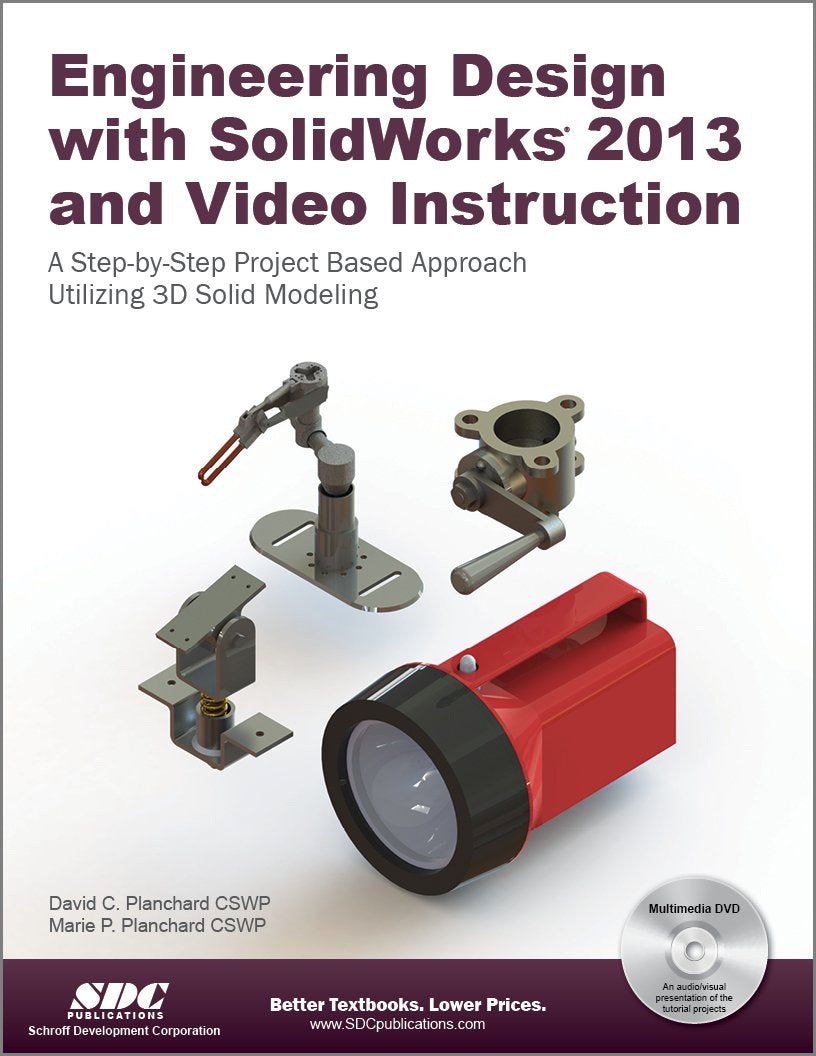
Title
Engineering Design with SolidWorks 2013,Used
Sold by Ergodebooks, an authorized reseller.
Returns accepted within 30 days | support@ergodebooks.com
Shipping Information
- Free Standard Shipping — United States only
- Processing Time: 3–5 business days
- Estimated Delivery: 6–10 business days after dispatch
- Double-boxed, fully insured & discreetly packaged
- Tracking number sent via email once dispatched
Returns & Refund
Returns accepted within 30 days of delivery.
Damaged or Defective Item
Free return shipping + replacement or full refund
Wrong Item Received
Free return shipping + replacement or full refund
Change of Mind
Return shipping at customer's expense · 25% restocking fee applies
Payment Option

SOLIDWORKS 2022 Advanced Techniques picks up where SOLIDWORKS 2022 Intermediate Skills leaves off. Its aim is to take you from an intermediate user with a basic understanding of SOLIDWORKS and modeling techniques to an advanced user capable of creating complex models and able to use the advanced tools provided by SOLIDWORKS. The text covers parts, surfaces, SimulationXpress, sheet metal, topdown assemblies and core and cavity molds.Every lesson and exercise in this book was created based on real world projects. Each of these projects has been broken down and developed into easy and comprehensible steps. Furthermore, at the end of every chapter there are self test questionnaires to ensure that you have gained sufficient knowledge from each section before moving on to more advanced lessons. This book takes the approach that in order to understand SOLIDWORKS, inside and out, you should create everything from the beginning and take it step by step.Who this book is forThis book is for the intermediate to advanced user who has already completed the SOLIDWORKS Basic Tools book and may have also completed the SOLIDWORKS Intermediate Skills book. People who are very familiar with SOLIDWORKS and its add ins will also find this book to be a valuable resource.Table of ContentsIntroduction: SOLIDWORKS 2022 User Interface1. Introduction to 3D Sketch2. Plane Creation3. Advanced Modeling4. Sweep with Composite Curve5. Advanced Modeling with Sweep & Loft6. Loft vs. Sweep7. Loft with Guide Curves8. Using Surfaces9. Offset Surface & Ruled Surface10. Advanced Surfaces11. Surfaces vs. Solid Modeling12. SimulationXpress13. Sheet Metal Parts14. Sheet Metal Forming Tools15. Sheet Metal Conversions16. Working with Sheet Metal STEP Files17. Advanced Weldments18. Creating a Core & Cavity19. Non Planar Parting Lines20. TopDown Assembly Part 121. TopDown Assembly Part 222. External References & Repair Errors23. Using AppearancesCSWP Mechanical Design Exam PreparationGlossaryIndexSOLIDWORKS 2022 QuickGuides
⚠️ WARNING (California Proposition 65):
This product may contain chemicals known to the State of California to cause cancer, birth defects, or other reproductive harm.
For more information, please visit www.P65Warnings.ca.gov.