
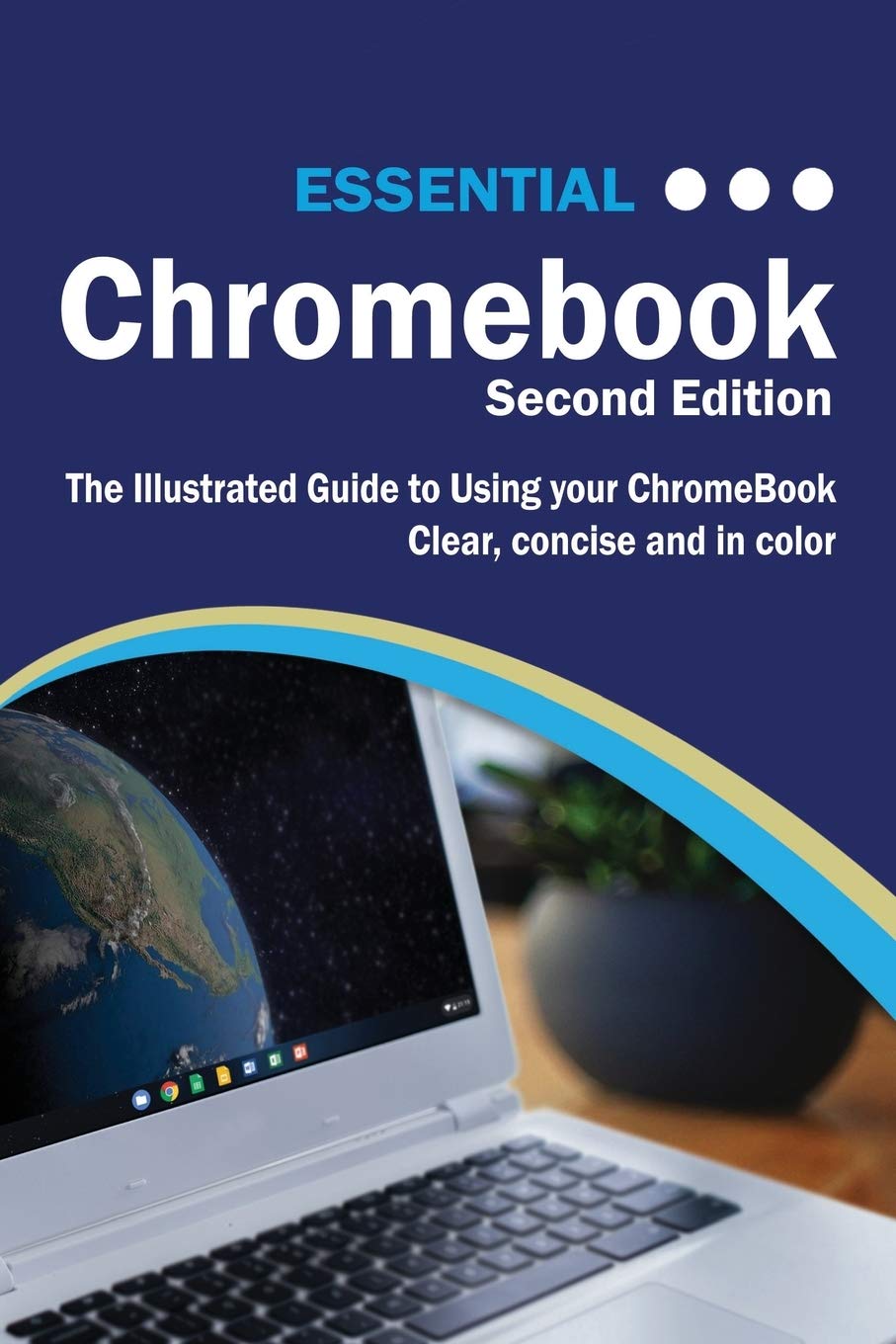
Title

Essential Chromebook: The Illustrated Guide To Using Chromebook
Sold by Ergodebooks, an authorized reseller.
Returns accepted within 30 days | support@ergodebooks.com
Shipping Information
- Free Standard Shipping — United States only
- Processing Time: 1–3 business days
- Estimated Delivery: 3–5 business days after dispatch
- Double-boxed, fully insured & discreetly packaged
- Tracking number sent via email once dispatched
- Orders over $250 require signature upon delivery. Taxes calculated at checkout.
Returns & Refund
Returns accepted within 30 days of delivery.
Damaged or Defective Item
Free return shipping + replacement or full refund
Wrong Item Received
Free return shipping + replacement or full refund
Change of Mind
Return shipping at customer's expense · 25% restocking fee applies
Payment Option

The Twentyfirst Century Offers More Technology Than We Have Ever Seen Before, But With New Updates, And Apps Coming Out All The Time, It'S Hard To Keep Up.Essential Chromebook Is Here To Help. Along With Easy To Follow Stepbystep Instructions, Illustrations, And Photographs, This Guide Offers Specifics In...Setting Up And Personalising Your Chromebook Setting Up Google Accounts Transferring Your Files Setting Up Printers & Cloud Print Pairing Bluetooth Devices Chromebook Navigation With Touchpad Gestures Keyboard Shortcuts Desktop, App Launcher, And The App Shelf Using Email, Google Chrome Web Browser, And Google Hangouts Downloading Apps And Chrome Extensions Playing Music, Downloading Movies And Tv Programmes, And Reading Ebooks Setting Up Projectors And Tvs For Presentations Or Watching Tv Or Movies Using Hdmi & Chromecast Google Photos, Creating Albums, And Enhancing Photos Using Google Docs, Sheets, Slides, And More... Unlike Other Books And Manuals That Assume A Computing Background Not Possessed By Beginners, Essential Chromebook Tackles The Fundamentals Of Chromebook, So That Everyone From Students, To Senior Citizens, To Home Users Pressed For Time Can Understand.So, If You'Re Looking For A Visual Guide, Simplified Tutorial, Dummies Guide, Or Reference, Essential Chromebook Will Help You Maximize The Potential Of Chromebook To Increase Your Productivity, And Help You Take Advantage Of The Digital Revolution. Something Not Covered? Send Requests To Office@Elluminetpress.Com
⚠️ WARNING (California Proposition 65):
This product may contain chemicals known to the State of California to cause cancer, birth defects, or other reproductive harm.
For more information, please visit www.P65Warnings.ca.gov.
- Q: How many pages does the Essential ChromeBook guide have? A: The Essential ChromeBook guide has two hundred ten pages. This comprehensive resource provides extensive information on using ChromeBook effectively.
- Q: What is the binding type of the Essential ChromeBook? A: The binding type of the Essential ChromeBook is paperback. This makes it lightweight and easy to handle for users.
- Q: What are the dimensions of the Essential ChromeBook book? A: The dimensions are six inches in length, zero point four four inches in width, and nine point zero two inches in height. These measurements ensure it's portable and fits easily on shelves.
- Q: Who is the author of the Essential ChromeBook? A: The author is Kevin Wilson. He aims to simplify the learning process for ChromeBook users of all backgrounds.
- Q: How can I set up my ChromeBook using this guide? A: You can set up your ChromeBook by following the step-by-step instructions provided in the guide. It covers everything from personalizing settings to setting up Google accounts.
- Q: Is this guide suitable for beginners? A: Yes, this guide is designed specifically for beginners. It breaks down complex concepts into easy-to-understand steps and illustrations.
- Q: Can I use this guide to set up printers and cloud print? A: Yes, the guide includes instructions for setting up printers and using Cloud Print. It simplifies the process for users unfamiliar with these features.
- Q: Does the guide explain how to pair Bluetooth devices? A: Yes, the guide provides instructions on pairing Bluetooth devices with your ChromeBook. This helps enhance your connectivity options.
- Q: What if I need help beyond the guide? A: You can send requests for assistance to office@elluminetpress.com. The publisher is open to addressing additional queries from users.
- Q: How can I navigate my ChromeBook using this guide? A: The guide explains ChromeBook navigation, including touchpad gestures and keyboard shortcuts. This is essential for maximizing your usage of the device.
- Q: Is there a section on using Google Docs in the guide? A: Yes, the Essential ChromeBook includes a section on using Google Docs, Sheets, and Slides. It helps users understand these powerful tools for productivity.
- Q: Can I learn about downloading apps from this guide? A: Yes, the guide covers how to download apps and Chrome extensions. This is crucial for customizing your ChromeBook experience.
- Q: How can I enhance my photos using this guide? A: The guide includes tips on using Google Photos to create albums and enhance images. It caters to users interested in digital photography.
- Q: Does the guide explain how to connect projectors and TVs? A: Yes, it explains how to set up projectors and TVs for presentations or watching content. This feature supports various use cases for users.
- Q: Is the Essential ChromeBook guide useful for seniors? A: Yes, it is particularly helpful for seniors. The guide simplifies technology, making it accessible for older adults who may be less familiar with digital devices.