
Title
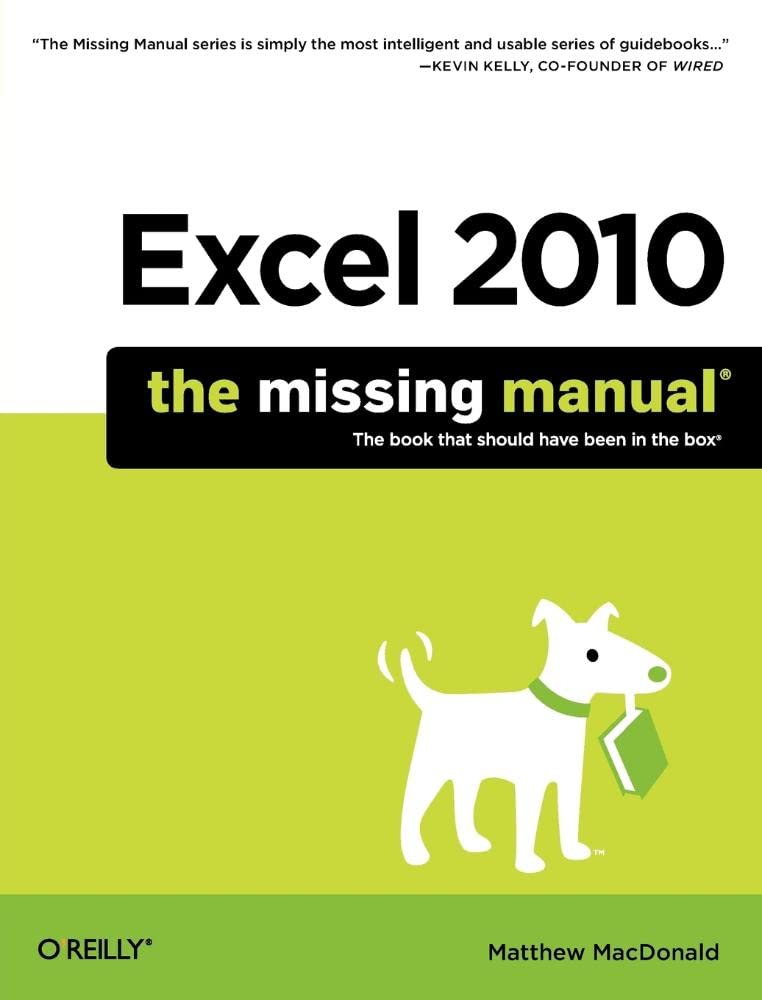
Excel 2010: The Missing Manual,Used
Sold by Ergodebooks, an authorized reseller.
Returns accepted within 30 days | support@ergodebooks.com
Shipping Information
- Free Standard Shipping — United States only
- Processing Time: 3–5 business days
- Estimated Delivery: 6–10 business days after dispatch
- Double-boxed, fully insured & discreetly packaged
- Tracking number sent via email once dispatched
Returns & Refund
Returns accepted within 30 days of delivery.
Damaged or Defective Item
Free return shipping + replacement or full refund
Wrong Item Received
Free return shipping + replacement or full refund
Change of Mind
Return shipping at customer's expense · 25% restocking fee applies
Payment Option

Excel, the world's most popular spreadsheet program, has the muscle to analyze heaps of data. Beyond basic numbercrunching, Excel 2010 has many impressive features that are hard to find, much less master especially from online help pages. This Missing Manual clearly explains how everything works with a unique and witty style to help you learn quickly. Navigate with ease. Master Excel's tabbed toolbar and its new backstage view Perform a variety of calculations. Write formulas for rounding numbers, calculating mortgage payments, and more Organize your data. Search, sort, and filter huge amounts of information Illustrate trends. Bring your data to life with charts and graphics including miniature charts called Sparklines Examine your data. Summarize information and find hidden patterns with pivot tables and slicers Share your spreadsheets. Use the Excel Web App to collaborate with colleagues online Rescue lost data. Restore old versions of data and find spreadsheets you forgot to saveMicrosoft Excels Top 5 Tricks1. Page break preview In page break preview mode (choose View > Workbook Views > Page Break Preview) you can see how your printed worksheet will be split across multiple pages. But even more valuable is the ability to drag a page break to a new place. For example, if you spot some data off to the right side that doesn't fit on your page, you can drag the page break to the right so that it does. When you do this, Excel scales down your entire worksheet to fit the information you want.2. Recovering unsaved work Ever start a new workbook, and then forget to save it when you close Excel in a hurry? Now you can get your lost work back. Just choose File > Info, click the Manage Versions button, and choose Recover Unsaved Workbooks to find the unsaved spreadsheets that Excel stores automatically.3. Lookup formulas If you understand how to use them, lookup formulas give you a powerful way to copy information from one part of a spreadsheet to another. For example, you can use lookup formulas to create an invoice that automatically inserts the correct product and price information when you type in a product code. Ordinarily, you'd expect this sort of solution to need macros or Visual Basic, but it doesn't.4. Formula tracing Sometimes formulas go wrong, and the result is information that doesn't make sense (or an error code). Excel's formula tracing feature is a big help if this happens in a complex spreadsheet. When you use it, Excel adds arrows that point from the source cells to the formula that uses these cells. Essentially, formula tracing gives you a way to graphically 'see' how your formula connects to the rest of your data, and it often helps you find the troublemaking cell that's causing the problem.5. Charting tricks Charts tell a story with your data, and there are plenty of tricks that you can use to make them present that story more clearly and conclusively. For example: changing a chart's scale, adding an overlay, changing the fill of a specific series, inserting text and graphics directly on the chart surface, and so on, all have a dramatic effect. They make the difference between a chart that conveys a useful insight, and one that's just a bit of spreadsheet decoration.
⚠️ WARNING (California Proposition 65):
This product may contain chemicals known to the State of California to cause cancer, birth defects, or other reproductive harm.
For more information, please visit www.P65Warnings.ca.gov.