
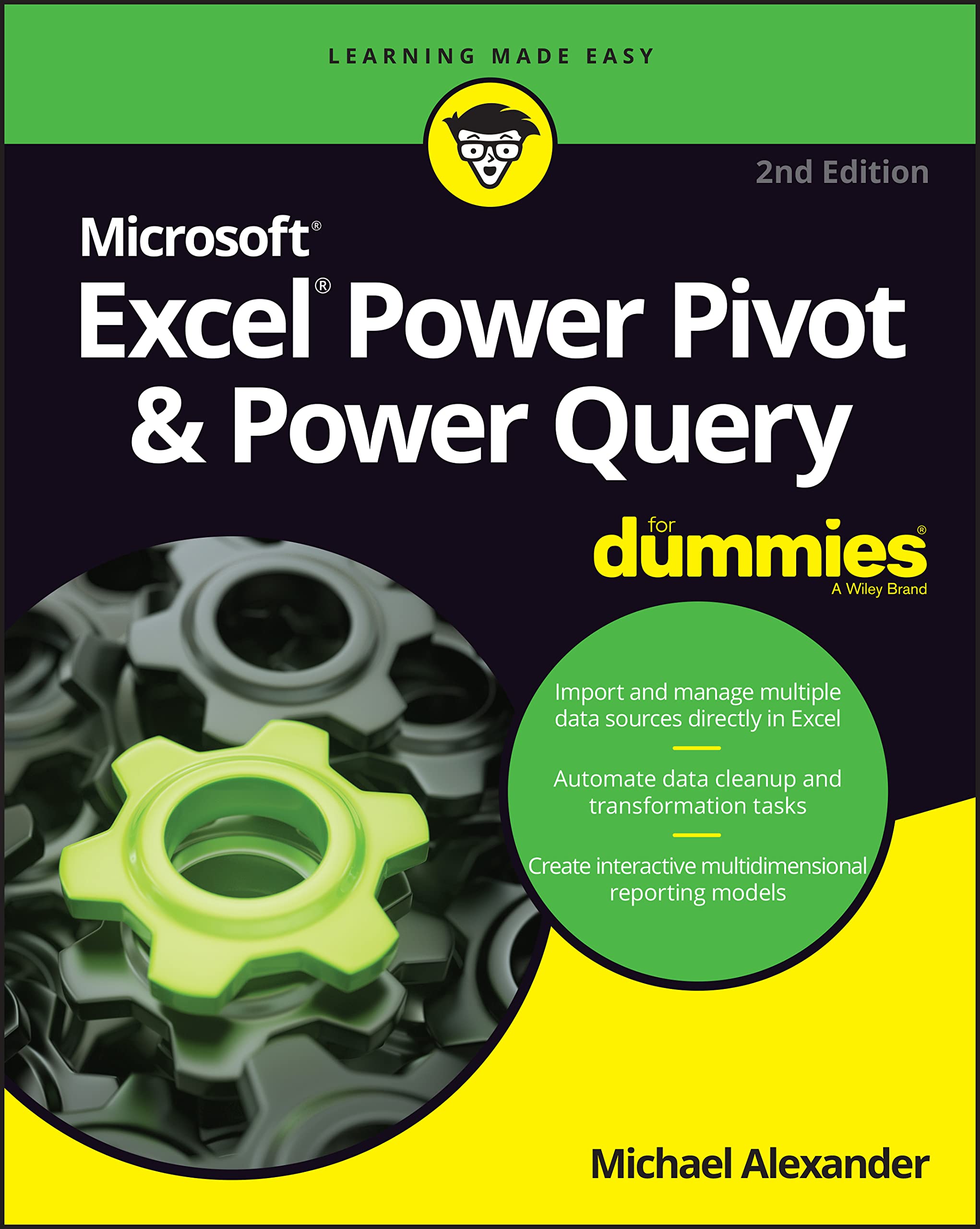
Title


Excel Power Pivot & Power Query For Dummies,Used
Sold by Ergodebooks, an authorized reseller.
Returns accepted within 30 days | support@ergodebooks.com
Shipping Information
- Free Standard Shipping — United States only
- Processing Time: 3–5 business days
- Estimated Delivery: 6–10 business days after dispatch
- Double-boxed, fully insured & discreetly packaged
- Tracking number sent via email once dispatched
Returns & Refund
Returns accepted within 30 days of delivery.
Damaged or Defective Item
Free return shipping + replacement or full refund
Wrong Item Received
Free return shipping + replacement or full refund
Change of Mind
Return shipping at customer's expense · 25% restocking fee applies
Payment Option

Learn to crunch huge amounts of data with PowerPivot and Power QueryDo you have a ton of data you need to make sense of? Microsofts Excel program can handle amazingly large data sets, but youll need to get familiar with PowerPivot and Power Query to get started.And thats where Dummies comes in. With stepbystep instructionsaccompanied by ample screenshotsExcel PowerPivot & Power Query For Dummies will teach you how to save time, simplify your processes, and enhance your data analysis and reporting. Use Power Query to discover, connect to, and import your organizations data. Then use PowerPivot to model it in Excel. Youll also learn to: Make use of databases to store large amounts of data Use custom functions to extend and enhance Power Query Add the functionality of formulas to PowerPivot and publish data to SharePointIf youre expected to wrangle, interpret, and report on large amounts of data, Excel PowerPivot & Power Query For Dummies gives you the tools you need to get up to speed quickly.
⚠️ WARNING (California Proposition 65):
This product may contain chemicals known to the State of California to cause cancer, birth defects, or other reproductive harm.
For more information, please visit www.P65Warnings.ca.gov.
- Q: What are the dimensions of this book? A: The book measures seven point one inches by nine point zero two inches and is zero point five one inches thick.
- Q: How many pages does this book have? A: This book contains two hundred eighty-eight pages, providing a comprehensive guide to PowerPivot and Power Query.
- Q: What is the binding type of this book? A: The book is bound in paperback, making it lightweight and easy to handle for readers.
- Q: Who is the author of this book? A: The author of this book is Michael Alexander, an expert in Excel and data analysis.
- Q: What category does this book fall under? A: This book is categorized under spreadsheets, focusing on advanced data management techniques in Excel.
- Q: How can I use Power Query effectively? A: You can use Power Query to discover, connect to, and import your organization’s data easily.
- Q: Is this book suitable for beginners? A: Yes, this book is designed for beginners, offering step-by-step instructions for using PowerPivot and Power Query.
- Q: What skills will I learn from this book? A: You'll learn to handle large data sets, use custom functions, and publish data to SharePoint.
- Q: Do I need previous Excel experience to use this book? A: No, previous Excel experience is not required, as the book is tailored for those new to PowerPivot and Power Query.
- Q: Can this book help with data analysis for my business? A: Yes, this book provides tools and techniques to enhance data analysis and reporting for your business needs.
- Q: How should I care for this book? A: To keep this book in good condition, store it in a dry place and avoid exposure to direct sunlight.
- Q: Is this book appropriate for children? A: Yes, this book is suitable for older children and teens interested in learning Excel and data analysis.
- Q: What if the book arrives damaged? A: If the book arrives damaged, you can contact customer service for a return or replacement.
- Q: How do I return this book if I don't like it? A: You can return the book by following the return policy provided at the time of purchase.
- Q: Will this book help me with SharePoint integration? A: Yes, the book includes information on how to publish data to SharePoint, enhancing your integration skills.