If you have any questions, you are always welcome to contact us. We'll get back to you as soon as possible, withing 24 hours on weekdays.
Customer service
All questions about your order, return and delivery must be sent to our customer service team by e-mail at yourstore@yourdomain.com
Sale & Press
If you are interested in selling our products, need more information about our brand or wish to make a collaboration, please contact us at press@yourdomain.com
Help
If you have any questions, you are always welcome to contact us. We'll get back to you as soon as possible, withing 24 hours on weekdays.
Customer service
All questions about your order, return and delivery must be sent to our customer service team by e-mail at yourstore@yourdomain.com
Sale & Press
If you are interested in selling our products, need more information about our brand or wish to make a collaboration, please contact us at press@yourdomain.com
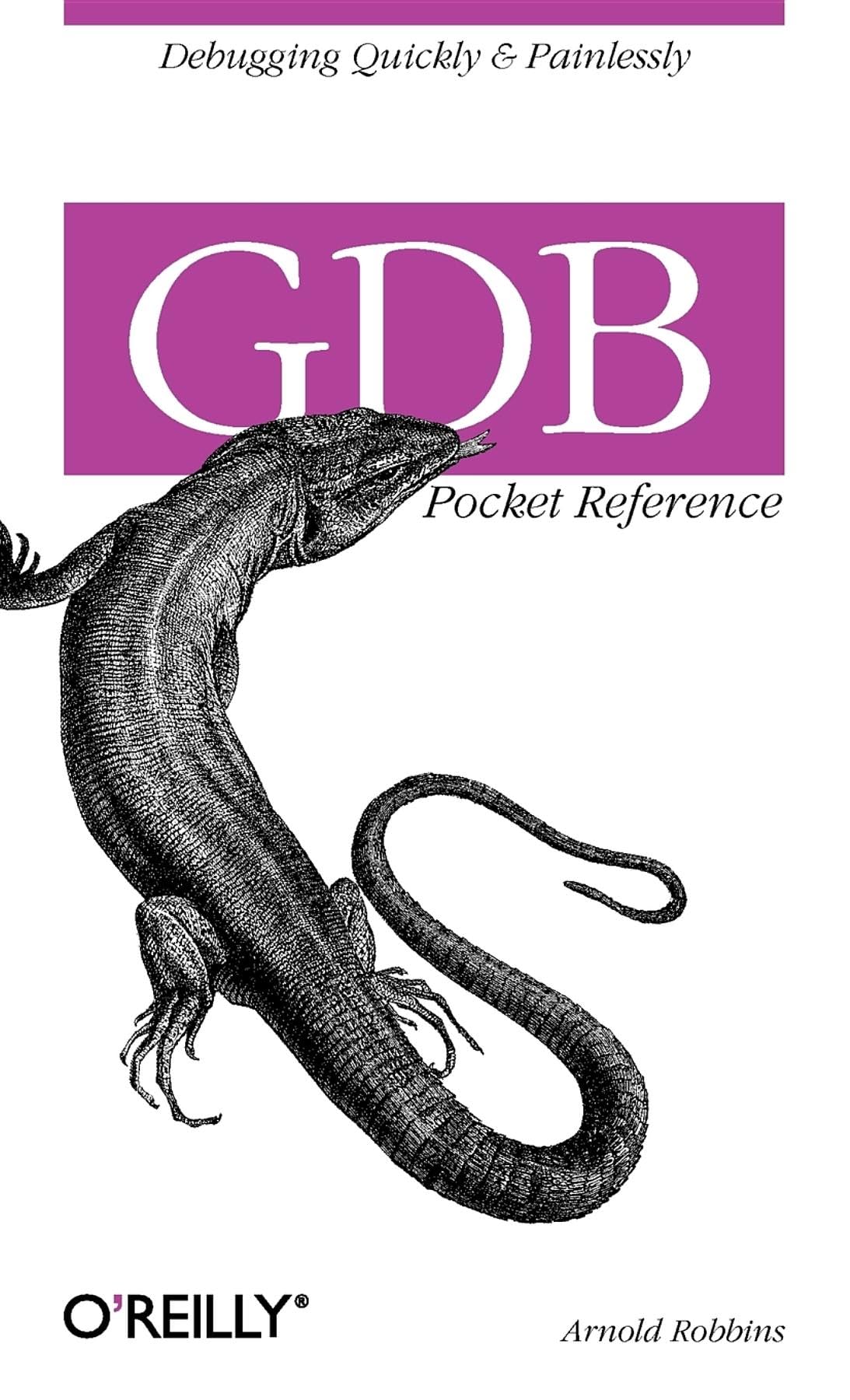
Many Linux And Unix Developers Are Familiar With The Gnu Debugger (Gbd), The Invaluable Open Source Tool For Testing, Fixing, And Retesting Software. And Since Gdb Can Be Ported To Windows, Microsoft Developers And Others Who Use This Platform Can Also Take Advantage Of This Amazing Free Software That Allows You To See Exactly What'S Going On Inside Of A Program As It'S Executing. This New Pocket Guide Gives You A Convenient Quick Reference For Using The Debugger With Several Different Programming Languages, Including C, C++, Java, Fortran And Assembly. The Gnu Debugger Is The Most Useful Tool During The Testing Phase Of The Software Development Cycle Because It Helps You Catch Bugs In The Act. You Can See What A Program Was Doing At The Moment It Crashed, And Then Readily Pinpoint And Correct Problem Code. With The Gdb Pocket Reference On Hand, The Process Is Quick And Painless. The Book Covers The Essentials Of Using Gbd Is A Testing Environment, Including How To Specify A Target For Debugging And How To Make A Program Stop On Specified Conditions. This Handy Guide Also Provides Details On Using The Debugger To Examine The Stack, Source Files And Data To Find The Cause Of Program Failureand Then Explains Ways To Use Gbd To Make Quick Changes To The Program For Further Testing And Debugging. The Ability To Spot A Bug In Real Time With Gdb Can Save You Hours Of Frustration, And Having A Quick Way To Refer To Gbd'S Essential Functions Is Key To Making The Process Work. Once You Get Your Hands On The Gdb Pocket Reference, You'Ll Never Let Go!
⚠️ WARNING (California Proposition 65):
This product may contain chemicals known to the State of California to cause cancer,
birth defects, or other reproductive harm.
For MAP (Minimum Advertised Price) violations and Intellectual Property (IP) or Trademark concerns, please contact:
support@ergodebooks.com
⚠️ California Proposition 65 Warning: Some products sold on this website may expose you to chemicals known to the State of California to cause cancer, birth defects, or other reproductive harm. For more information, visit www.P65Warnings.ca.gov.