
Title
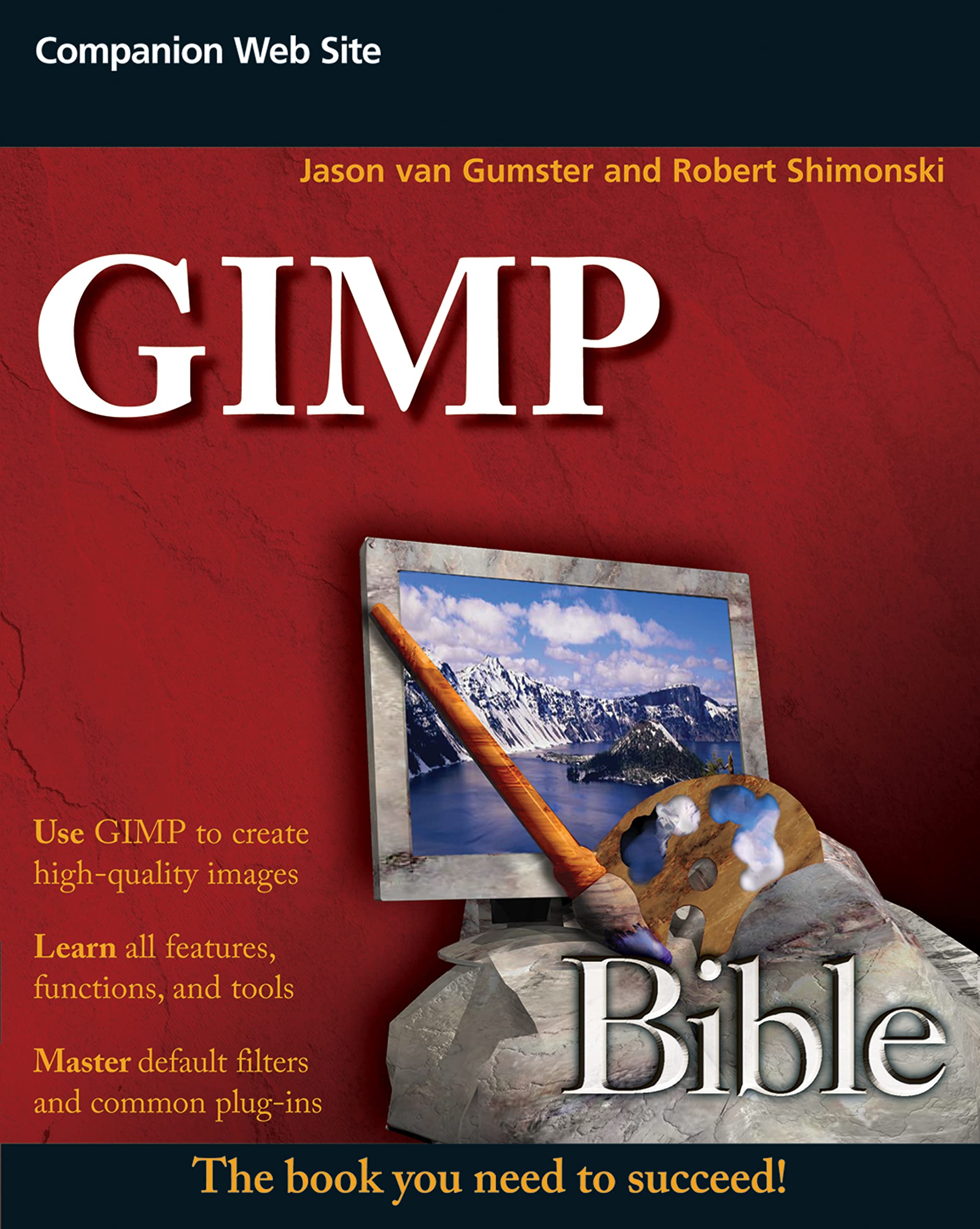
GIMP Bible,Used
Sold by Ergodebooks, an authorized reseller.
Returns accepted within 30 days | support@ergodebooks.com
Shipping Information
- Free Standard Shipping — United States only
- Processing Time: 3–5 business days
- Estimated Delivery: 6–10 business days after dispatch
- Double-boxed, fully insured & discreetly packaged
- Tracking number sent via email once dispatched
Returns & Refund
Returns accepted within 30 days of delivery.
Damaged or Defective Item
Free return shipping + replacement or full refund
Wrong Item Received
Free return shipping + replacement or full refund
Change of Mind
Return shipping at customer's expense · 25% restocking fee applies
Payment Option

The ultimate reference and guide to the GNU image manipulation programGIMP is a free, Photoshoplike image manipulation program, and as its use grows, so does the demand for detailed instruction on how to get the very most out of it. GIMP Bible is the most comprehensive and current independent GIMP reference available that goes beyond official documentation.If you're a digital artist or photographer, the stepbystep explanations in this authoritative guide show you how to poweruse GIMP throughout a production pipeline. Topics include understanding the GIMP interface and how to work with it, how to use all of GIMP's tools to create highquality images, GIMP's default filters and plugins, advanced techniques for customization with Python and Scheme scripting, and much more. GIMP (GNU Image Manipulation Program) is a free graphics editor that runs on Linux, Windows, or Macs; it is used to process digital graphics and photographs including creating graphics and logos, resizing and cropping photos, altering colors, combining images, creating basic GIF animated images, and more Whether you're a digital artist, professional photographer, or beginner, this detailed howto shows you best practices, valuable techniques, and helpful tips for getting the most out of GIMP for your projects Topics include the GIMP interface and how to work with it, indepth description of GIMP's tools and how to use them to create highquality images, a comprehensive reference for all of GIMP's default filters and common plugins, and advanced customization with Python and Scheme scriptingGet the most out of this free image editing tool for your production pipeline with the GIMP Bible.
⚠️ WARNING (California Proposition 65):
This product may contain chemicals known to the State of California to cause cancer, birth defects, or other reproductive harm.
For more information, please visit www.P65Warnings.ca.gov.