
Title
Gregg College Keyboarding & Document Processing: Lessons 160,Used
Sold by Ergodebooks, an authorized reseller.
Returns accepted within 30 days | support@ergodebooks.com
Shipping Information
- Free Standard Shipping — United States only
- Processing Time: 3–5 business days
- Estimated Delivery: 6–10 business days after dispatch
- Double-boxed, fully insured & discreetly packaged
- Tracking number sent via email once dispatched
Returns & Refund
Returns accepted within 30 days of delivery.
Damaged or Defective Item
Free return shipping + replacement or full refund
Wrong Item Received
Free return shipping + replacement or full refund
Change of Mind
Return shipping at customer's expense · 25% restocking fee applies
Payment Option

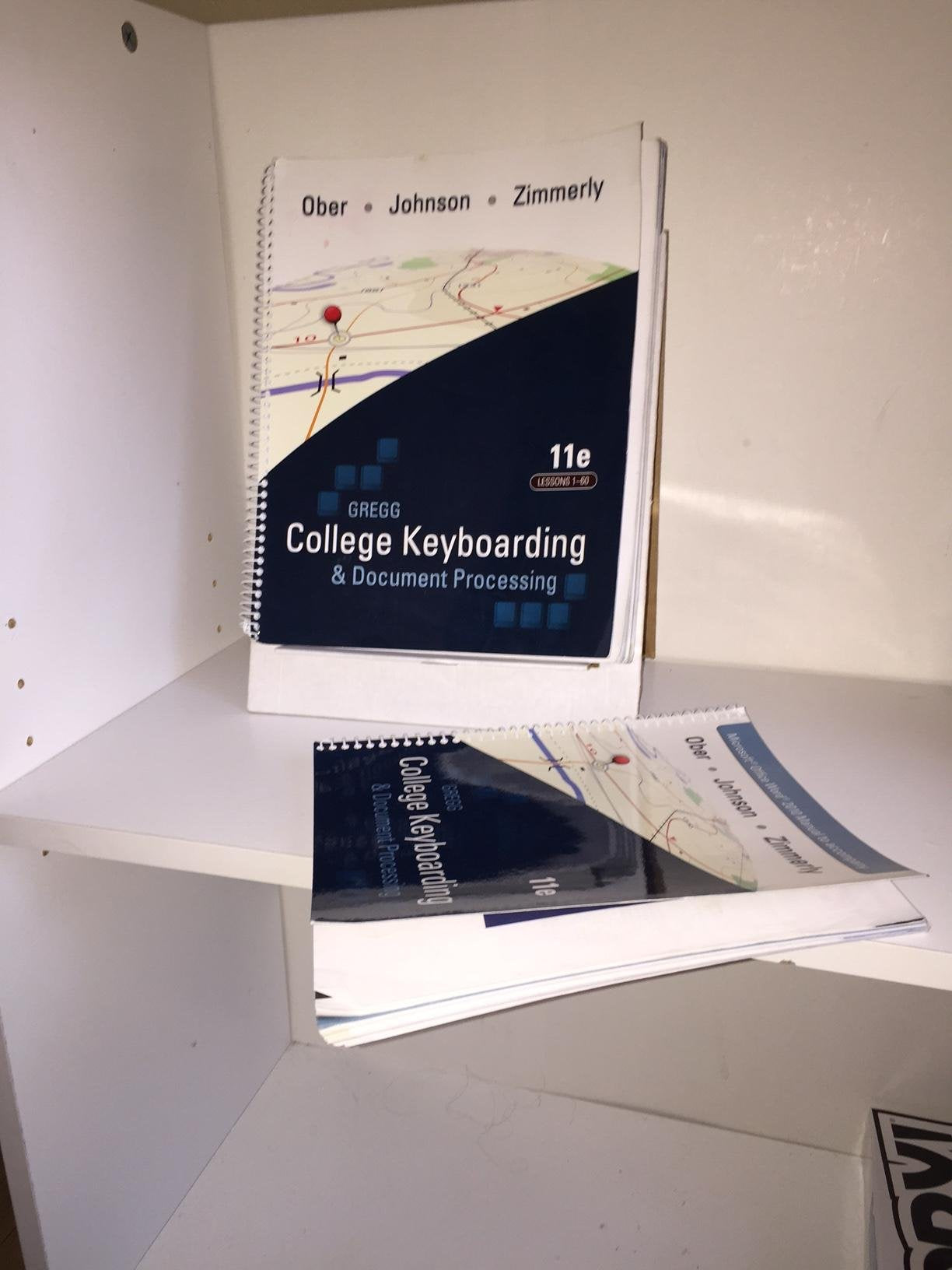
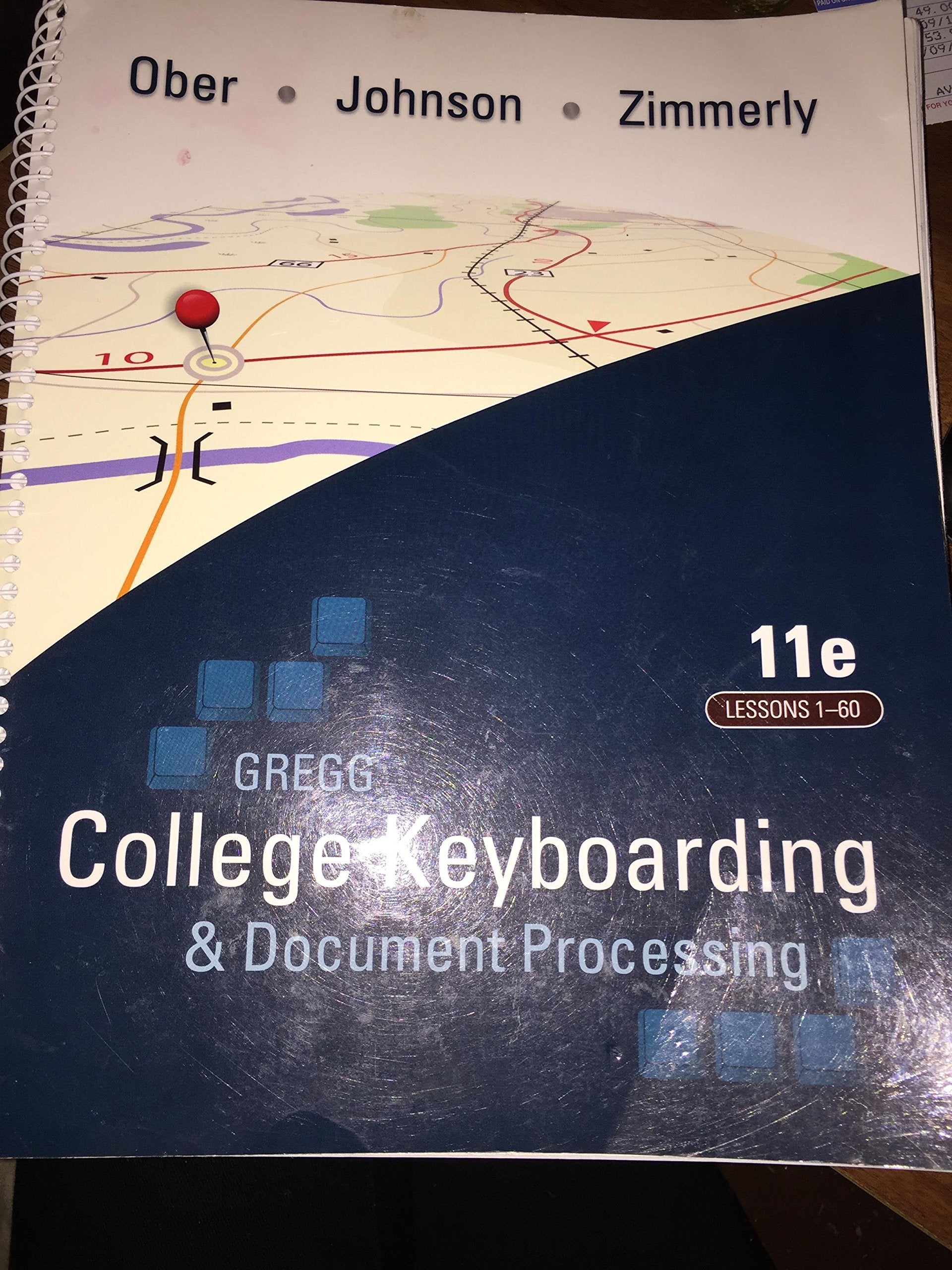
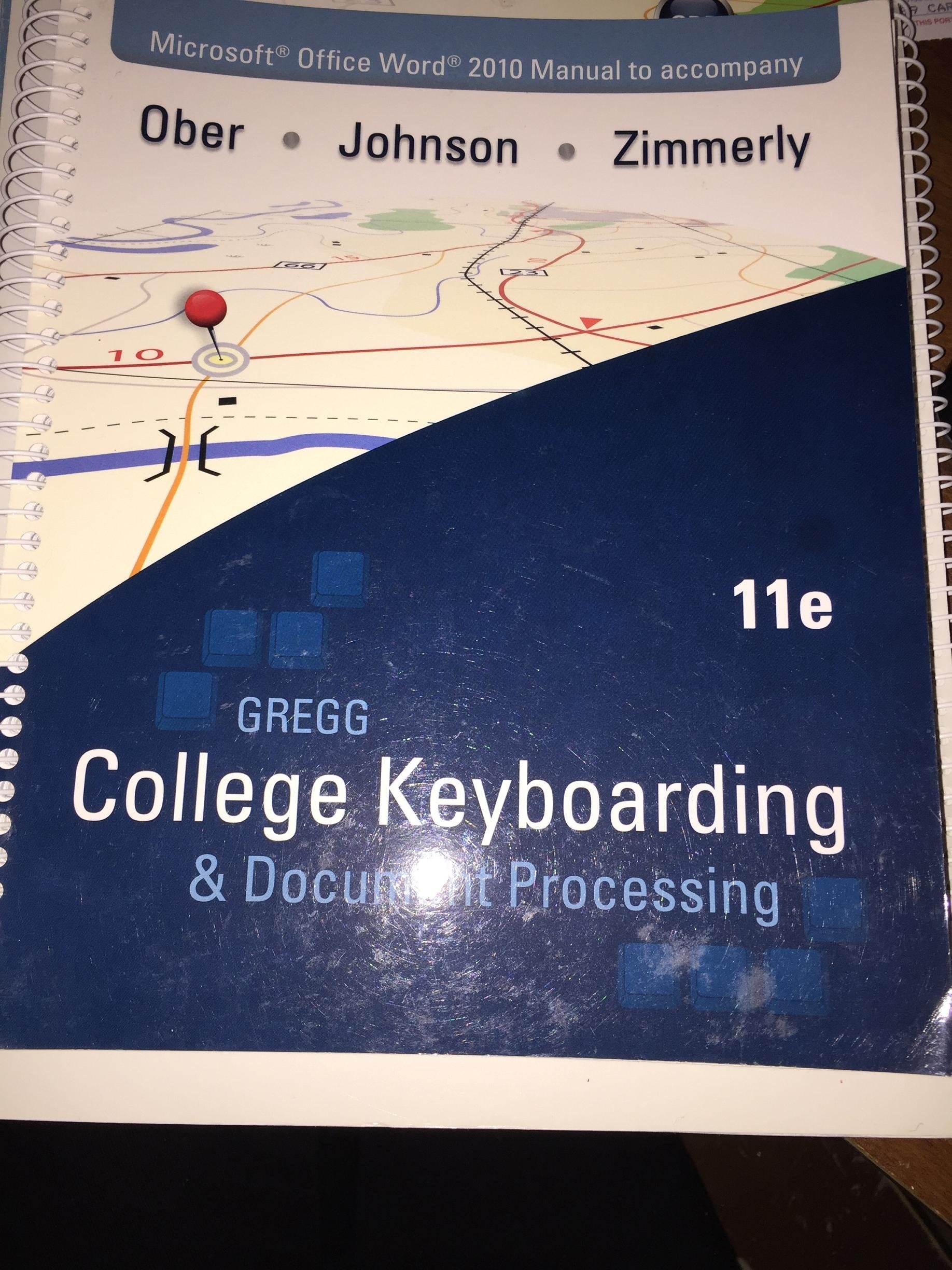
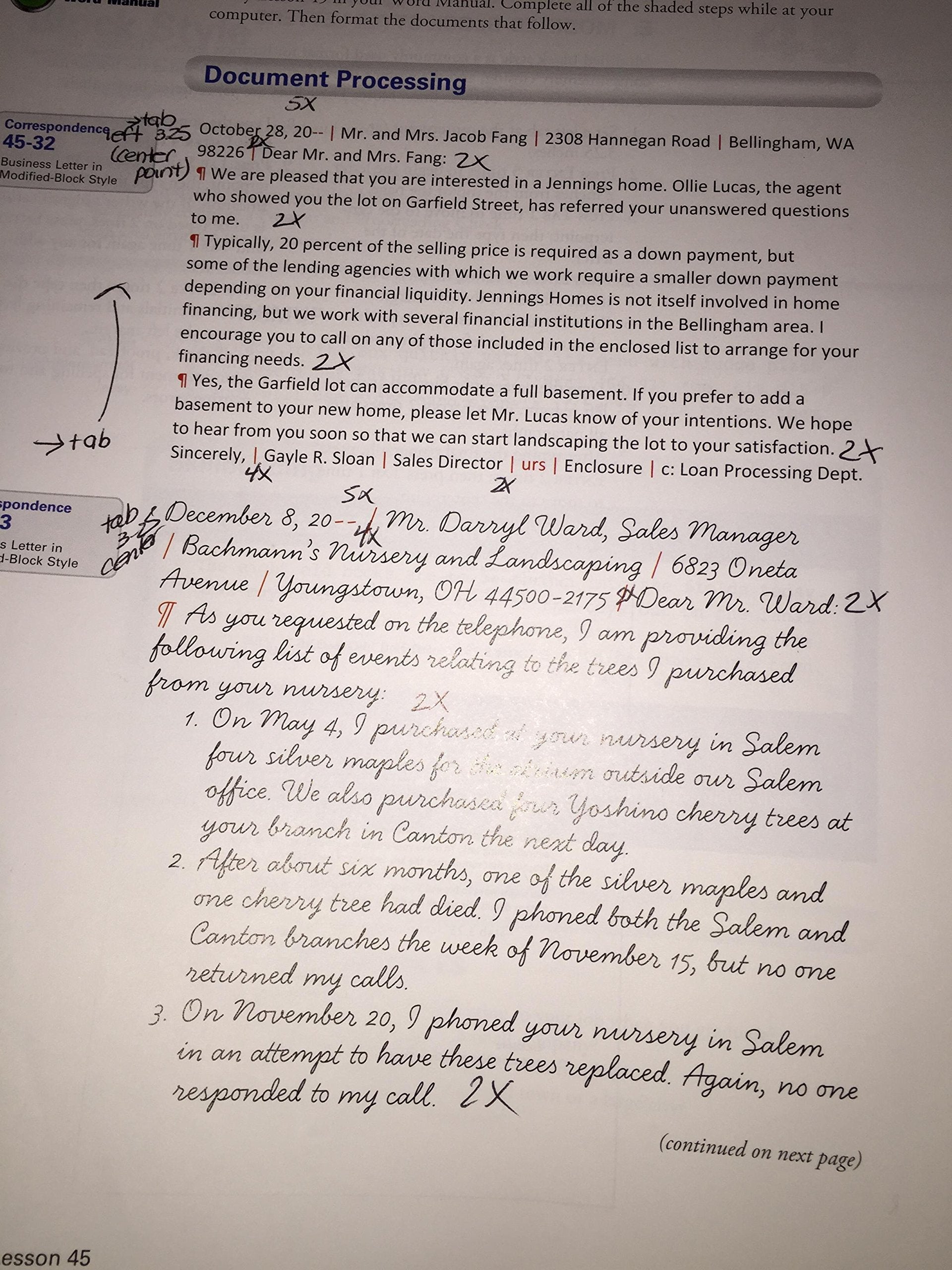
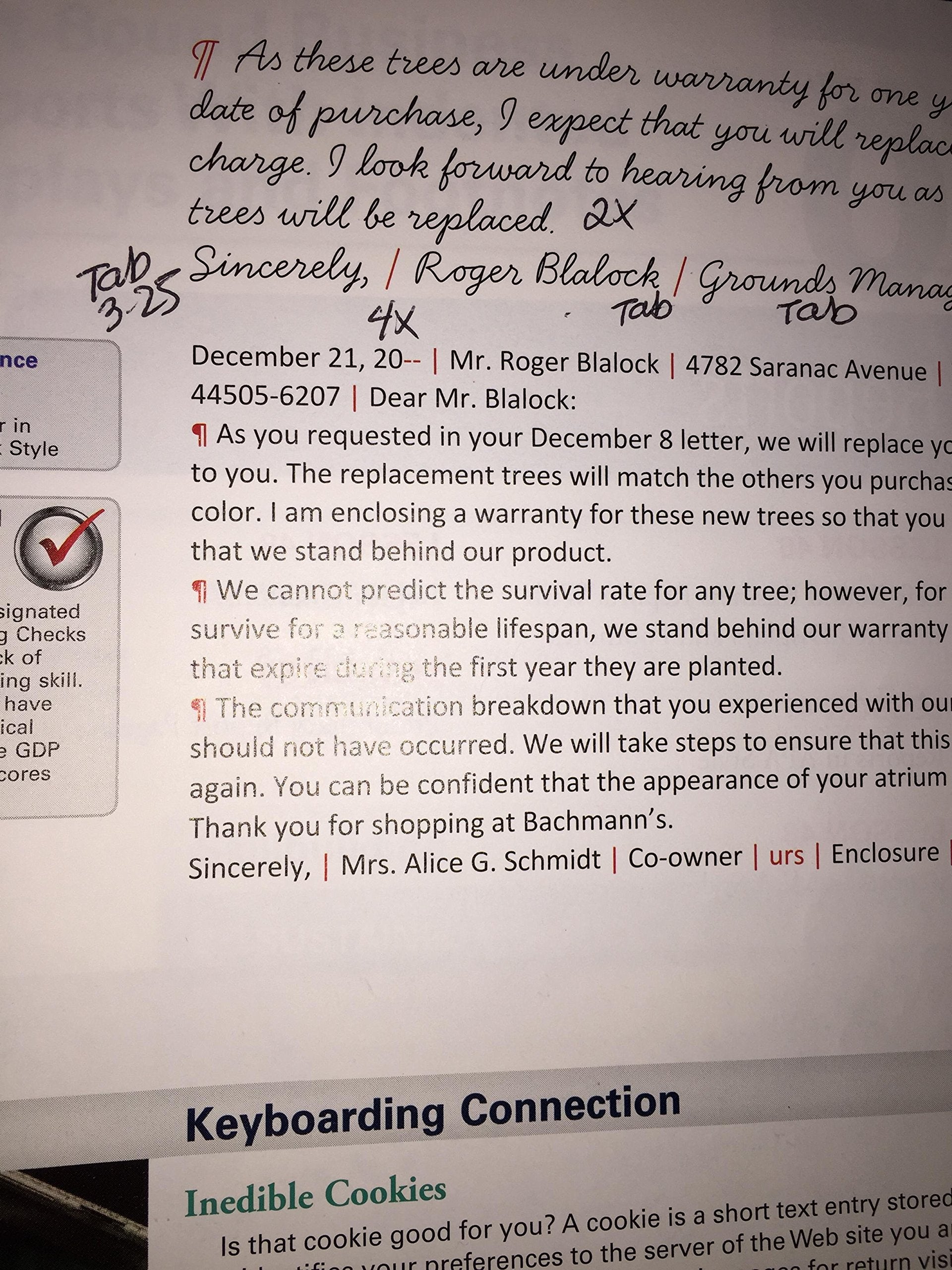
Gregg College Keyboarding and Document Processing (GDP), 11e by Ober, Johnson, and Zimmerly: Your complete learning/teaching system. Your guide to success. GDP/11 is an integrated keyboarding system designed to process and score documents created in Microsoft Word. Together, the book and software systematically lead students through each lesson to provide an easy path to success. As a solid product for over 50 years, this version of the GDP software has grown into an online functionality. The same program is now webbased with seamless updates to provide greater accessibility for use at home, in class, and in labs perfect for distance learning! Strong enhancements to the book while maintaining key elements including integrated language arts (starting at lesson 21) support the cohesive program's strong content. Skillbuilding is reinforced with MAP+ (Misstroke Analysis and Prescription). MAP+ is an individualized, diagnostic tool that is built into the software to help identify student's strengths and weaknesses while providing prescriptive drills to help them practice where they need it most. Also, MAP+ now has new, unlimited drill lines that begin at Lesson 1. Additionally, GDP/11 automatically scores for keyboarding errors and now formatting errors too! As a result, instructors will appreciate the customization of course management tools in GDP/11, including the new GPS (Grade Posting System) which allows complete flexibility in setting up grades. GDP/11 your complete learning/teaching system. Your guide to success.Note: This item do not include access code.
⚠️ WARNING (California Proposition 65):
This product may contain chemicals known to the State of California to cause cancer, birth defects, or other reproductive harm.
For more information, please visit www.P65Warnings.ca.gov.
- Q: What are the dimensions of this book? A: The book measures nine point zero two inches in length, zero point seven one inches in width, and ten point nine one inches in height.
- Q: How many pages does this book have? A: The book contains three hundred twenty pages, providing extensive material for learning keyboarding and document processing.
- Q: What type of binding does this book have? A: The book is spiral bound, allowing for easy page turning and flat laying during use.
- Q: How do I use the GDP software included with this book? A: To use the GDP software, simply access it online after obtaining the necessary access code, which is not included with this book.
- Q: Is this book suitable for beginners? A: Yes, this book is designed for beginners as well as those seeking to improve their keyboarding skills.
- Q: Can I use this book for distance learning? A: Yes, the integrated online software and materials are perfect for distance learning environments.
- Q: How do I keep this book in good condition? A: To maintain the book's condition, store it in a dry place and avoid exposing it to moisture or direct sunlight.
- Q: Is this book safe for children? A: Yes, the content is educational and suitable for students learning keyboarding skills.
- Q: What if the book arrives damaged? A: If the book arrives damaged, you should contact the seller within the return policy timeframe to initiate a return or exchange.
- Q: Does this book include any additional materials? A: No, this book does not include any additional materials like access codes for online resources.
- Q: What features enhance the learning experience with this book? A: The book includes features like MAP+ for skill building and an automatic scoring system for keyboarding and formatting errors.
- Q: Is there a warranty on this book? A: Typically, books do not come with a warranty, but you can check with the seller regarding their return policy.
- Q: How does the MAP+ tool work? A: The MAP+ tool provides diagnostic assessments to identify student strengths and weaknesses, offering tailored practice drills.
- Q: What is the target audience for this book? A: The target audience includes students in office management courses and anyone looking to improve their keyboarding skills.
- Q: Is this book updated regularly? A: Yes, the online software is updated regularly to ensure students have access to the latest features and enhancements.