
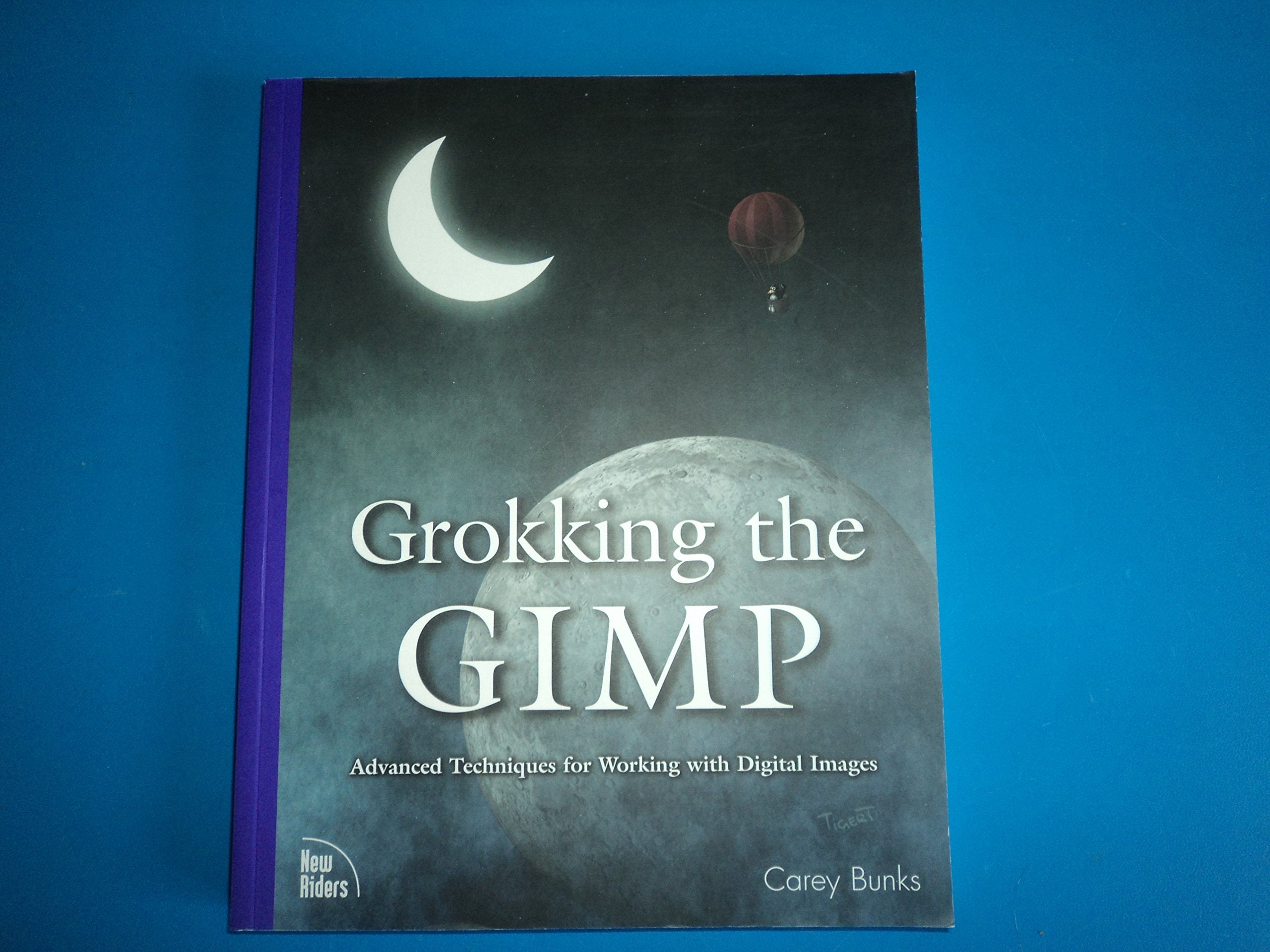
Title


Grokking The Gimp: Advanced Techniques For Working With Digital Images
Sold by Ergodebooks, an authorized reseller.
Returns accepted within 30 days | support@ergodebooks.com
Shipping Information
- Free Standard Shipping — United States only
- Processing Time: 3–5 business days
- Estimated Delivery: 6–10 business days after dispatch
- Double-boxed, fully insured & discreetly packaged
- Tracking number sent via email once dispatched
Returns & Refund
Returns accepted within 30 days of delivery.
Damaged or Defective Item
Free return shipping + replacement or full refund
Wrong Item Received
Free return shipping + replacement or full refund
Change of Mind
Return shipping at customer's expense · 25% restocking fee applies
Payment Option

Grokking The Gimp Is For The Serious User Of The Gnu Image Manipulation Program, A Premiere Digital Image Editing And Painting Program. It Covers The Gimp In Depth, And Complex Tasks Are Intuitively Presented And Explained Using An Interactive Approach. In Addition To Emphasizing The Theory And Core Concepts Of Image Manipulation, Grokking The Gimp Beautifully Illustrates The Practical Aspects Of Working With Digital Images. This Fully 4Color Book Presents Nine Major Projects And A Collection Of Many Smaller Ones That Illustrate The Core And Advanced Uses Of This Powerful Opensource Application. Numbered Steps And An Abundance Of Color Images Walk The Reader Through Realworld Examples Of Color Correction, Image Enhancement, Collage, Photo Montage, Rendering, And Webgraphics Creation.
⚠️ WARNING (California Proposition 65):
This product may contain chemicals known to the State of California to cause cancer, birth defects, or other reproductive harm.
For more information, please visit www.P65Warnings.ca.gov.
- Q: What are the dimensions of this book? A: The book measures eight point two seven inches in length, one inch in width, and ten point two five inches in height.
- Q: How many pages does 'Grokking the GIMP' have? A: This book contains three hundred forty-two pages, providing extensive content on digital image manipulation.
- Q: What type of binding does this book have? A: The book is published in paperback binding, making it flexible and easy to handle.
- Q: Who is the author of 'Grokking the GIMP'? A: The author of this book is Carey Bunks, who specializes in digital image editing.
- Q: What is the main subject of this book? A: The book focuses on advanced techniques for using the GNU Image Manipulation Program.
- Q: How can I use this book effectively? A: Readers can use this book to learn about complex image manipulation tasks through interactive examples and detailed projects.
- Q: Is this book suitable for beginners? A: While it covers advanced techniques, beginners may also benefit from the foundational concepts presented.
- Q: What projects are included in the book? A: The book features nine major projects along with smaller ones that illustrate various aspects of digital image editing.
- Q: Can I follow along with the projects without prior experience? A: Yes, the projects are designed to be intuitive and include numbered steps to guide all skill levels.
- Q: How should I store this book to keep it in good condition? A: Store the book in a cool, dry place away from direct sunlight to prevent damage to the pages and cover.
- Q: What should I do if the book arrives damaged? A: If the book is damaged upon arrival, contact the seller for information on return or exchange policies.
- Q: Are there any specific care instructions for this book? A: Keep the book clean by dusting it regularly and avoid exposing it to moisture.
- Q: Is this book safe for children? A: The book is targeted at serious users of digital image editing; parental discretion is advised for younger readers.
- Q: How does this book compare to other GIMP guides? A: Unlike many beginner guides, this book delves into advanced techniques and real-world applications of GIMP.
- Q: What if I have questions while using the book's content? A: Consult online forums or communities focused on GIMP for additional support and tips related to the book's content.