
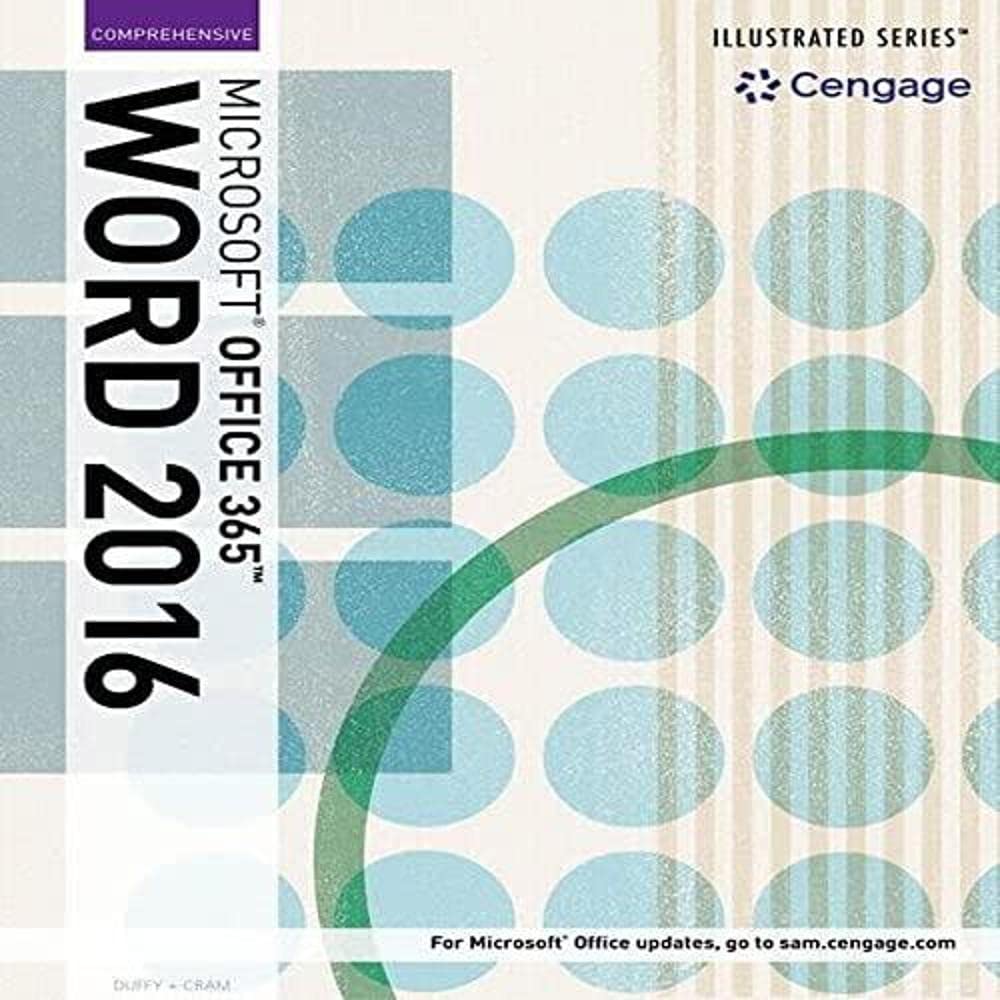
Title
Illustrated Microsoft Office 365 & Word 2016: Intermediate,New
Sold by Ergodebooks, an authorized reseller.
Returns accepted within 30 days | support@ergodebooks.com
Shipping Information
- Free Standard Shipping — United States only
- Processing Time: 3–5 business days
- Estimated Delivery: 6–10 business days after dispatch
- Double-boxed, fully insured & discreetly packaged
- Tracking number sent via email once dispatched
Returns & Refund
Returns accepted within 30 days of delivery.
Damaged or Defective Item
Free return shipping + replacement or full refund
Wrong Item Received
Free return shipping + replacement or full refund
Change of Mind
Return shipping at customer's expense · 25% restocking fee applies
Payment Option

Whether you are a computer rookie or hot shot, you can master basic and more advanced Microsoft Word 2016 skills quickly and efficiently with ILLUSTRATED MICROSOFT OFFICE 365 & WORD 2016: INTERMEDIATE. Using a concise, focused approach and userfriendly format, the Illustrated Series incorporates a hallmark twopage layout that allows you to see an entire task in one view. Each presentation is easy to follow with Learning Outcomes that outline the skills covered in each lesson and larger fullcolor screens that reflect exactly what you should see on your own computer. Each module begins with a brief overview of the lesson?s principles and introduces a case study for further application. In addition, new Productivity Apps visually introduce Microsoft OneNote, Sway, Office Mix and Edge using handson activities.
⚠️ WARNING (California Proposition 65):
This product may contain chemicals known to the State of California to cause cancer, birth defects, or other reproductive harm.
For more information, please visit www.P65Warnings.ca.gov.
- Q: What topics are covered in 'Illustrated Microsoft Office 365 & Word 2016: Intermediate'? A: This book covers both basic and advanced Microsoft Word 2016 skills, including task-based lessons with a focus on practical application and learning outcomes.
- Q: Is this book suitable for beginners? A: While it is labeled as 'Intermediate', the book is designed to help users of all skill levels, including beginners, to master Microsoft Word 2016 efficiently.
- Q: What is the format of the book? A: The book features a user-friendly two-page layout that presents tasks clearly, allowing readers to see an entire task at a glance.
- Q: How many pages does this book have? A: The book contains 245 pages.
- Q: When was this book published? A: The book was published on May 6, 2016.
- Q: Who is the author of this book? A: The author of 'Illustrated Microsoft Office 365 & Word 2016: Intermediate' is Jennifer Duffy.
- Q: Does this book include case studies? A: Yes, each module in the book introduces a case study to help reinforce the principles covered in the lessons.
- Q: What type of binding does the book have? A: The book is available in paperback binding.
- Q: Are there any additional resources included in the book? A: The book visually introduces productivity apps like OneNote, Sway, Office Mix, and Edge with hands-on activities.
- Q: What is the condition of the book? A: The book is in new condition.