
Title
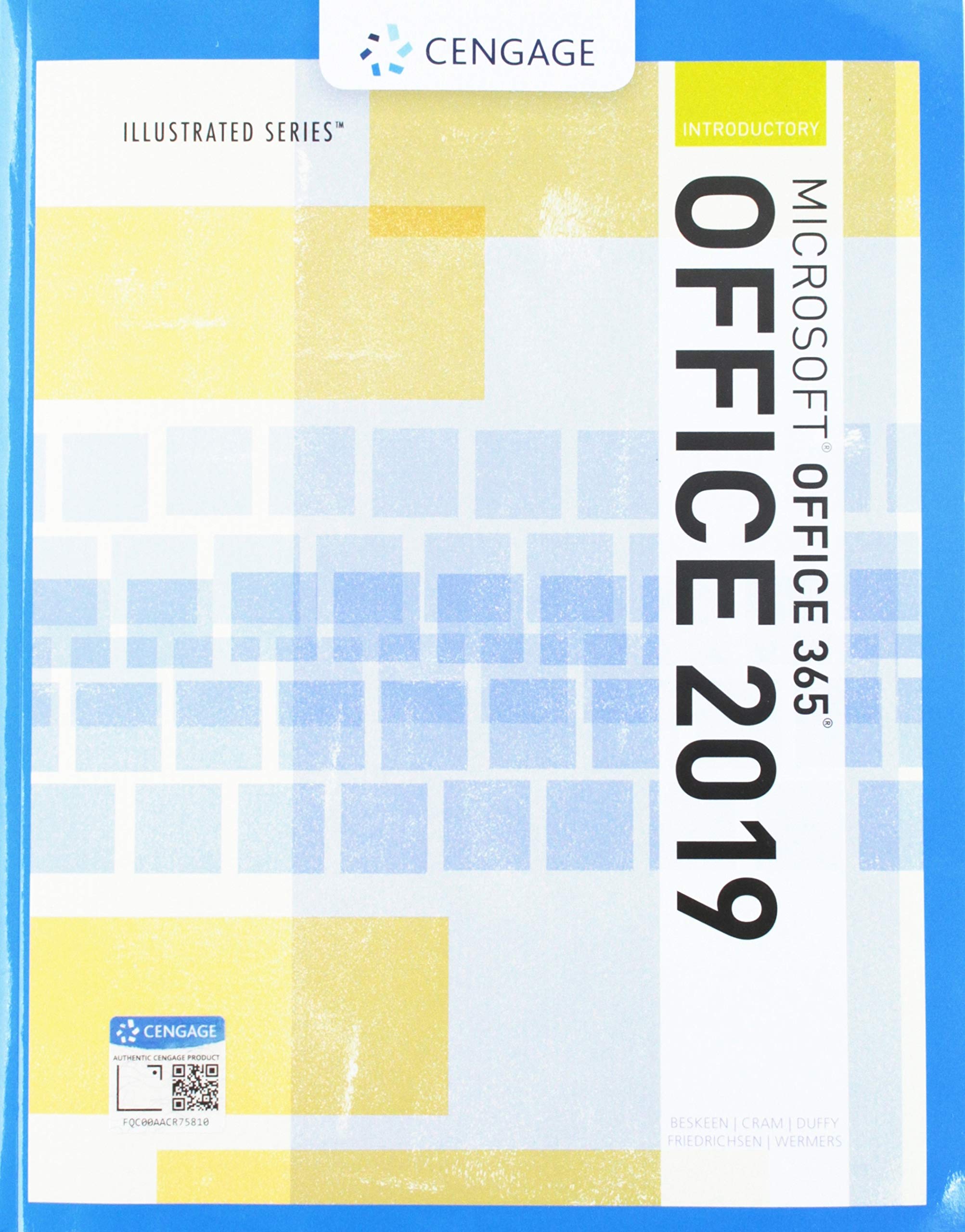
Cengage Learning Illustrated Microsoft Office 365 & 2019 Introductory Course - MindTap Edition
Sold by Ergodebooks, an authorized reseller.
Returns accepted within 30 days | support@ergodebooks.com
Shipping Information
- Free Standard Shipping — United States only
- Processing Time: 3–5 business days
- Estimated Delivery: 6–10 business days after dispatch
- Double-boxed, fully insured & discreetly packaged
- Tracking number sent via email once dispatched
Returns & Refund
Returns accepted within 30 days of delivery.
Damaged or Defective Item
Free return shipping + replacement or full refund
Wrong Item Received
Free return shipping + replacement or full refund
Change of Mind
Return shipping at customer's expense · 25% restocking fee applies
Payment Option

Enhance your Microsoft Office skills with the Illustrated Microsoft Office 365 & Office 2019 Introductory, a comprehensive educational resource designed for students seeking to master Microsoft Office efficiently. This user-friendly textbook guides learners through essential tasks using a proven two-page layout, making it ideal for both classroom instruction and self-study.
This textbook features a clear, structured approach, allowing students to engage with Microsoft Office applications effectively. Each lesson is designed to provide a thorough understanding of the software, ensuring learners can apply their knowledge in real-world scenarios. The book includes large, full-color screen images that mirror what students see on their devices, enhancing the learning experience. Additionally, the inclusion of MindTap and the updated Skills Assessment Manager (SAM) online resources offers additional support for study and assessment.
Key Features:- Focused, user-friendly layout: The two-page design allows students to complete tasks without flipping pages, improving continuity and focus.
- Clear Learning Outcomes: Each lesson outlines specific skills to be mastered, ensuring targeted learning objectives.
- Real-world case scenarios: Engage learners with practical applications of Microsoft Office, reinforcing critical skills necessary for academic and professional success.
- Large, full-color images: Visual aids reflect the exact interface of Microsoft Office applications, making it easier for students to follow along.
- Access to MindTap: Integrates online learning resources that provide additional study materials and assessments to enhance understanding.
- Updated SAM resources: Skills Assessment Manager ensures that students can track their progress and achieve successful results.
- Designed by Cengage Learning: A trusted name in educational publishing, providing reliable and high-quality learning materials.
This textbook is perfect for high school and college students, educators, and anyone looking to improve their proficiency in Microsoft Office. The combination of structured lessons, practical applications, and robust online resources makes it an invaluable tool for mastering Microsoft Office 365 and Office 2019. Invest in your future career and academic success today with the Illustrated Microsoft Office 365 & Office 2019 Introductory.
⚠️ WARNING (California Proposition 65):
This product may contain chemicals known to the State of California to cause cancer, birth defects, or other reproductive harm.
For more information, please visit www.P65Warnings.ca.gov.
- Q: What is the main focus of the Illustrated Microsoft Office 365 & Office 2019 Introductory textbook? A: The textbook focuses on helping students master the nuances of Microsoft Office quickly through a user-friendly approach and a proven two-page layout.
- Q: How does the layout of the book benefit students? A: The two-page layout allows students to work through an entire task without turning the page, which enhances learning and retention.
- Q: What resources are available to support additional study? A: MindTap and updated SAM (Skills Assessment Manager) online resources are available to guide additional study and ensure successful results.
- Q: Who is the author of this textbook? A: The author of the textbook is David Beskeen.
- Q: When was this textbook published? A: The textbook was published on March 13, 2019.
- Q: What is the condition of the book being sold? A: The book is in new condition.
- Q: How many pages does the textbook have? A: The textbook has a total of 664 pages.
- Q: What type of binding does this book have? A: The book is bound in paperback.
- Q: Is this book suitable for beginners in Microsoft Office? A: Yes, the book is designed for introductory learners, making it suitable for beginners in Microsoft Office.
- Q: What category does this book fall under? A: This book falls under the category of Graphics & Design.