
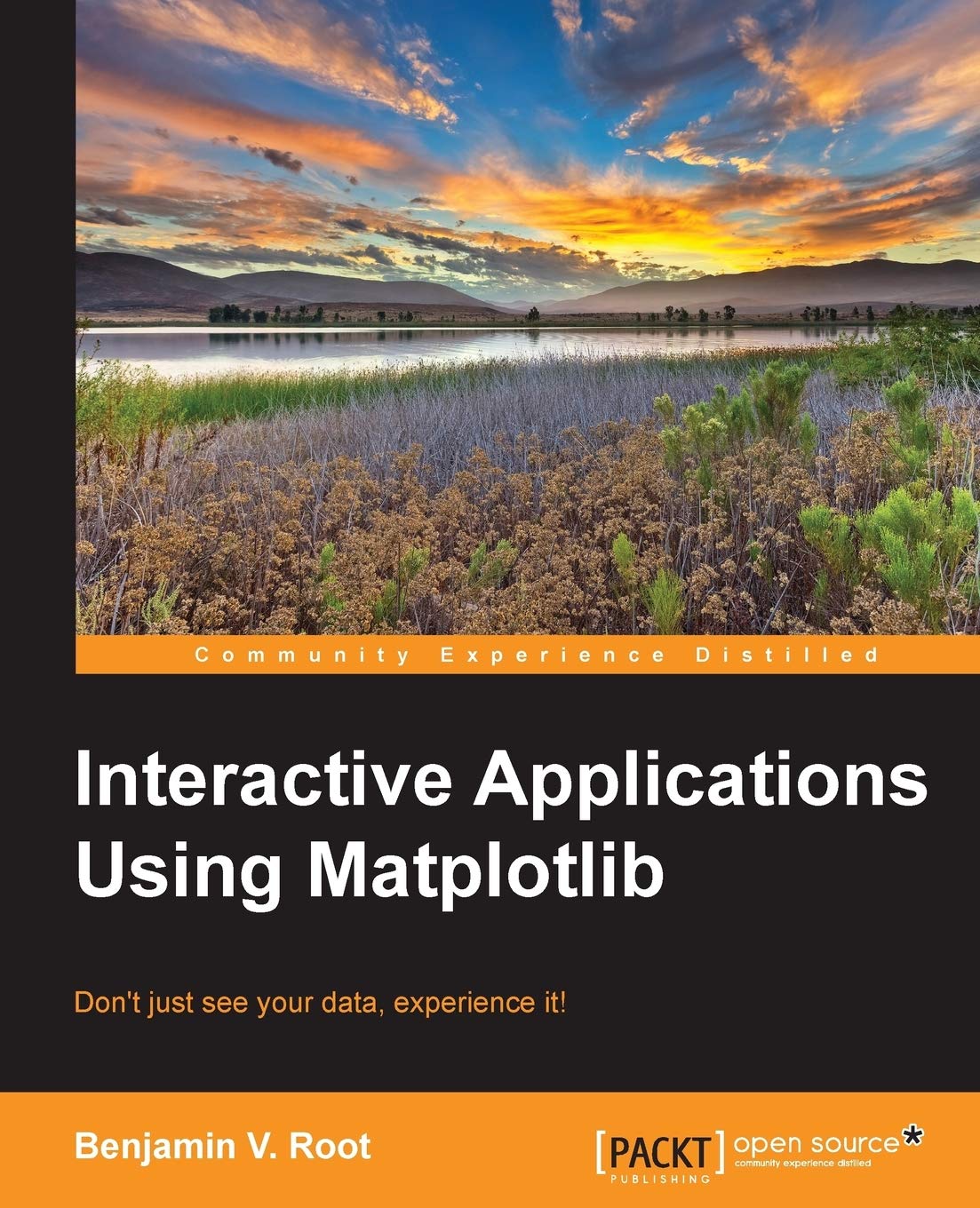
Title
Interactive Applications Using Matplotlib,Used
Sold by Ergodebooks, an authorized reseller.
Returns accepted within 30 days | support@ergodebooks.com
Shipping Information
- Free Standard Shipping — United States only
- Processing Time: 3–5 business days
- Estimated Delivery: 6–10 business days after dispatch
- Double-boxed, fully insured & discreetly packaged
- Tracking number sent via email once dispatched
Returns & Refund
Returns accepted within 30 days of delivery.
Damaged or Defective Item
Free return shipping + replacement or full refund
Wrong Item Received
Free return shipping + replacement or full refund
Change of Mind
Return shipping at customer's expense · 25% restocking fee applies
Payment Option

Don't just see your data, experience it!About This BookBring your users and your data closer with interactive visualizations using Matplotlib and Python Create user interfaces from scratch without needing a GUI toolkit, or insert new visualizations into your existing applications Pick up interactive aspects of Matplotlib and learn how widgets can be used to interact visually with dataWho This Book Is ForThis book is intended for Python programmers who want to do more than just see their data. Experience with GUI toolkits is not required, so this book can be an excellent complement to other GUI programming resources.What You Will LearnAdd keymaps, mouse button actions, and custom events to your application Build and record animations of your plots Enhance your data display with buttons,sliders, and other widgets Insert Matplotlib figures into any GUI application Create a session recorder for your application Learn about Matplotlib's event handler to add custom events See Matplotlib as more than just a plotting libraryIn DetailMatplotlib makes it easy to generate plots, histograms, power spectra, bar charts, error charts, and other kinds of plots, with just a few lines of code.Interactive Applications Using Matplotlib will teach you how to turn your plots into fully interactive applications for data exploration and information synthesis. After being introduced to the plotting library, you'll learn how to create simple figures and come to grips with how they work. After these first steps, we will start work on a weather radar application.Next, you will learn about Matplotlib's event handler to add not only keymaps and mouse actions but also custom events, enabling our radar application to transition from a simple visualization tool into a useful severe storm tracking application, complete with animations and widgets. The book will conclude with enhancements from the GUI toolkit of your choice.
⚠️ WARNING (California Proposition 65):
This product may contain chemicals known to the State of California to cause cancer, birth defects, or other reproductive harm.
For more information, please visit www.P65Warnings.ca.gov.