
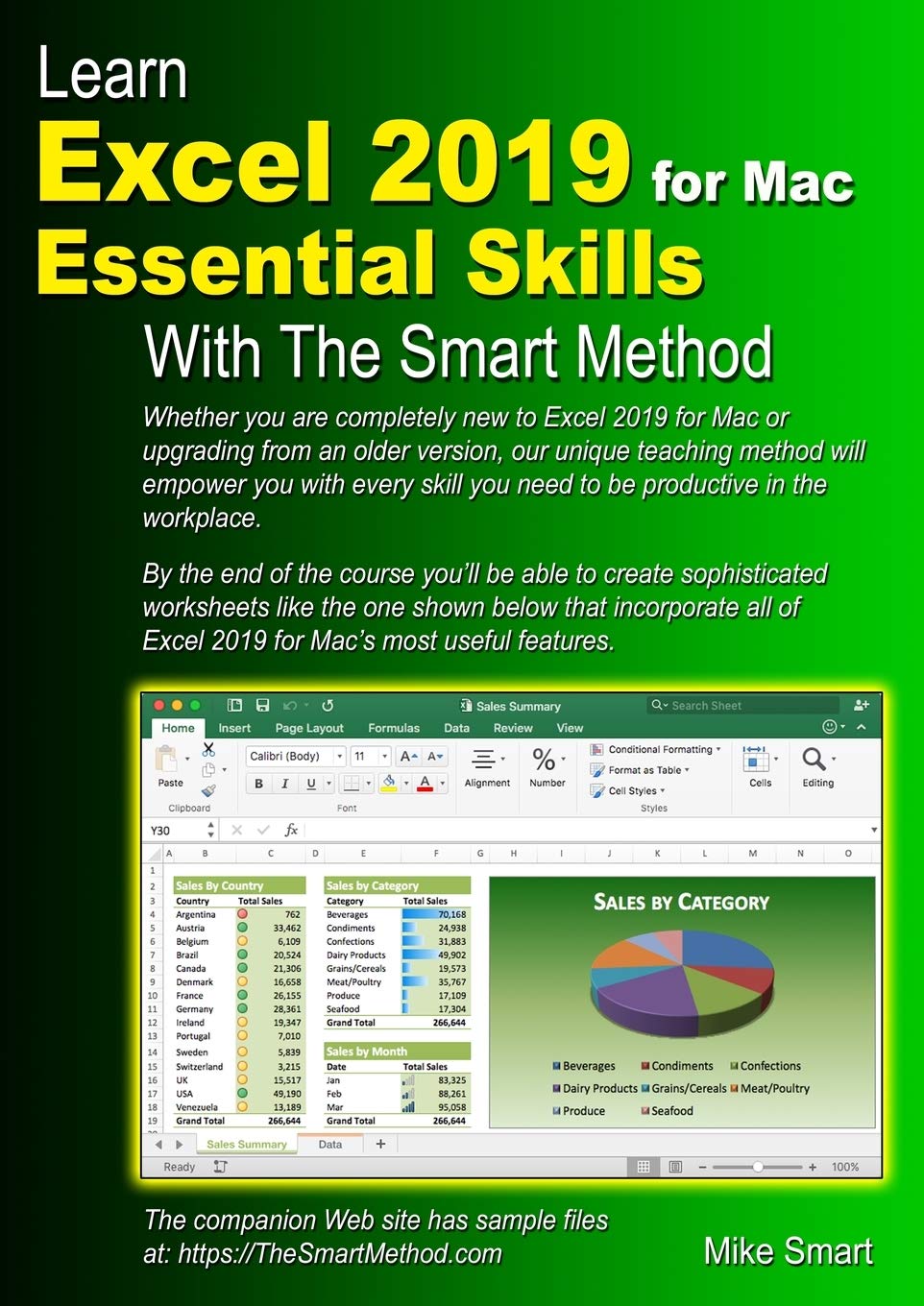
Title
Learn Excel 2019 for Mac Essential Skills with The Smart Method: Courseware tutorial for selfinstruction to beginner and interm,New
Sold by Ergodebooks, an authorized reseller.
Returns accepted within 30 days | support@ergodebooks.com
Shipping Information
- Free Standard Shipping — United States only
- Processing Time: 3–5 business days
- Estimated Delivery: 6–10 business days after dispatch
- Double-boxed, fully insured & discreetly packaged
- Tracking number sent via email once dispatched
Returns & Refund
Returns accepted within 30 days of delivery.
Damaged or Defective Item
Free return shipping + replacement or full refund
Wrong Item Received
Free return shipping + replacement or full refund
Change of Mind
Return shipping at customer's expense · 25% restocking fee applies
Payment Option

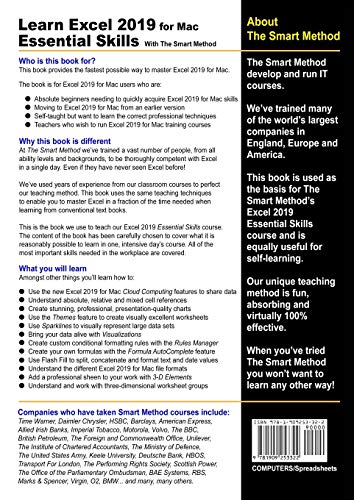
At long last there is now a professional Excel course available for Mac usersPlease note that this book is only suitable for the Apple Mac version of Excel 2019. (Theres also an Excel 2019 for Windows book available.This Excel 2019 for Mac book is very, very different to any other computer book you have ever read. The Smart Method provides an entirely new and better way to learn Excel 2019 for Mac. Here are just five of the many ways in which this book is unique: The book will equip you with excellent Excel 2019 for Mac skills, good enough to impress any employer, but it doesn't confuse by attempting to teach skills that are not common in the workplace. Only users who have advanced requirements need progress to the Excel 2019 for Mac Expert Skills book. Every lesson is presented on two facing sheets of A4 paper (the pages are much bigger than in any other Excel book). You can complete each selfcontained lesson in a few minutes. Each lesson has a sample file that models a realworld business problem. The teaching method used in the book was developed and refined using over ten years of experience teaching real students Excel skills in classroom courses. The teaching method is fun, absorbing and virtually 100% effective. Instruction is logically structured into sessions and lessons. While this makes the book ideal for selfinstruction, you can also use it to run your own, highly effective, adult training courses. This has made Smart Method books a popular choice for schools, colleges and universities all over the world.Youll immediately appreciate the value and relevance of each skill as it is taught. Both IT professionals and absolute beginners will love this book because it avoids needless technical jargon and concisely explains everything you need in a simple and nononsense way.What you will learnAmongst other things you'll learn how to: Create stunning, professional, presentationquality charts Use the new Excel 2019 for Mac Cloud Computing features to share data Understand absolute, relative and mixed cell references Use the Themes feature to create visually excellent worksheets Use Sparklines to visually represent large data sets Bring your data alive with Visualizations Create custom conditional formatting rules with the Rules Manager Create your own formulas with the Formula AutoComplete feature Master Excel 2019 for Macs Fluent User Interface and Ribbon Understand the different Excel 2019 for Mac file formats Add a professional sheen to your work with 3D Elements Understand and work with threedimensional worksheet groupsCompanies who have taken Smart Method courses include:AOL Time Warner, The United States Army, Daimler Chrysler, Motorola, HSBC, Barclays, American Express, Allied Irish Banks, Imperial Tobacco, Volvo, The BBC, British Petroleum, The Foreign and Commonwealth Office, Unilever, The Institute of Chartered Accountants, The Ministry of Defence, Keele University, Deutsche Bank, HBOS, Transport For London, The Performing Rights Society, Scottish Power, The Office of the Parliamentary Ombudsman, BAE Systems, RBS, Marks & Spencer, Virgin, O2, BMW... and many, many others.
⚠️ WARNING (California Proposition 65):
This product may contain chemicals known to the State of California to cause cancer, birth defects, or other reproductive harm.
For more information, please visit www.P65Warnings.ca.gov.
- Q: What is the target audience for 'Learn Excel 2019 for Mac'? A: This book is designed for both beginners and intermediate users of Excel 2019 for Mac, providing essential skills for effective use in the workplace.
- Q: Can this book help me prepare for a job that requires Excel skills? A: Yes, the book focuses on practical skills that are commonly used in professional settings, making it ideal for job seekers looking to enhance their Excel proficiency.
- Q: What unique teaching methods are used in this Excel course? A: The book employs a structured approach with self-contained lessons, practical examples, and a fun, engaging teaching style developed over ten years of experience.
- Q: Is this book suitable for complete beginners? A: Absolutely, the book is specifically tailored for beginners, using clear, jargon-free language to explain Excel concepts and functionalities.
- Q: What topics are covered in this Excel for Mac book? A: Key topics include creating charts, using cloud features, understanding cell references, custom formatting, and mastering the Fluent User Interface.
- Q: Are there any prerequisites for using this book? A: No prerequisites are required; the book is designed to be accessible for users with no prior experience in Excel.
- Q: How is the content structured in the book? A: Content is organized into sessions and lessons, allowing readers to learn at their own pace and easily find information on specific topics.
- Q: Does the book include practical exercises or examples? A: Yes, each lesson comes with sample files that model real-world business problems, providing practical experience alongside theoretical learning.
- Q: What is the publication date of this book? A: The book was published on November 17, 2018.
- Q: Is this book specific to the Mac version of Excel 2019? A: Yes, this book is exclusively focused on the Mac version of Excel 2019, and a separate book exists for the Windows version.