
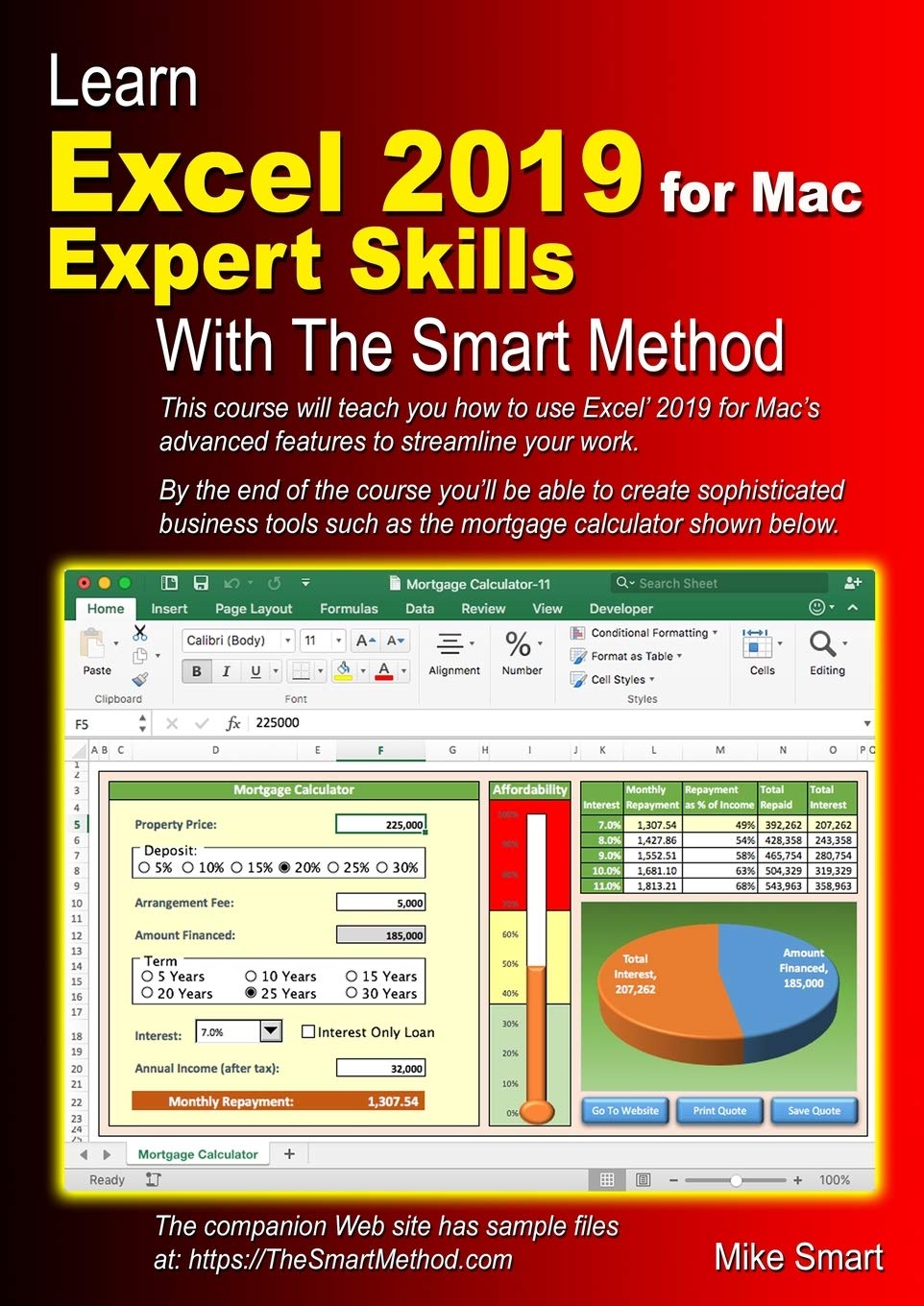
Title
Learn Excel 2019 For Mac Expert Skills With The Smart Method: Tutorial Teaching Advanced Techniques
Sold by Ergodebooks, an authorized reseller.
Returns accepted within 30 days | support@ergodebooks.com
Shipping Information
- Free Standard Shipping — United States only
- Processing Time: 3–5 business days
- Estimated Delivery: 6–10 business days after dispatch
- Double-boxed, fully insured & discreetly packaged
- Tracking number sent via email once dispatched
Returns & Refund
Returns accepted within 30 days of delivery.
Damaged or Defective Item
Free return shipping + replacement or full refund
Wrong Item Received
Free return shipping + replacement or full refund
Change of Mind
Return shipping at customer's expense · 25% restocking fee applies
Payment Option

At Long Last There Is Now A Professional Excel Course Available For Mac Users.Please Note That This Book Is Only Suitable For The Apple Mac Version Of Excel 2019. (There'S Also An Excel For Windows Book Available).By The End Of The Book You'Ll Be Able To Use All Of The Power Available From The World'S Most Powerful Business Tool. Your Excel Skills Will Be Greater And Broader Than Almost All Other Excel Users In The Workplace. Mike Smart'S Revolutionary Teaching Method Provides An Entirely New, Easier And Better Way To Learn Excel 2019 For Mac. Here Are Just Six Of The Many Ways In Which This Book Is Unique: This Book Won'T Waste Your Time By Teaching Basic Excel 2019 For Mac Skills That You Already Know. All Of That Material Is Covered Already In Our Beginner'S Excel 2019 For Mac Essential Skills Book. By Assuming That You Are Already Able To Use Excel 2019'S Basic Features, Far More Ground Can Be Covered. Every Lesson Is Presented On Two Facing Sheets Of A4 Paper (The Pages Are Much Bigger Than In Any Other Excel Book). You Can Complete Each Selfcontained Lesson In A Few Minutes. Each Lesson Has A Sample File That Models A Realworld Business Problem. The Teaching Methods Used In The Book Were Developed And Refined Using Over Fifteen Years Of Experience Teaching Real Students Excel Skills In Classroom Courses. The Teaching Method Is Fun, Absorbing And Virtually 100% Effective. Instruction Is Logically Structured Into Sessions And Lessons. While This Makes The Book Ideal For Selfinstruction, You Can Also Use It To Run Your Own, Highly Effective, Adult Training Courses. This Has Made Smart Method Books A Popular Choice For Schools, Colleges And Universities All Over The World.Advanced Concepts Are Explained Without Needless Technical Jargon. Everything Is Concisely Described In A Simple, Nononsense Way.Here Is A Small Selection From The Many Advanced Excel Skills You Will Learn: Visually Filter Data Using Slicers Master Dynamic Tables And Structured Table References Enforce Complex Business Rules Using Functiondriven Custom Validations Perform Whatif Analysis To Model And Compare Business Scenarios Use Advanced Functions To Solve Realworld Business Problems Create Intuitive User Interfaces Using Form Controls Eliminate Errors Using Excel'S Advanced Formula Auditing Tools Understand And Use All Of Excel'S Security Features Design Advanced Pivot Tables Create And Use Dynamic And Tablebased Range Names Record Macros And Then Execute Them From Button Controls Use Excel'S Three Different Sharing Methods For Efficient Teamworkcompanies Who Have Taken Smart Method Courses Include:Aol Time Warner, The United States Army, Daimler Chrysler, Motorola, Hsbc, Barclays, American Express, Allied Irish Banks, Imperial Tobacco, Volvo, The Bbc, British Petroleum, The Foreign And Commonwealth Office, Unilever, The Institute Of Chartered Accountants, The Ministry Of Defence, Keele University, Deutsche Bank, Hbos, Transport For London, The Performing Rights Society, Scottish Power, The Office Of The Parliamentary Ombudsman, Bae Systems, Rbs, The British Museum, The National Gallery, Pokerstars, Marks & Spencer, Virgin, O2, Bmw... And Many, Many Others.
⚠️ WARNING (California Proposition 65):
This product may contain chemicals known to the State of California to cause cancer, birth defects, or other reproductive harm.
For more information, please visit www.P65Warnings.ca.gov.
- Q: How many pages does the book have? A: The book has three hundred seventy pages. This length provides a comprehensive guide to advanced Excel techniques for Mac users.
- Q: What is the binding type of this book? A: The book is paperback bound. This makes it flexible and easy to handle for both reading and referencing.
- Q: What are the dimensions of the book? A: The book measures eight point two seven inches by eleven point six nine inches. These dimensions make it a standard size for easy handling and reading.
- Q: Is this book suitable for beginners? A: No, this book is not suitable for beginners. It assumes that readers already have basic Excel skills, focusing instead on advanced techniques.
- Q: How do I use this book effectively? A: You can use this book by following the structured lessons presented on two facing sheets. Each lesson is self-contained and can be completed in a few minutes.
- Q: Can this book be used for training courses? A: Yes, it can be used to run effective adult training courses. The structured lessons and practical examples make it an ideal resource for teaching.
- Q: How should I store this book? A: Store this book in a cool, dry place away from direct sunlight. This will help preserve its quality and prevent any damage.
- Q: Is the content safe for all audiences? A: Yes, the content is safe for all audiences. It focuses solely on Excel techniques without any inappropriate material.
- Q: How do I maintain the condition of the book? A: To maintain the book's condition, avoid bending the pages and keep it clean by dusting it regularly. Handle it gently to prevent wear and tear.
- Q: What if my book arrives damaged? A: If your book arrives damaged, you should contact customer support for a replacement. Most sellers have a return policy in place for such issues.
- Q: Is this book suitable for educational institutions? A: Yes, many educational institutions use this book. Its effective teaching methods have made it popular in schools, colleges, and universities worldwide.
- Q: Does this book cover basic Excel functions? A: No, this book does not cover basic Excel functions. It assumes prior knowledge and focuses on advanced techniques instead.
- Q: How are the lessons structured in this book? A: The lessons are logically structured into sessions that allow for easy progression. Each lesson is designed to be completed quickly and effectively.
- Q: Can I use this book for self-study? A: Yes, this book is ideal for self-study. The clear instructions and practical examples make it easy to learn at your own pace.
- Q: Are there any recommended prerequisites for this book? A: Yes, readers should have a working knowledge of Excel's basic features before using this book. This ensures a better understanding of the advanced topics covered.