
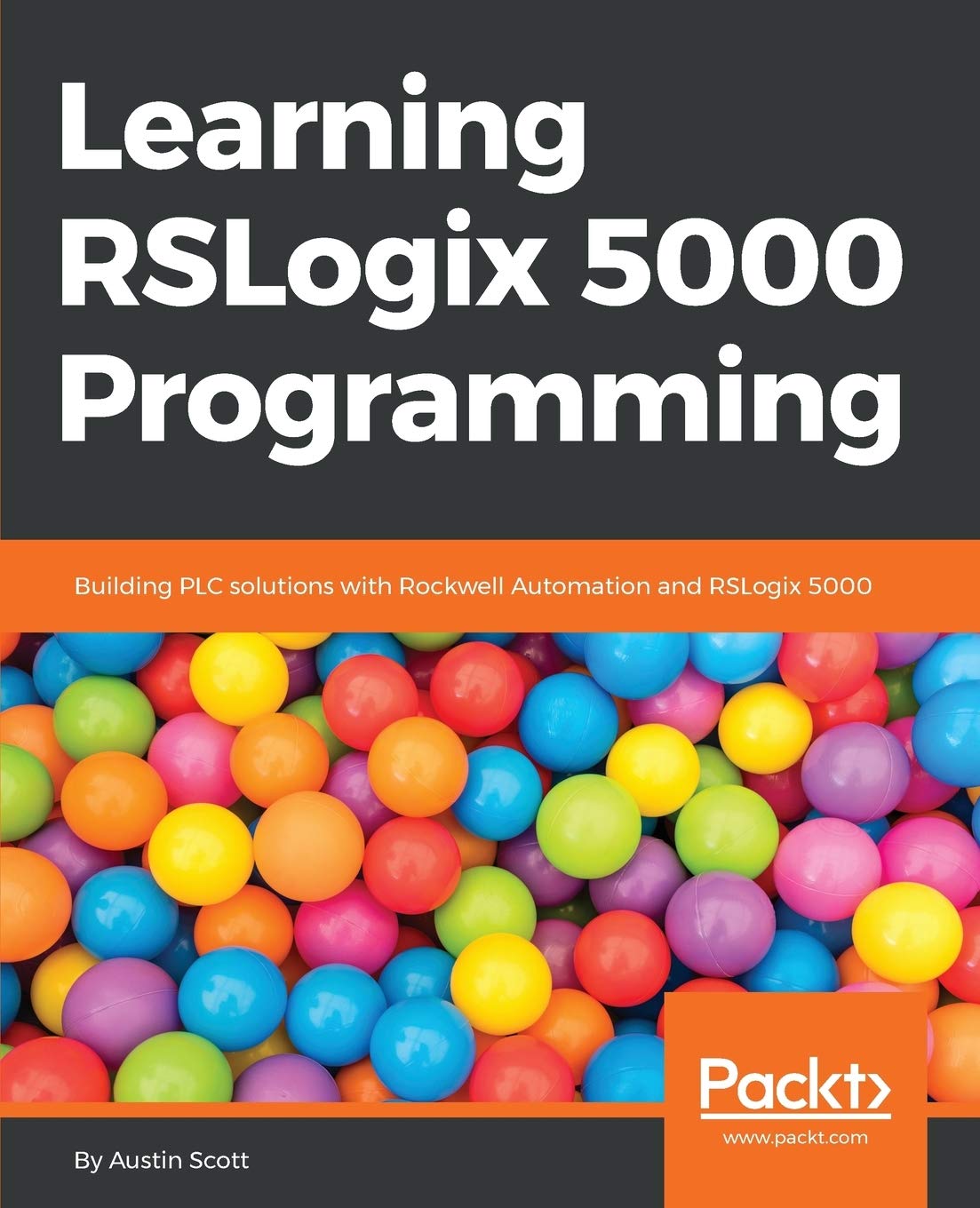
Title
Learning RSLogix 5000 Programming: Become Proficient in Building Plc Solutions in Integrated Architecture from the Ground Up Usi,Used
Sold by Ergodebooks, an authorized reseller.
Returns accepted within 30 days | support@ergodebooks.com
Shipping Information
- Free Standard Shipping — United States only
- Processing Time: 3–5 business days
- Estimated Delivery: 6–10 business days after dispatch
- Double-boxed, fully insured & discreetly packaged
- Tracking number sent via email once dispatched
Returns & Refund
Returns accepted within 30 days of delivery.
Damaged or Defective Item
Free return shipping + replacement or full refund
Wrong Item Received
Free return shipping + replacement or full refund
Change of Mind
Return shipping at customer's expense · 25% restocking fee applies
Payment Option

Become proficient in building PLC solutions in Integrated Architecture from the ground up using RSLogix 5000 Key Features Introduction to the Logix platform and Rockwell Automation terminology, with resources available online in the literature library Build realworld Rockwell Automation solutions using ControlLogix, CompactLogix, SoftLogix, RSLogix 5000, and Studio 5000 Understand the various controllers and form factors available in the ControlLogix and CompactLogix platforms, and the recent changes under the new Studio 5000 Automation Engineering and Design software suite Book DescriptionRSLogix 5000 and Studio 5000's Logix Designer are userfriendly interfaces used for programming the current generation of Rockwell Automation Controllers including ControlLogix, CompactLogix, and SoftLogix. When engineering automation solutions using Logix, it is important to study the changes to the platform introduced with Studio 5000 and the various controllers, modules, and form factors available today. RSLogix 5000 programming packages help you maximize performance, save project development time, and improve productivity.This book provides a detailed overview of the Logix platform including ControlLogix, CompactLogix, and SoftLogix and explains the significant changes introduced in Studio 5000. A clear understanding of the recent Logix platform changes is critical for anyone developing a Rockwell Automation solution. It provides an easytofollow, stepbystep approach to learning the essential Logix hardware and software components and provides beginners with a solid foundation in the Logix platform features and terminology. By the end of this book, you will have a clear understanding of the capabilities of the Logix platform and the ability to navigate the Rockwell Automation Literature Library Resources. What you will learn Briefly explore the history of Rockwell Automation and the evolution of the Logix platform Discover the complete range of ControlLogix and ComplactLogix controllers and form factors available today, and the key things you should consider when you are engineering a Rockwell Automation solution Explore the key platform changes introduced with Studio 5000 and Logix Designer version 24 and the latest firmware versions Get to grips with the modules available in the ControLogix, SoftLogix, and CompactLogix platforms Understand writing Ladder Logic (LL) routines, Sequential Function Chart (SFC) routines, and Structured Text routines (ST) Design Function Block Diagrams (FBD) and their easy integration with HMIs Table of Contents ControlLogix and CompactLogix Industrial Network Communications Configuring Logix Modules SoftLogix Writing Ladder Logic Writing Function Block Writing Structured Text Building Sequential Function Charts Using Tasks & Programs for Project Organization Faults & Troubleshooting in Logix Appendix Rockwell Automation Literature Library Resource
⚠️ WARNING (California Proposition 65):
This product may contain chemicals known to the State of California to cause cancer, birth defects, or other reproductive harm.
For more information, please visit www.P65Warnings.ca.gov.