
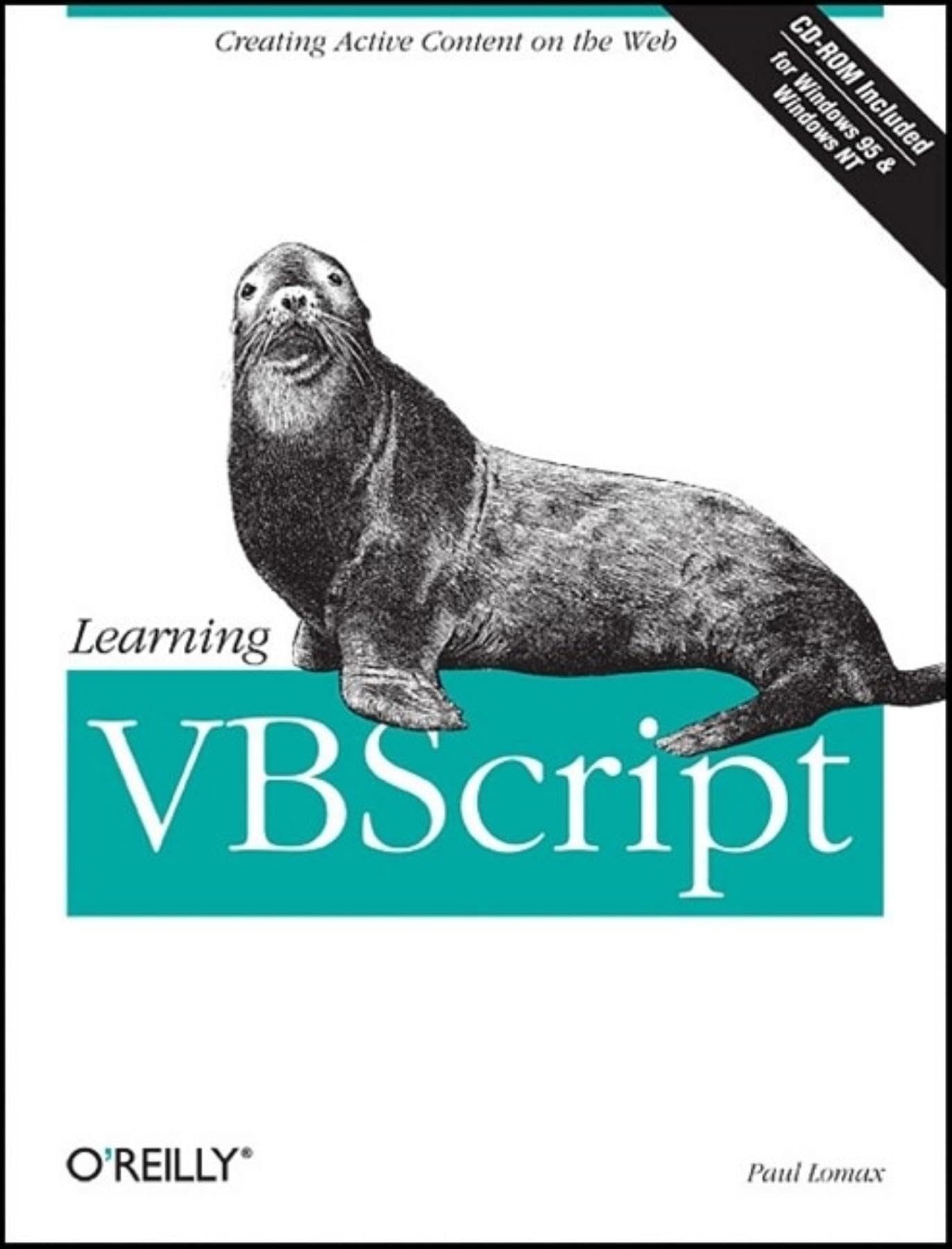
Title
Learning VBScript (Nutshell Handbooks),Used
Sold by Ergodebooks, an authorized reseller.
Returns accepted within 30 days | support@ergodebooks.com
Shipping Information
- Free Standard Shipping — United States only
- Processing Time: 3–5 business days
- Estimated Delivery: 6–10 business days after dispatch
- Double-boxed, fully insured & discreetly packaged
- Tracking number sent via email once dispatched
Returns & Refund
Returns accepted within 30 days of delivery.
Damaged or Defective Item
Free return shipping + replacement or full refund
Wrong Item Received
Free return shipping + replacement or full refund
Change of Mind
Return shipping at customer's expense · 25% restocking fee applies
Payment Option

With the advent of clientside scripting, it is possible to create programs that run on a user's browser in response to particular user actions, like passing the mouse over a hyperlink or clicking a standard HTML command button. By taking advantage of clientside scripts, web pages can be made more interactive, and programs that ran as (usually CGI) applications on the server before clientside scripting can now execute on the browser, in the process improving the performance of a web site's web pages. In Learning VBScript, Paul Lomax shows how to take full advantage of clientside scripting using Microsoft's own scripting language, Visual Basic Scripting Edition, or VBScript. Learning VBScript consists of three distinct sections that quickly teach the reader how take advantage of clientside scripting to enhance a web site's pages: A fastpaced introduction to VBScript that covers the basic features of the language and their syntax. Although these tutorial chapters are written primarily for web content providers, they also explore the difference between VBScript and Visual Basic for Applications, the programming language used both in Visual Basic and in the individual components of Microsoft Office, making them of interest to the millions of VBA programmers who are fairly new to the Web and to developing web pages. An introduction to the Microsoft Internet Explorer (MSIE) object model. By accessing the events, properties, and methods exposed by the browser's object model, VBScript is transformed from a fairly powerless programming language into a powerful development tool that can be used to control the browser, allowing the creation of complex interactive web pages. A series of chapters, each of which examines a set of techniques that use clientside scripting to enhance the interactivity and attractiveness of a web site. In focusing on techniques for creating professional, scripted web pages, Learning VBScript includes chapters on the following: Creating documents 'on the fly' from a script running on the browser Fully describing hyperlinks when the user's mouse passes over them Performing validation on data entered by the user before it is submitted to the server Incorporating ActiveX controls in a web page >Using VBScript's error handling feature to anticipate and handle user errors Handling different browsers, particularly MSIE, Netscape Navigator, and the older browsers that don't support scripting The CDROM accompanying Learning VBScript includes over 170 code samples, and allows you to retrieve examples by category; you can, for instance, retrieve hyperlinks to all the web pages that include ActiveX controls. In addition, the CDROM includes a complete shopping cart application that can be easily customized for your own needs. Whether you're a content provider who wants to add clientside scripts to web pages or a Visual Basic programmer who wants to begin creating web applications, Learning VBScript is the definitive guide that takes you through the rudiments of the language and covers the techniques needed to develop professional web pages.
⚠️ WARNING (California Proposition 65):
This product may contain chemicals known to the State of California to cause cancer, birth defects, or other reproductive harm.
For more information, please visit www.P65Warnings.ca.gov.