If you have any questions, you are always welcome to contact us. We'll get back to you as soon as possible, withing 24 hours on weekdays.
Customer service
All questions about your order, return and delivery must be sent to our customer service team by e-mail at yourstore@yourdomain.com
Sale & Press
If you are interested in selling our products, need more information about our brand or wish to make a collaboration, please contact us at press@yourdomain.com
Help
If you have any questions, you are always welcome to contact us. We'll get back to you as soon as possible, withing 24 hours on weekdays.
Customer service
All questions about your order, return and delivery must be sent to our customer service team by e-mail at yourstore@yourdomain.com
Sale & Press
If you are interested in selling our products, need more information about our brand or wish to make a collaboration, please contact us at press@yourdomain.com
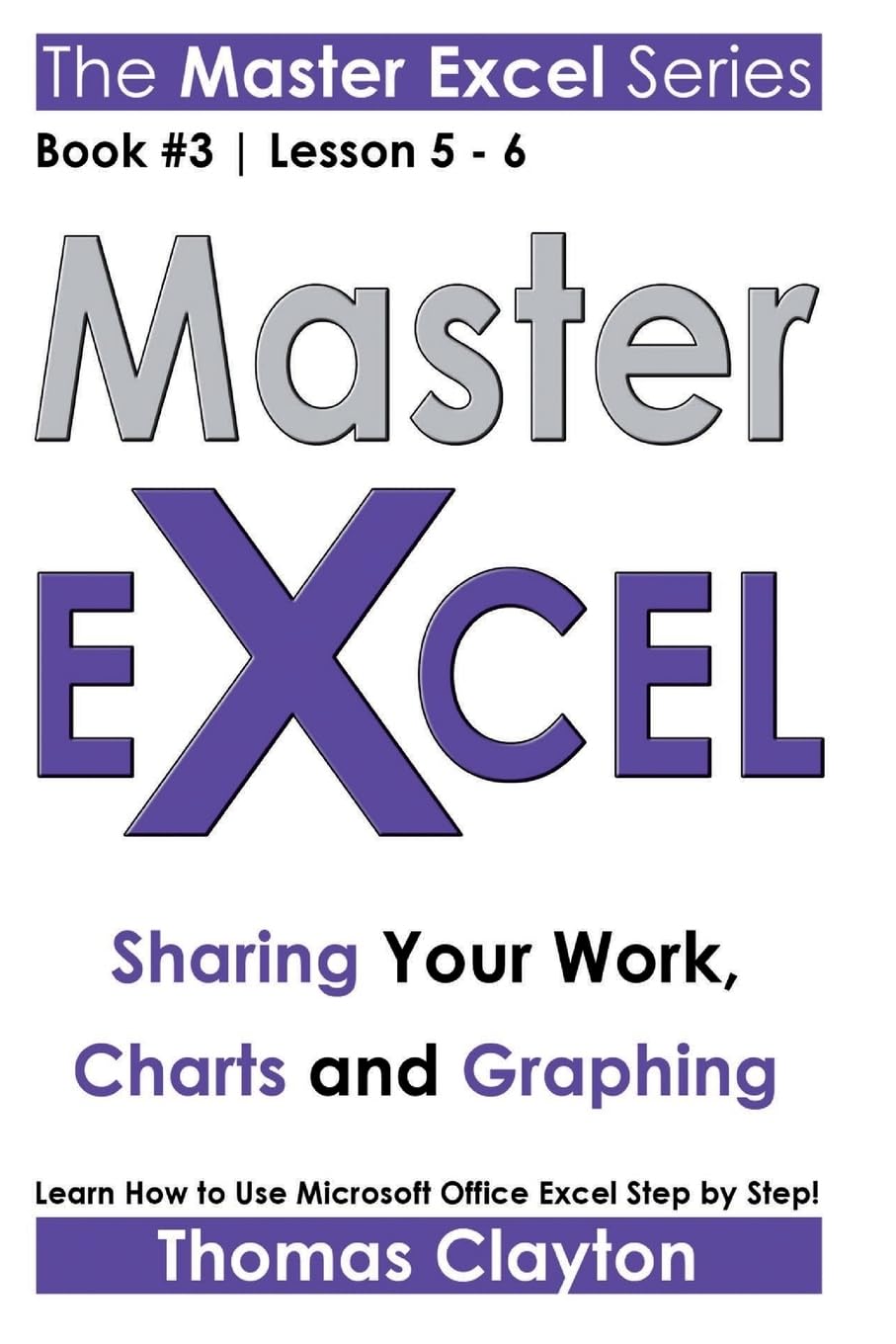
FREE BONUS Download Now!Learn How to Use Microsoft Office Excel Step by Step!#3 of the MASTER EXCEL series. Lesson five and six!This collection has been conceived like a course and every manuscript like a lesson. By the end of this course you will be able to use Excel commanding this program like a real expert! Sharing Your WorkPrinting: To add page breaks to your worksheets, To preview results prior to printing, To scale the printed version, To print only one part of a worksheet Charts and Graphing: Chart basics, Clustered column charts, Stacked column charts, 100 percent stacked column charts, Three dimensional column chart, Other column chart options, Bar charts, Simple line chart, Stacked line chart, One hundred percent stacked line chart, Three dimensional line chart, Scatter chart, Scatter chart with markers, Scatter chart with lines, Standard pie chart, Pie of pie chart, Exploded pie chart, Doughnut chart, Standard area chart, Stacked area chart, One hundred percent stacked area chart, Creating a simple chart, Changing a charts location, Change the style of a chart, Add/remove chart titles, Adding data point labels, Add a legend, Modify chart size, Create a chart template Error Messages and Bonus TipsCommon error messages If a cell returns #### Tips: Remove duplicates, Turn rows into columns, Split a cell into multiple cells, Try conditional formatting, Adding an Excel chart to a Word documentENJOY!
⚠️ WARNING (California Proposition 65):
This product may contain chemicals known to the State of California to cause cancer,
birth defects, or other reproductive harm.
For MAP (Minimum Advertised Price) violations and Intellectual Property (IP) or Trademark concerns, please contact:
support@ergodebooks.com
⚠️ California Proposition 65 Warning: Some products sold on this website may expose you to chemicals known to the State of California to cause cancer, birth defects, or other reproductive harm. For more information, visit www.P65Warnings.ca.gov.