If you have any questions, you are always welcome to contact us. We'll get back to you as soon as possible, withing 24 hours on weekdays.
Customer service
All questions about your order, return and delivery must be sent to our customer service team by e-mail at yourstore@yourdomain.com
Sale & Press
If you are interested in selling our products, need more information about our brand or wish to make a collaboration, please contact us at press@yourdomain.com
Help
If you have any questions, you are always welcome to contact us. We'll get back to you as soon as possible, withing 24 hours on weekdays.
Customer service
All questions about your order, return and delivery must be sent to our customer service team by e-mail at yourstore@yourdomain.com
Sale & Press
If you are interested in selling our products, need more information about our brand or wish to make a collaboration, please contact us at press@yourdomain.com
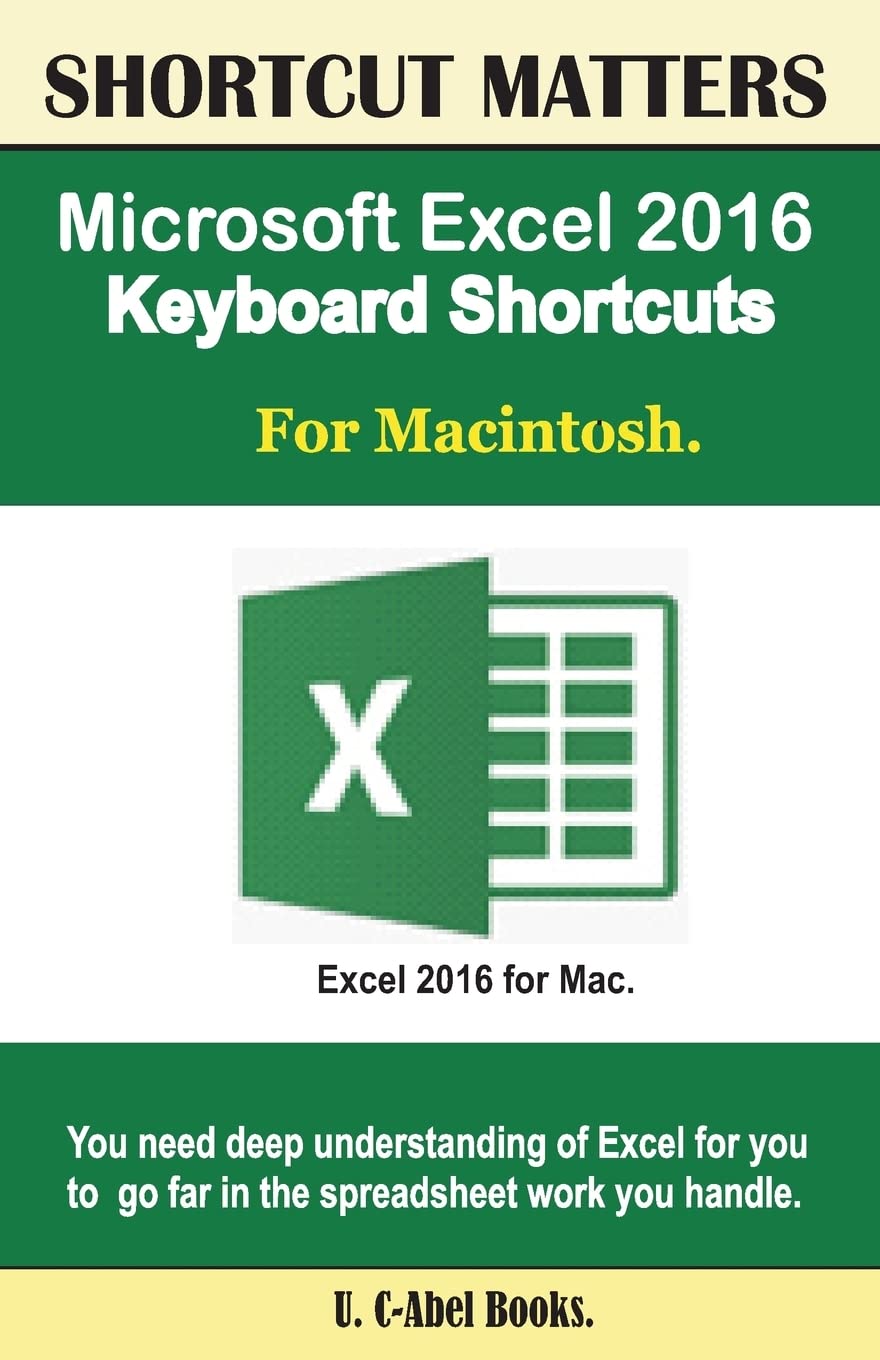
*Begin to excel in Microsoft Excel in a painless way*Microsoft Excel, a spreadsheet program used for budgeting, accounting, bookkeeping, small businesses and many more tasks is among the best spreadsheet programs available in the market today. Without an encyclopedic knowledge of Excel, one maybe found wanting in so many areas as far as spreadsheet is concerned. That is why you need to really prepare yourself. Your preparation requires that you begin to practice the use of keyboard shortcuts. The keyboard shortcuts that are listed in this book will help you to use Excel in a fashionable, organized and productive way.We have compiled keyboard shortcuts for Mac users to use in Excel 2016 to help them get started. Just before you begin Knowing About Mac and Excel 2016 15 Most Important Keyboard Shortcuts Frequently Used Shortcuts. Function Keys. Move and Scroll in a Sheet or Workbook. Print with Keyboard Shortcuts. Enter Data on a Sheet. Work in Cells or the Formula Bar. Format and Edit Data. Work With a Selection. Select Cells, Columns, or Rows. Use Charts. Sort, Filter, and Use PivotTable Reports. Outline Data, Work In Windows. Work In Dialog Boxes. Use Function Key Shortcuts.Click "Add To Cart" to start climbing the ladder of Excel in a successful way today.
⚠️ WARNING (California Proposition 65):
This product may contain chemicals known to the State of California to cause cancer,
birth defects, or other reproductive harm.
For MAP (Minimum Advertised Price) violations and Intellectual Property (IP) or Trademark concerns, please contact:
support@ergodebooks.com
⚠️ California Proposition 65 Warning: Some products sold on this website may expose you to chemicals known to the State of California to cause cancer, birth defects, or other reproductive harm. For more information, visit www.P65Warnings.ca.gov.