If you have any questions, you are always welcome to contact us. We'll get back to you as soon as possible, withing 24 hours on weekdays.
Customer service
All questions about your order, return and delivery must be sent to our customer service team by e-mail at yourstore@yourdomain.com
Sale & Press
If you are interested in selling our products, need more information about our brand or wish to make a collaboration, please contact us at press@yourdomain.com
Help
If you have any questions, you are always welcome to contact us. We'll get back to you as soon as possible, withing 24 hours on weekdays.
Customer service
All questions about your order, return and delivery must be sent to our customer service team by e-mail at yourstore@yourdomain.com
Sale & Press
If you are interested in selling our products, need more information about our brand or wish to make a collaboration, please contact us at press@yourdomain.com
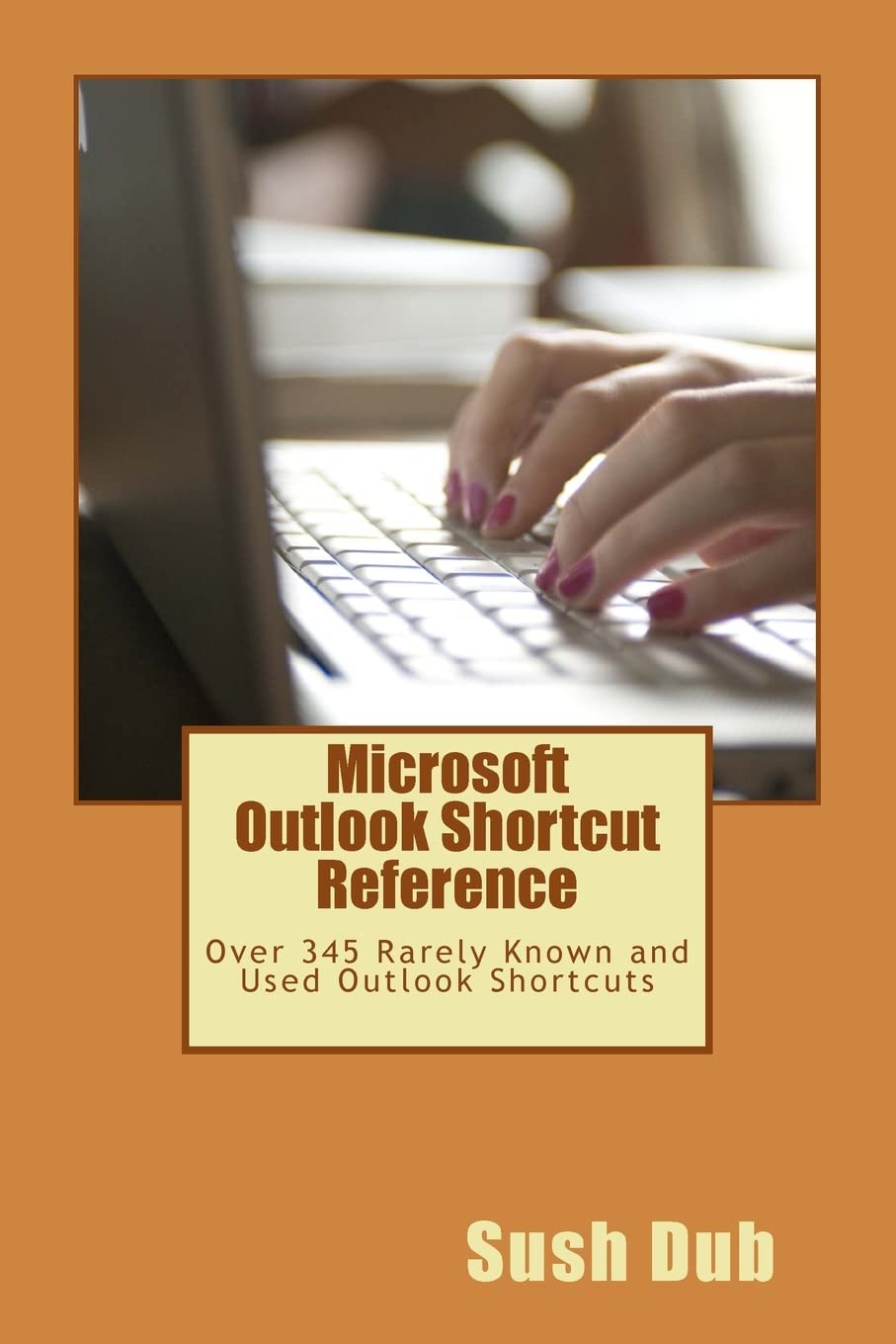
As a user of Microsoft Outlook, which is a leading email and collaboration tool from Microsoft, you would already be aware that Microsoft office application and most of such office applications requires extensive use of keyboard. However, it is very annoying to take your hands off the keyboard and to perform a few operations such as checking new emails, inserting attachments, sending email, and so on. Moreover, if you need to work on a large number of emails it could be at times, a very frustrating experience. Microsoft Outlook 2010 alone has more than 300 shortcut key sequences defined that are rarely known and hence hardly used. It would not be an exaggeration to state that not more than 5% of outlook users know the application well enough. This reference guide contains all the shortcuts discovered, which may or may not have been documented. Knowing and using these shortcuts can make you a pro Outlook user beyond all doubts. I would like to state it categorically here that, to use the Microsoft Outlook application it is not at a requirement to know any particular shortcut key. The application has been designed beautifully to help you easily navigate the application without any knowledge. However, if you do not know the computer shortcuts and/or do not to use shortcuts you may not be able to work at the same speed and accuracy as another user who knows and uses shortcut keys.
⚠️ WARNING (California Proposition 65):
This product may contain chemicals known to the State of California to cause cancer,
birth defects, or other reproductive harm.
For MAP (Minimum Advertised Price) violations and Intellectual Property (IP) or Trademark concerns, please contact:
support@ergodebooks.com
⚠️ California Proposition 65 Warning: Some products sold on this website may expose you to chemicals known to the State of California to cause cancer, birth defects, or other reproductive harm. For more information, visit www.P65Warnings.ca.gov.