
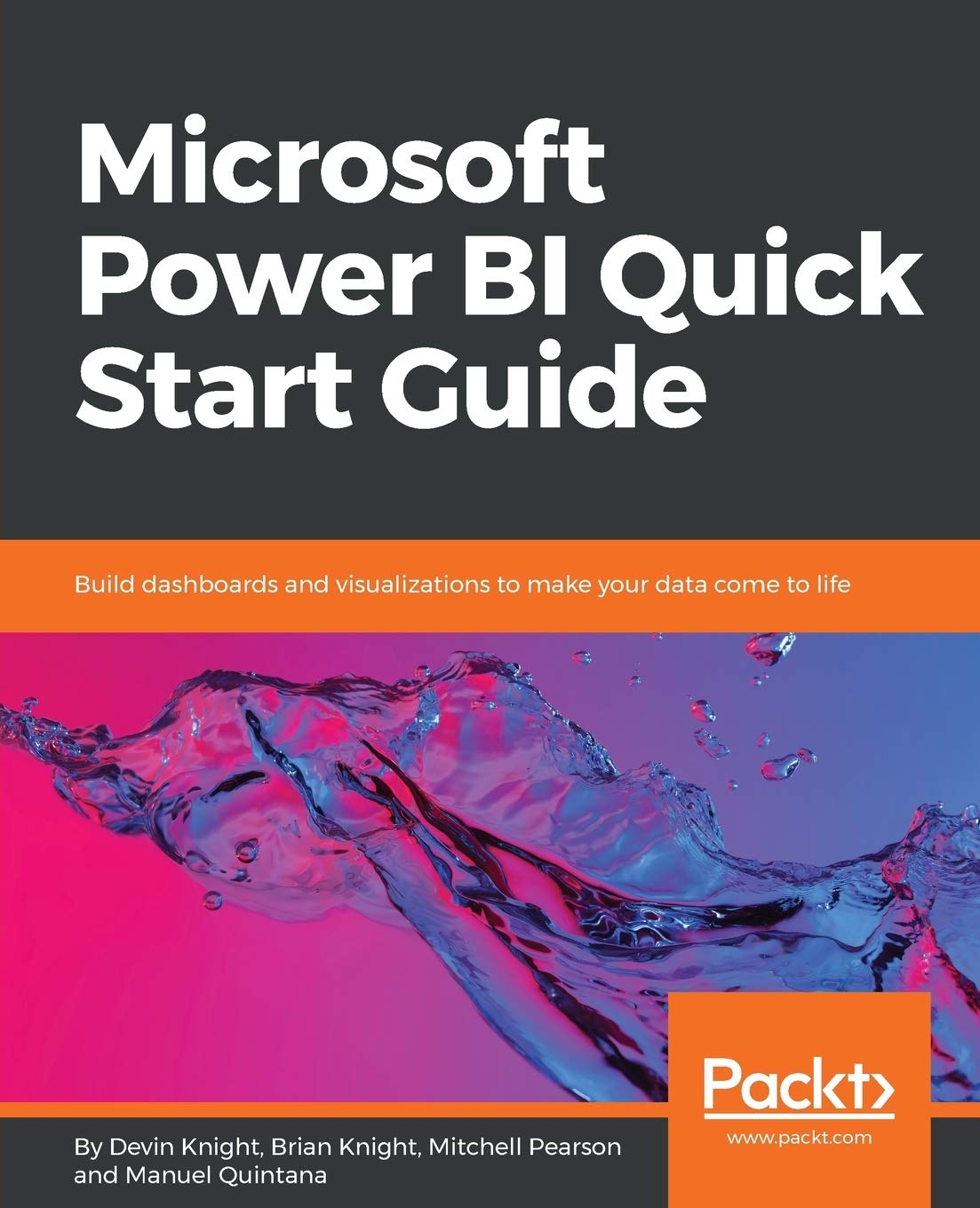
Title
Microsoft Power Bi Quick Start Guide: Build Dashboards And Visualizations To Make Your Data Come To Life
Sold by Ergodebooks, an authorized reseller.
Returns accepted within 30 days | support@ergodebooks.com
Shipping Information
- Free Standard Shipping — United States only
- Processing Time: 3–5 business days
- Estimated Delivery: 6–10 business days after dispatch
- Double-boxed, fully insured & discreetly packaged
- Tracking number sent via email once dispatched
Returns & Refund
Returns accepted within 30 days of delivery.
Damaged or Defective Item
Free return shipping + replacement or full refund
Wrong Item Received
Free return shipping + replacement or full refund
Change of Mind
Return shipping at customer's expense · 25% restocking fee applies
Payment Option

Bring Your Data To Life With Power Bi Key Features Get To Grips With The Fundamentals Of Microsoft Power Bi And Its Business Intelligence Capabilities Build Accurate Analytical Models, Reports And Dashboards? Get Faster And More Intuitive Insights From Your Data Using Microsoft Power Bi Book Descriptionmicrosoft Power Bi Is A Cloudbased Service That Helps You Easily Visualize And Share Insights Using Your Organization'S Data.This Book Will Get You Started With Business Intelligence Using The Power Bi Toolset, Covering Essential Concepts Such As Installation,Designing Effective Data Models, As Well As Building Basic Dashboards And Visualizations To Make Your Data Come To Lifeyou Will Learn How To Get Your Data The Way You Want Connecting To Data Sources Sources And How To Clean Your Data With The Power Bi Query Editor. You Will Next Learn How To Properly Design Your Data Model To Make Your Data Easier To Work With.. You Will Next Learn How To Properly Design Your Data Model To Navigate Table Relationships And Build Dax Formulas To Make Your Data Easier To Work With.Visualizing Your Data Is Another Key Element Of This Book, And You Will Learn How To Follow Proper Data Visualization Styles And Enhanced Digital Storytelling Techniques.By The End Of This Book, You Will Understand How To Administer Your Organization'S Power Bi Environment So Deployment Can Be Made Seamless, Data Refreshes Can Run Properly, And Security Can Be Fully Implemented What You Will Learn Connect To Data Sources Using Both Import And Directquery Options Use The Query Editor To Apply Data Transformations And Data Cleansing Processes, Including Learning How To Write M And R Scripts Design Optimized Data Models By Designing Relationships And Dax Calculations Leverage Builtin And Custom Visuals To Design Effective Reports Use The Power Bi Desktop And Power Bi Service To Implement Row Level Security On Your Model Administer A Power Bi Cloud Tenant For Your Organization Deploy Your Power Bi Desktop Files Into The Power Bi Report Server Who This Book Is Forthis Book Is For Aspiring Business Intelligence Professionals Who Want To Get Up And Running With Microsoft Power Bi. If You Have A Basic Understanding Of Bi Concepts And Want To Learn How To Apply Them Using Microsoft Power Bi, This Book Is For You. Table Of Contents Getting Started With Importing Data Options Data Transformation Strategies Building The Data Model Leveraging Dax Visualizing Data Digital Storytelling With Power Bi Using A Cloud Deployment With The Power Bi Service Onpremises Solutions With Power Bi Report Server
⚠️ WARNING (California Proposition 65):
This product may contain chemicals known to the State of California to cause cancer, birth defects, or other reproductive harm.
For more information, please visit www.P65Warnings.ca.gov.
- Q: How many pages does the book have? A: The book has two hundred pages. This length provides a comprehensive overview of Microsoft Power BI and its functionalities.
- Q: What is the binding type of this book? A: The book is paperback bound. This makes it lightweight and easy to handle for reading or reference.
- Q: What are the dimensions of the book? A: The book measures nine point twenty-five inches in length, seven point five inches in width, and nine point twenty-five inches in height. These dimensions make it portable and easy to store.
- Q: How do I get started with Power BI? A: You can start by connecting to your data sources using the import option or DirectQuery. The book guides you through installation and initial setup.
- Q: Is this book suitable for beginners? A: Yes, the book is suitable for beginners. It covers fundamental concepts and provides step-by-step guidance for new users of Microsoft Power BI.
- Q: Can I use this book for advanced Power BI techniques? A: Yes, the book also touches on advanced techniques such as DAX calculations and Row Level Security. It offers insights for both beginners and more experienced users.
- Q: What are the recommended practices for data visualization in this book? A: The book emphasizes following proper data visualization styles and enhanced digital storytelling techniques. It includes practical examples and best practices.
- Q: How can I clean and transform my data using Power BI? A: You can use the Power BI Query Editor to apply data transformations and cleaning processes. The book provides detailed instructions on writing M and R scripts.
- Q: How do I maintain my Power BI environment? A: You can manage your Power BI environment by ensuring seamless deployment and proper data refreshes. The book includes administrative tips for effective management.
- Q: What is the focus of the book's content? A: The book focuses on business intelligence using Microsoft Power BI. It covers essential concepts and practical applications.
- Q: Does the book provide examples of dashboards? A: Yes, the book includes examples of dashboards and visualizations. These examples help illustrate the capabilities of Power BI.
- Q: Are there any prerequisites to read this book? A: No specific prerequisites are required. Basic familiarity with data concepts will be helpful but is not mandatory.
- Q: Can I find troubleshooting tips in this book? A: Yes, the book includes troubleshooting tips for common issues faced while using Power BI. It aims to assist users in resolving challenges.
- Q: How is the book structured for easy understanding? A: The book is structured into clear sections and chapters, making it easy to follow along and reference specific topics.
- Q: What is the author's background? A: The book is authored by Devin Knight. He has expertise in Microsoft Power BI and business intelligence, providing valuable insights.
- Q: Is there a focus on security measures in Power BI? A: Yes, the book discusses security measures, including how to implement Row Level Security within your Power BI models.