
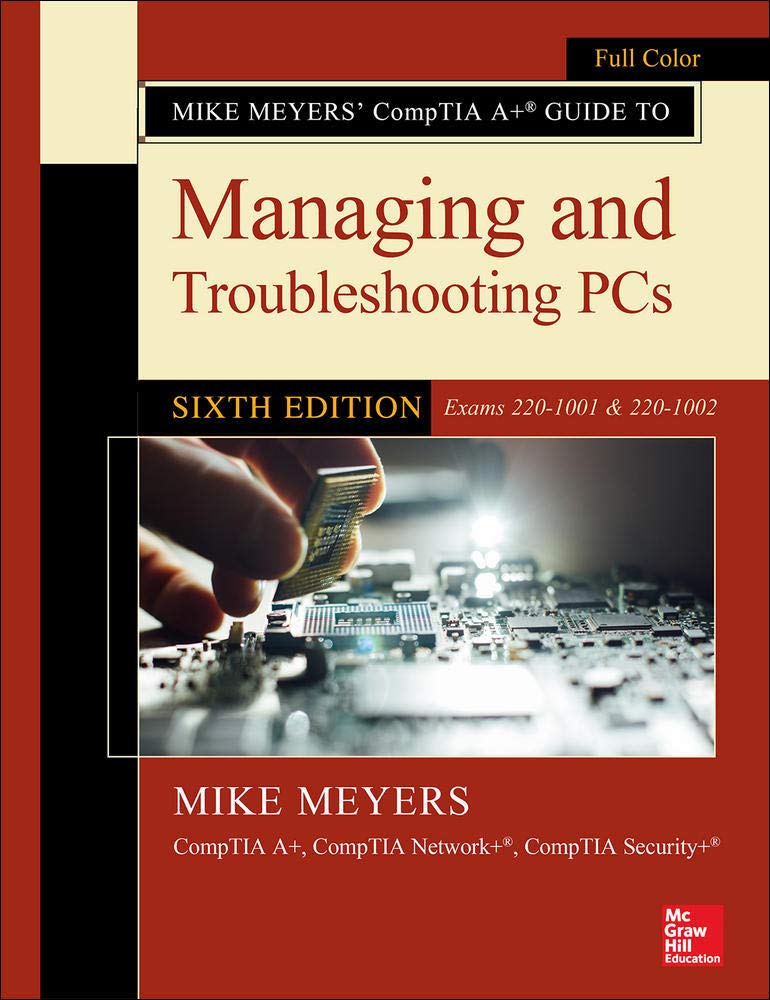
Title
Mike Meyers' CompTIA A+ Guide to Managing and Troubleshooting PCs, Sixth Edition (Exams 2201001 & 2201002),Used
Sold by Ergodebooks, an authorized reseller.
Returns accepted within 30 days | support@ergodebooks.com
Shipping Information
- Free Standard Shipping — United States only
- Processing Time: 3–5 business days
- Estimated Delivery: 6–10 business days after dispatch
- Double-boxed, fully insured & discreetly packaged
- Tracking number sent via email once dispatched
Returns & Refund
Returns accepted within 30 days of delivery.
Damaged or Defective Item
Free return shipping + replacement or full refund
Wrong Item Received
Free return shipping + replacement or full refund
Change of Mind
Return shipping at customer's expense · 25% restocking fee applies
Payment Option

Publisher's Note: Products purchased from Third Party sellers are not guaranteed by the publisher for quality, authenticity, or access to any online entitlements included with the product.Fully Updated for Core 1 and Core 2 ExamsEssential Skills for a Successful IT CareerWritten by the leading authority on CompTIA A+ certification and training, this fourcolor guide will help you pass CompTIA A+ exams 2201001 and 2201002 and become a certified IT professional with proven expertise in hardware and software. Mike Meyers CompTIA A+ Guide to Managing and Troubleshooting PCs, Sixth Edition offers complete coverage of the latest exam objectives. Youll get onthejob tips, endofchapter review questions, and hundreds of photographs and illustrations. Also includes a voucher coupon for a 10% discount on your CompTIA exams!Note: this textbook is intended for classroom use and answers to the end of chapter sections are only available to adopting instructorsplease contact your McGrawHill Education sales representative.Learn how to: Work with CPUs, RAM, BIOS, motherboards, power supplies, and other personal computer components Install, configure, and maintain hard drives Manage input devices and removable media Set up, upgrade, and maintain all versions of Windows Troubleshoot and fix computer problems Establish users and groups Set up video and multimedia cards Administer smartphones, tablets, and other mobile devices Set up wired and wireless networks Connect to the Internet Protect your personal computer and your network Install printers and other peripherals Implement virtualization and cloudbased technologies Understand safety and environmental issuesOnline content includes: Practice exams for 1001 & 1002 One hour+ of free video training from Mike Meyers TotalSim online simulations of performancebased questions A list of Mike's favorite PC tools & utilities
⚠️ WARNING (California Proposition 65):
This product may contain chemicals known to the State of California to cause cancer, birth defects, or other reproductive harm.
For more information, please visit www.P65Warnings.ca.gov.