
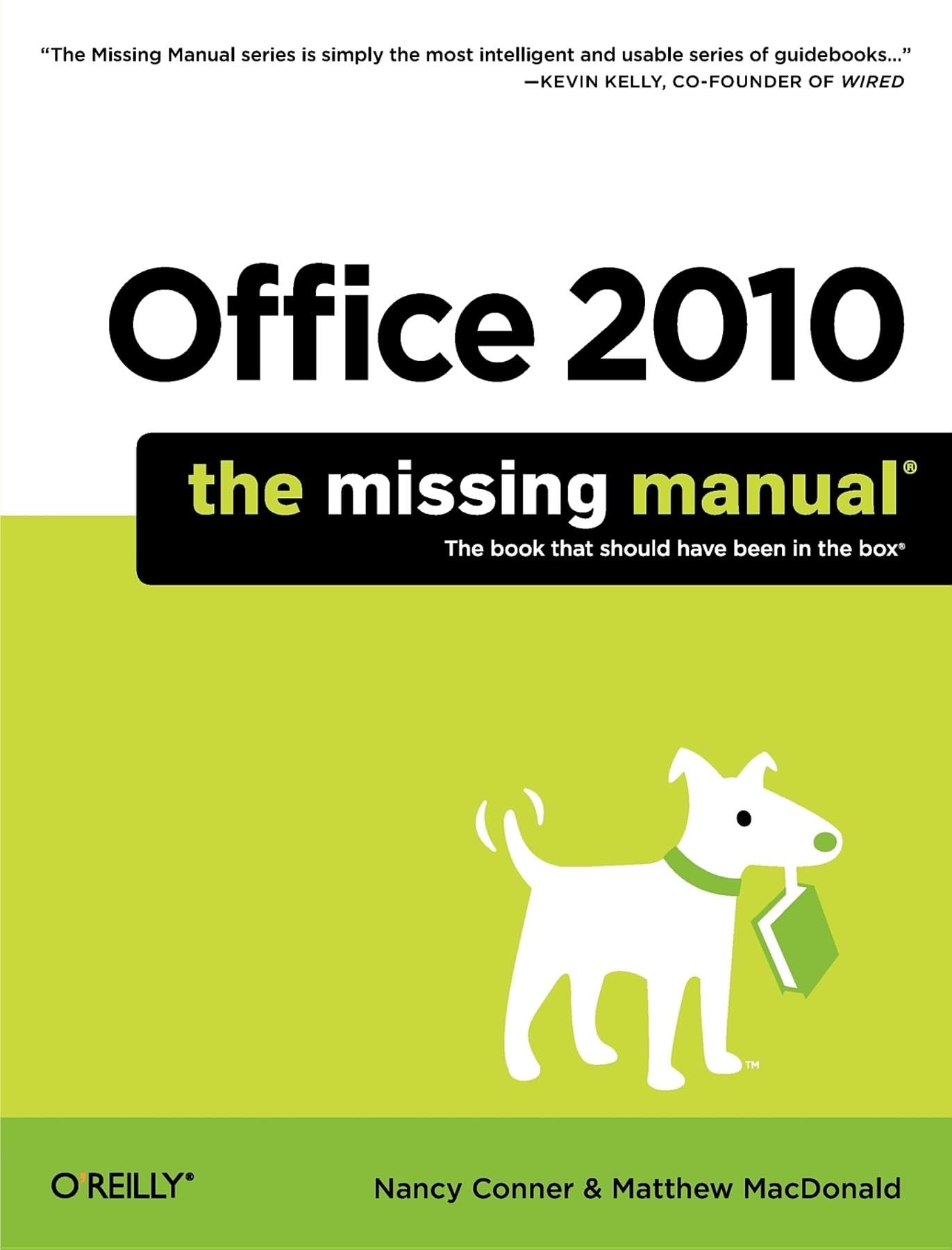
Title
Office 2010: The Missing Manual (Missing Manuals),New
Sold by Ergodebooks, an authorized reseller.
Returns accepted within 30 days | support@ergodebooks.com
Shipping Information
- Free Standard Shipping — United States only
- Processing Time: 3–5 business days
- Estimated Delivery: 6–10 business days after dispatch
- Double-boxed, fully insured & discreetly packaged
- Tracking number sent via email once dispatched
Returns & Refund
Returns accepted within 30 days of delivery.
Damaged or Defective Item
Free return shipping + replacement or full refund
Wrong Item Received
Free return shipping + replacement or full refund
Change of Mind
Return shipping at customer's expense · 25% restocking fee applies
Payment Option

Whether you're new to Microsoft Office or have used it for years, this clear and friendly primer helps you be productive with Word, Outlook, Excel, PowerPoint, Access, and the rest of the Office apps from day one. Learn what's new in Office 2010 and get a complete, stepbystep guide to each of its main programs, along with details on Publisher, OneNote, and Office Web Apps. With this Missing Manual on hand, you'll be creating professionalquality documents, spreadsheets, presentations, and databases in no time.Office 2010: The Missing Manual is a great way to master Office 2010 without having to stock up on a shelfload of books. Packed with illustrations and friendly advice, it's truly the book that should have been in the box. Learn everything from basic word processing to desktop and web publishing with Word Use tables, graphics, and videos to create sophisticated Word documents Manage your contacts and keep track of your schedule with Outlook Quickly create and edit PowerPoint presentations, and snazz them up with videos and sound Build spreadsheets, use functions and formulas, and create charts and graphics with Excel Design databases and manage large stores of text, numbers, and pictures with Access Six Things to Love about Office 2010Office 2007 represented an Office revolution, introducing the Ribbona screentop strip of buttons, organized around common tasks, that replaced the unwieldy collection of toolbars found in earlier versions. The Ribbon forever changed the way people worked with Word, Excel, PowerPoint, and the other Office programs. Office 2010 doesnt shake things up the way its predecessor did, but it does finetune the entire machine and adds some nifty new features. Whether youre upgrading from Office 2007 or youre a holdout from an earlier version of Office, here are six things youll love about Office 2010: Customizable ribbon. The Ribbon helps you find the command you want by making common commands visible as easytospot buttons organized into related groups. Of course, no one knows how you work as well as you do, and thats why you can now customize the Ribbon. Handtailor the Ribbon by organizing its commands in a way that makes sense to you. You can add new tabs, create your own groups, add or remove buttons, and more. Never again scratch your head wondering where to find the command you want.Backstage view. With Office 2010, Microsoft introduces Backstage view, a smart new way to work with files. Backstage view gathers together everything that you might do with a file (as opposed to what you might do to a file): create a new file, open an existing one, save, print, set permissions, or share. In Word, for example, when youre finished editing a document, you go Backstage to print it or email it to a colleague. You get Backstage by clicking the File tab, the leftmost tab on every Ribbon. Clicking here takes you out of editing view and shows information about the file itselfthats why they call it Backstage.Better photoediting tools. Okay, so Office 2010 isnt Photoshopbut it was never intended to be. Still, you can add cool effects and edit your photos without having to switch to a photo editor. Crop photos, remove distracting backgrounds, and capture screenshots of open windowsright from Office.Paste preview. If youve ever been frustrated by having to reformat text pasted into an Office file from another source, youll appreciate this feature. Paste Preview shows you a live preview of how pastedin text will look in your document, spreadsheet, or other file. You can switch between paste options to make sure that your work looks the way you want it to.Protected view. Lots of people think nothing of downloading and opening files that they find on the Interneteven when they have no idea who created these documents. To protect your computer, Office programs open downloaded files in Protected view, showing a readonly version of the file that cant do nasty things to your computer.
⚠️ WARNING (California Proposition 65):
This product may contain chemicals known to the State of California to cause cancer, birth defects, or other reproductive harm.
For more information, please visit www.P65Warnings.ca.gov.