If you have any questions, you are always welcome to contact us. We'll get back to you as soon as possible, withing 24 hours on weekdays.
Customer service
All questions about your order, return and delivery must be sent to our customer service team by e-mail at yourstore@yourdomain.com
Sale & Press
If you are interested in selling our products, need more information about our brand or wish to make a collaboration, please contact us at press@yourdomain.com
Help
If you have any questions, you are always welcome to contact us. We'll get back to you as soon as possible, withing 24 hours on weekdays.
Customer service
All questions about your order, return and delivery must be sent to our customer service team by e-mail at yourstore@yourdomain.com
Sale & Press
If you are interested in selling our products, need more information about our brand or wish to make a collaboration, please contact us at press@yourdomain.com
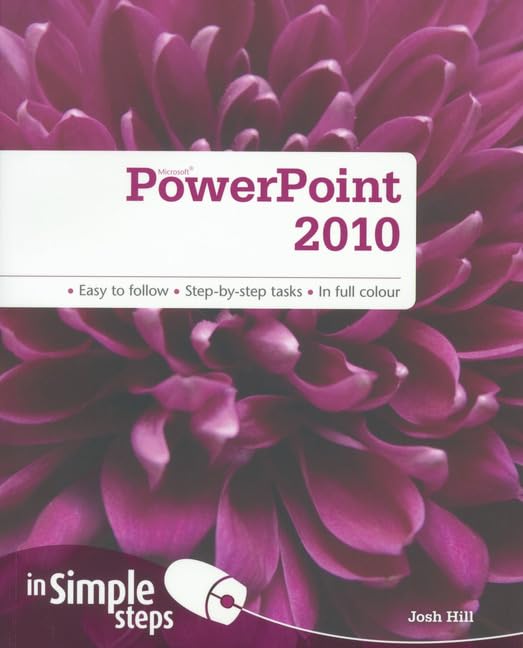
1. Getting familiar with PowerPoint 2010a. The ribbonb. The File tabc. The Home tabd. The Insert tabe. The Design tabf. The Transitions tabg. The Animations tabh. The Slide Show tabi. The Review tabj. The View tab2. Working with slidesa. Add slidesb. Remove slidesc. Move slidesd. Adding text to slidese. Apply a layout to a slidef. Choosing slide templatesg. Applying backgroundsh. Applying watermarksi. Using themesj. Adding headers and footersk. Organising slides3. Using tablesa. Adding a table to a slideb. Adding rows, columns and cells to a tablec. Deleting rows or columns from a tabled. Merging cells in a tablee. Formatting tables4. Adding clip art and graphicsa. Adding SmartArt graphicsb. Adding shapesc. Deleting shapesd. Modifying shapese. Wrap text around an objectf. Convert text to graphicsg. Adjust transparency of a pictureh. Adding charts and diagramsi. Types of charts availablej. Change the style or layout of a chart5. Adding media contenta. Compatible audio and video filesb. Embed a video into a presentationc. Link to a video in a presentationd. Deleting a video from a presentatione. Set video play options in the presentationf. Convert the presentation to a videog. Adding audio to a presentation6. Transitions and animationsa. Add transitions between slidesb. Change transitions between slidesc. Remove transitions between slidesd. Animate a SmartArt graphice. Animate textf. Animate objects7. Working with slideshowsa. Playing the slide showb. AutoPlay the slide showc. Broadcasting the slide show over the Internetd. Saving the slide show to a CD or DVDe. Printing the presentation
⚠️ WARNING (California Proposition 65):
This product may contain chemicals known to the State of California to cause cancer,
birth defects, or other reproductive harm.
For MAP (Minimum Advertised Price) violations and Intellectual Property (IP) or Trademark concerns, please contact:
support@ergodebooks.com
⚠️ California Proposition 65 Warning: Some products sold on this website may expose you to chemicals known to the State of California to cause cancer, birth defects, or other reproductive harm. For more information, visit www.P65Warnings.ca.gov.