
Title
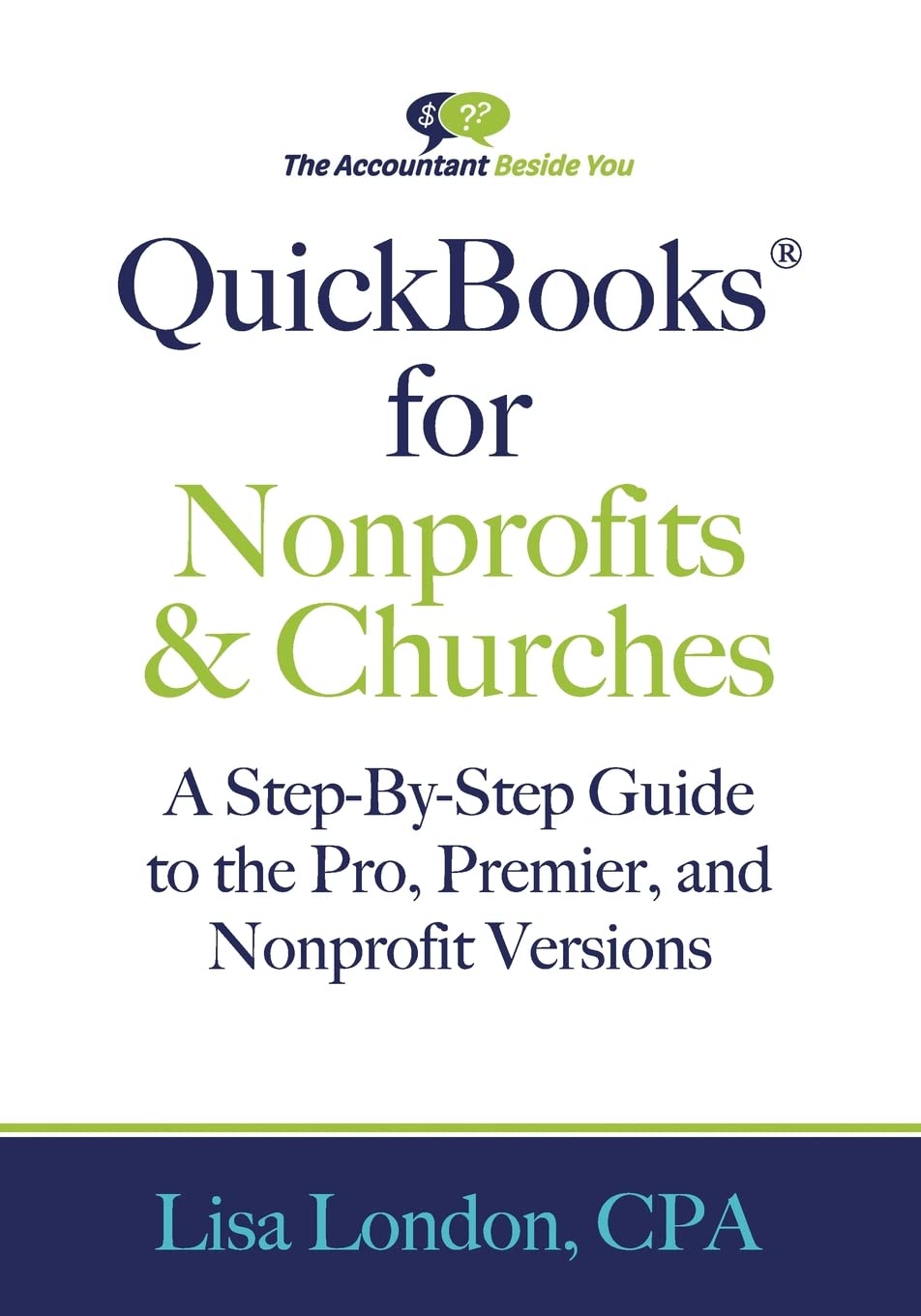
QuickBooks for Nonprofits & Churches: A SetpByStep Guide to the Pro, Premier, and Nonprofit Versions (The Accountant Beside Yo,New
Sold by Ergodebooks, an authorized reseller.
Returns accepted within 30 days | support@ergodebooks.com
Shipping Information
- Free Standard Shipping — United States only
- Processing Time: 3–5 business days
- Estimated Delivery: 6–10 business days after dispatch
- Double-boxed, fully insured & discreetly packaged
- Tracking number sent via email once dispatched
Returns & Refund
Returns accepted within 30 days of delivery.
Damaged or Defective Item
Free return shipping + replacement or full refund
Wrong Item Received
Free return shipping + replacement or full refund
Change of Mind
Return shipping at customer's expense · 25% restocking fee applies
Payment Option

The ONLY book for using QuickBooks Pro, Premier, or Nonprofit in a Nonprofit or a Religious Organization.The Accountant Beside You, CPA Lisa London, has helped tens of thousands of readers worldwide set up efficient systems to reduce frustration and save time and money. In QuickBooks for Nonprofits & ChurchesThe StepByStep Guide to the Pro, Premier, and Nonprofit Versions, Lisa explains in simple, concise terms the steps you need to take to: design a chart of accounts for your specific organization, receive and track grants, handle payroll in house, including pastor housing allowance, use bank feeds, record investment income and stock gains & losses, track member accounts, keep the money safe with easy to follow internal controls customize donor acknowledgements and so much more. A CPA with decades of experience working with businesses, nonprofits, and churches, Lisa London explains complex concepts in a readerfriendly engaging manner. Hundreds of screen shots guide you through the process. Whether you are new to QuickBooks or an experienced user, Lisa London will be The Accountant Beside You all the way.Table of ContentsChapter 1 QuickBooks, Fund Accounting, & Internal ControlsChapter 2 Acquainting Yourself with QuickBooksChapter 3 Getting StartedChapter 4 Designing the Chart of AccountsChapter 5 Tracking Grants & ProgramsChapter 6 Tracking the TransactionsItemsChapter 7 Setting Up Donors and VendorsChapter 8 Importing Donors & Vendors from FilesChapter 9 Recording the Money Coming InChapter 10 Recording the Money Going OutChapter 11 Entering PayrollChapter 12 Using Bank FeedsChapter 13 Reconciling the BankChapter 14 Designing & Running ReportsChapter 15 Planning the BudgetChapter 16 Closing Out Month End and Year EndChapter 17 How Do I Handle? A. How Do I Account For ? 1. Mission Trips or MemberSpecific Accounts 2. Fundraisers 3. InKind Donations 4. Volunteer Hours 5. Show a Reserve Account on the Income Statement 6. Interfund Transfers 7. Donations of Stock 8. Investment Gains and Losses B. How Do I ? 1. Set Up MultipleUsers and Passwords 2. Send an Accountant Copy 3. Record a Mortgage 4. Send a Thank You from the Receipts Screen 5. Using the purchase order option on grants 6. Merge duplicated donor or vendor accounts
⚠️ WARNING (California Proposition 65):
This product may contain chemicals known to the State of California to cause cancer, birth defects, or other reproductive harm.
For more information, please visit www.P65Warnings.ca.gov.