
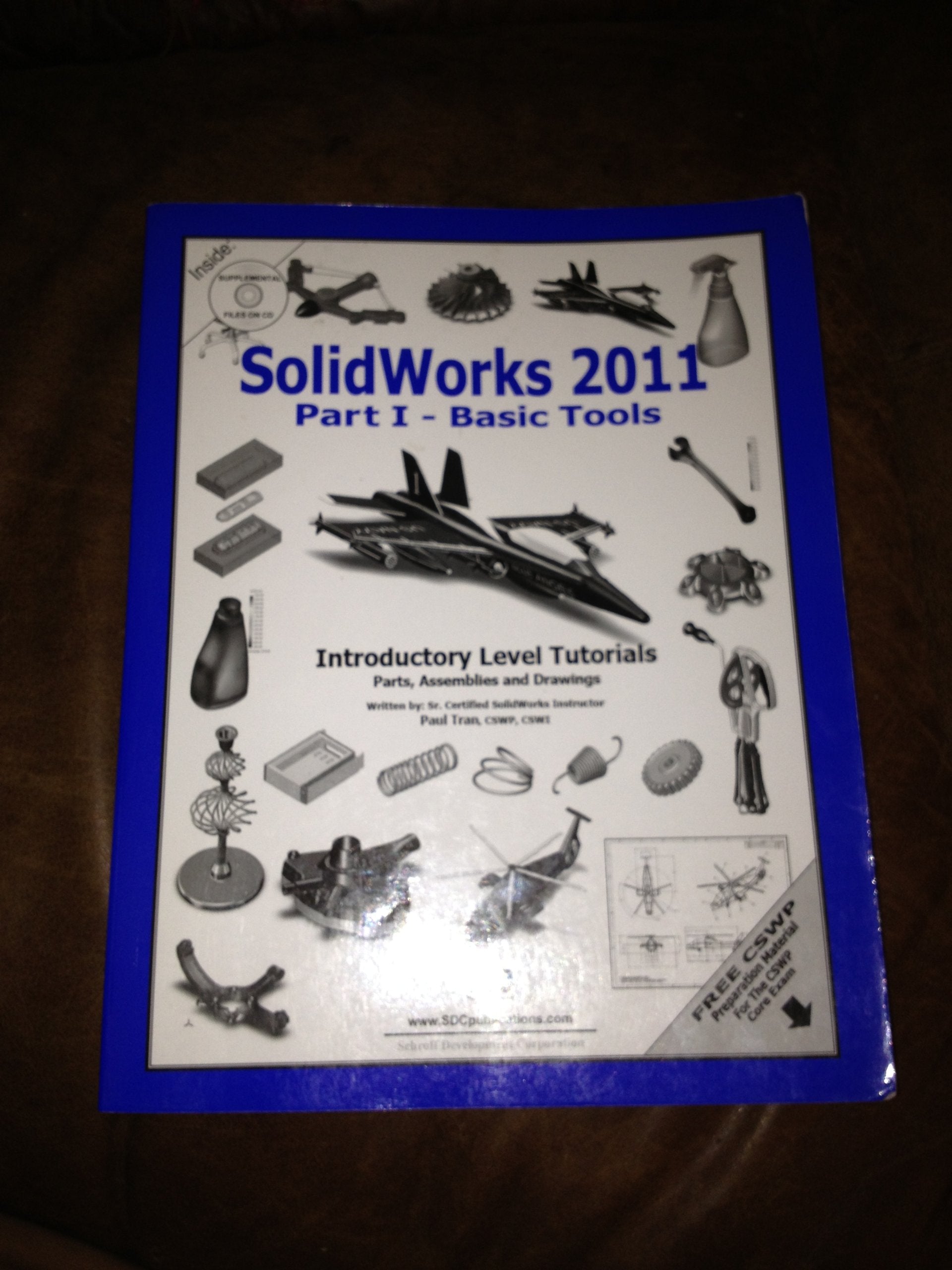
Title
SolidWorks 2011 Part I Basic Tools,Used
Sold by Ergodebooks, an authorized reseller.
Returns accepted within 30 days | support@ergodebooks.com
Shipping Information
- Free Standard Shipping — United States only
- Processing Time: 3–5 business days
- Estimated Delivery: 6–10 business days after dispatch
- Double-boxed, fully insured & discreetly packaged
- Tracking number sent via email once dispatched
Returns & Refund
Returns accepted within 30 days of delivery.
Damaged or Defective Item
Free return shipping + replacement or full refund
Wrong Item Received
Free return shipping + replacement or full refund
Change of Mind
Return shipping at customer's expense · 25% restocking fee applies
Payment Option

SolidWorks 2011 Part I Basic Tools introduces new users to the SolidWorks interface, SolidWorks tools and basic modeling techniques. It provides readers with a strong understanding of SolidWorks and covers the creation of parts, assemblies and drawings. Every lesson and exercise in this book was created based on real world projects. Each of these projects have been broken down and developed into easy and comprehendible steps for the reader. Furthermore, at the end of every chapter there are self test questionnaires to ensure that the reader has gained sufficient knowledge from each section before moving on to more advanced lessons. This book takes the approach that in order to understand SolidWorks, inside and out, the reader should create everything from the beginning and take it step by step.Table of ContentsIntroduction1. Setting System Settings2. Document Templates3. Basic Solid Modeling Extrude Options4. Basic Solid Modeling Extrude & Revolve5. Revolve Parts Ball Joint ArmDerived Sketches Center Ball Joint6. Rib & Shell Features Formed Tray7. Linear Patterns Test TrayCircular Patterns Spur GearCircular Patterns Circular Base MountCurve Driven Patterns & hole Wizard8. Part Configuration Machined Block9. Modeling Threads Threaded Insert10. Bottom Up Assembly Ball Joint AssemblyBottom Up Assembly Link Assembly11. Layout AssemblySolidWorks Animator The Basics12. Drawing Preparations13. Assembly Drawings Links Assembly14. Drawing Views Machined BlockDetailing Machined Block Details15. Sheet Metal Drawings Post Cap2D to 3D Convert AutoCAD into SolidWorks16. eDrawings Soft Lock Assembly17. Part I Configurations: Button AssemblyPart II, Assembly & Drawing Configs.: Wheel18. Part Design TablesAssembly Design Tables19. Preparation materials for the CSWP Core ExamStudent TestimonialsSolidWorks 2011 QuickGuidesIndex
⚠️ WARNING (California Proposition 65):
This product may contain chemicals known to the State of California to cause cancer, birth defects, or other reproductive harm.
For more information, please visit www.P65Warnings.ca.gov.