
Title
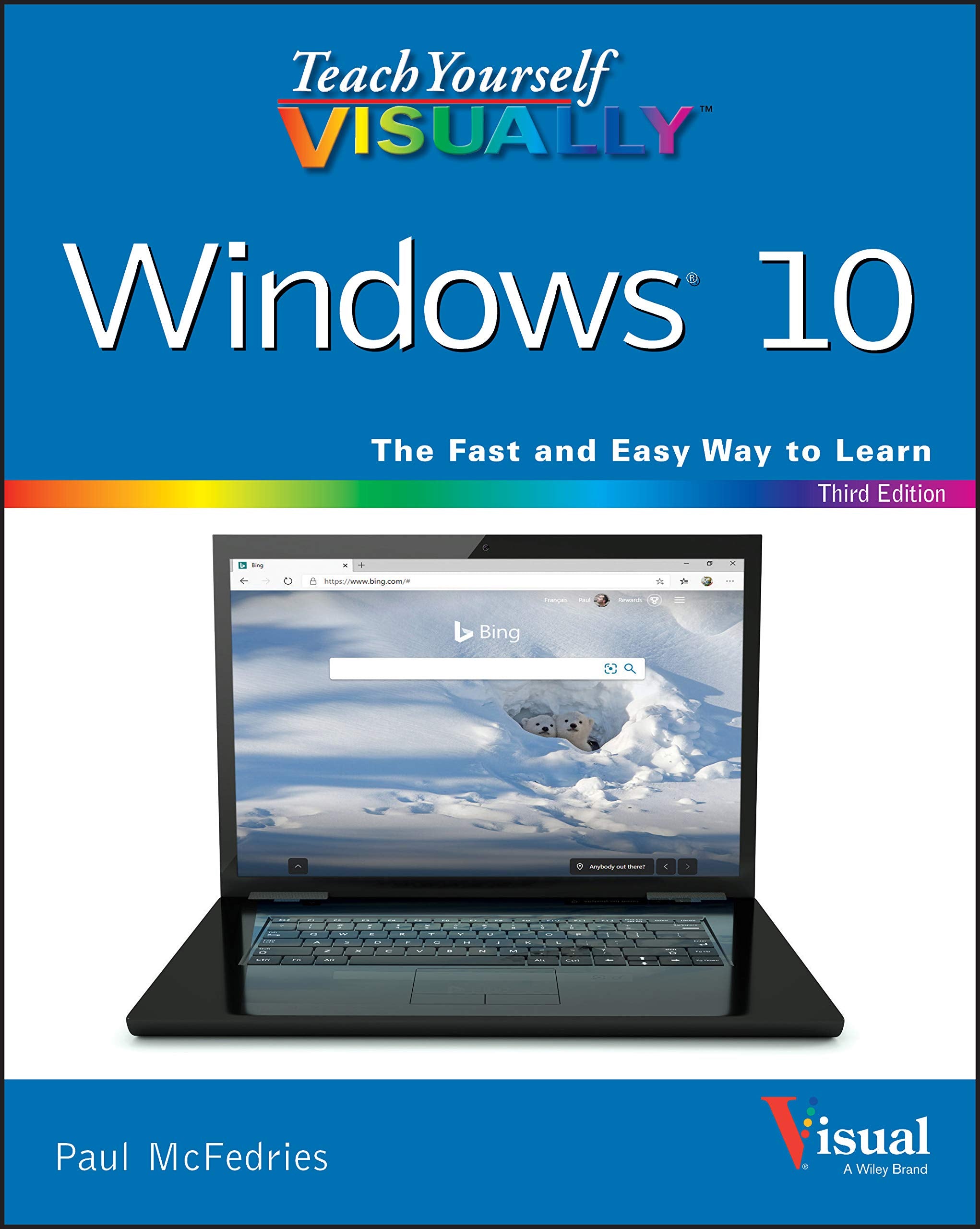
Teach Yourself Visually Windows 10 (Teach Yourself Visually (Tech))
Sold by Ergodebooks, an authorized reseller.
Returns accepted within 30 days | support@ergodebooks.com
Shipping Information
- Free Standard Shipping — United States only
- Processing Time: 3–5 business days
- Estimated Delivery: 6–10 business days after dispatch
- Double-boxed, fully insured & discreetly packaged
- Tracking number sent via email once dispatched
Returns & Refund
Returns accepted within 30 days of delivery.
Damaged or Defective Item
Free return shipping + replacement or full refund
Wrong Item Received
Free return shipping + replacement or full refund
Change of Mind
Return shipping at customer's expense · 25% restocking fee applies
Payment Option

Master Windows 10 By Reading Only One Bookteach Yourself Visually Windows 10, 3Rd Edition Brings Together All Of The Necessary Resources To Make You An Expert In The Use Of The Latest Version Of Windows. Using Highly Visual Techniques To Maximize Learner Retention And Memory, Teach Yourself Visually Windows 10 Will Have You Breezing Through The Most Popular Operating System In The World In No Time.The Book Includes Hundreds Of Stepbystep And Illustrated Sets Of Instructions To Teach You Both The Basics And The Complexities Of Windows 10 Operation. Lessons Include: Installing And Repairing Applications System Maintenance Setting Up Passwordprotection Downloading Photos Managing Media Files And Moreteach Yourself Visually Windows 10 Combines The Best Of Visual Learning Techniques With Comprehensive Source Material About The Interface And Substance Of Windows 10 To Leave You With Encyclopedic Knowledge Of The Operating System.Perfect For Beginners And Intermediate Users Alike, This Book Will Turn Your Windowsusing Experience From A Slow Slog Into A Lightingfast Masterclass Of Efficiency.
⚠️ WARNING (California Proposition 65):
This product may contain chemicals known to the State of California to cause cancer, birth defects, or other reproductive harm.
For more information, please visit www.P65Warnings.ca.gov.
- Q: What are the dimensions of this book? A: The book measures seven point three inches in length, zero point ninety-one inches in width, and nine point twenty-one inches in height.
- Q: How many pages does this book have? A: This book contains three hundred fifty-two pages, providing comprehensive coverage of Windows 10.
- Q: What type of binding does this book have? A: The book is available in paperback binding, making it easy to handle and read.
- Q: Is this book suitable for beginners? A: Yes, this book is perfect for beginners and intermediate users alike.
- Q: What topics are covered in this book? A: The book covers topics like installing applications, system maintenance, and managing media files.
- Q: How visually oriented is the content? A: The book uses highly visual techniques to maximize retention and memory, enhancing the learning experience.
- Q: How should I store this book? A: Store the book in a cool, dry place to maintain its condition and prevent damage.
- Q: Can this book be used as a reference guide? A: Yes, it serves as an excellent reference guide for Windows 10 users.
- Q: How do I clean this book? A: To clean the book, gently wipe the cover with a soft, dry cloth to remove dust.
- Q: What if the book arrives damaged? A: If the book arrives damaged, you can return it according to the seller's return policy.
- Q: Is this book recommended for advanced users? A: Yes, advanced users will also find valuable insights and techniques in this book.
- Q: What is the author’s background? A: The author, Paul McFedries, has extensive experience in technology writing, making this book credible.
- Q: Does this book include troubleshooting tips? A: Yes, it includes troubleshooting tips to help users resolve common Windows 10 issues.
- Q: Is there a digital version available? A: Currently, the listing only mentions a paperback version; check with the seller for digital availability.
- Q: How does this book compare to other Windows 10 guides? A: This book stands out with its visual learning approach, making complex topics more understandable.