
Title
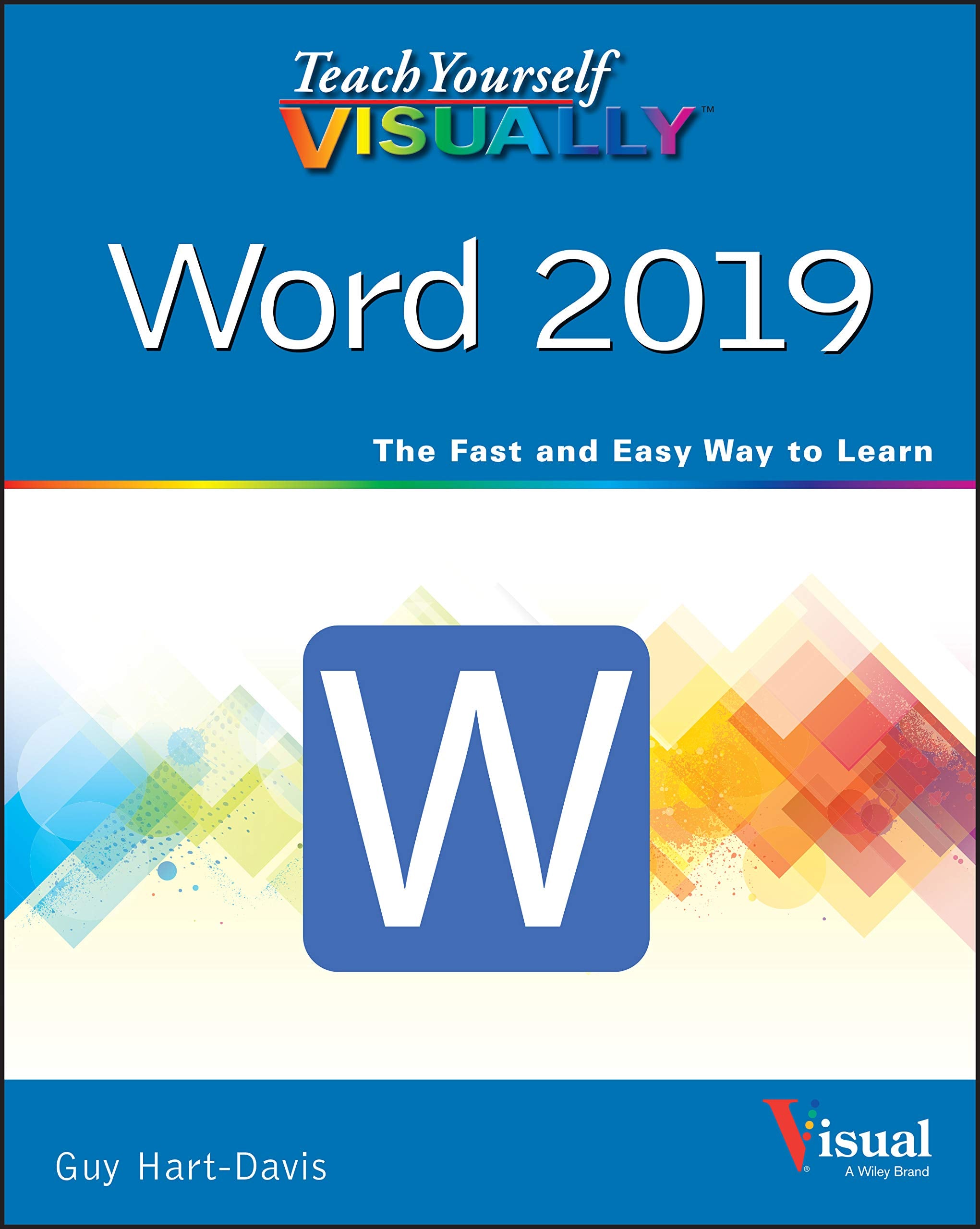
Teach Yourself VISUALLY Word 2019 (Teach Yourself VISUALLY (Tech)),Used
Sold by Ergodebooks, an authorized reseller.
Returns accepted within 30 days | support@ergodebooks.com
Shipping Information
- Free Standard Shipping — United States only
- Processing Time: 3–5 business days
- Estimated Delivery: 6–10 business days after dispatch
- Double-boxed, fully insured & discreetly packaged
- Tracking number sent via email once dispatched
Returns & Refund
Returns accepted within 30 days of delivery.
Damaged or Defective Item
Free return shipping + replacement or full refund
Wrong Item Received
Free return shipping + replacement or full refund
Change of Mind
Return shipping at customer's expense · 25% restocking fee applies
Payment Option

Master one of the most popular word processors ever with this essential, visual referenceTeach Yourself VISUALLY: Word 2019 provides readers with a thorough and visual exploration of the 2019 edition of Microsoft Word. Written by the celebrated author of over 100 books on computing, Guy HartDavis, Teach Yourself VISUALLY: Word 2019 allows you to quickly get up to speed with one of the most popular word processors on the planet.The book covers all the topics youll need to comprehensively master Word 2019, and includes: Fullcolor, stepbystep instructions showing you how to perform all the essential tasks of Microsoft Word 2019 How to set up and format documents, edit them, and add images and charts How to post documents online for sharing and reviewing and take advantage of all the newest features of WordNewly updated to include the latest features of Microsoft Word, like how to collaborate on documents in real time, draw and write with the digital pen, new accessibility options and the new Resume Assistant, Teach Yourself VISUALLY: Word 2019 belongs on the shelf of anyone who wants to improve their effectiveness with this essential word processor.
⚠️ WARNING (California Proposition 65):
This product may contain chemicals known to the State of California to cause cancer, birth defects, or other reproductive harm.
For more information, please visit www.P65Warnings.ca.gov.
- Q: What are the dimensions of Teach Yourself VISUALLY Word 2019? A: The book measures seven point three inches in length, zero point eight inches in width, and nine point one inches in height.
- Q: How many pages does this book have? A: Teach Yourself VISUALLY Word 2019 contains three hundred fifty-two pages.
- Q: What type of binding does this book use? A: This book is available in paperback binding.
- Q: Who is the author of this book? A: The author of Teach Yourself VISUALLY Word 2019 is Guy Hart-Davis.
- Q: What is the main topic covered in the book? A: The book focuses on mastering Microsoft Word 2019 with visual references and step-by-step instructions.
- Q: How can I effectively use this book? A: You can use this book to learn how to set up, format, and edit documents in Microsoft Word 2019.
- Q: Is this book suitable for beginners? A: Yes, this book is designed for readers at all skill levels, including beginners.
- Q: What features of Word 2019 does the book cover? A: The book covers features like real-time collaboration, digital pen usage, and new accessibility options.
- Q: Can I find tips for sharing documents online in this book? A: Yes, the book includes instructions on how to post documents online for sharing and reviewing.
- Q: How should I store this book? A: Store this book in a dry, cool place to maintain its condition.
- Q: Can I clean the book if it gets dirty? A: Yes, you can gently wipe the cover with a soft, damp cloth to clean it.
- Q: Is this book suitable for children? A: Yes, the book is appropriate for older children who are learning to use Microsoft Word.
- Q: What if I have issues with the book's content? A: If you encounter any issues, you can reach out to the publisher for support or clarification.
- Q: Can I return the book if I don't find it useful? A: Yes, most retailers have a return policy in place for books, but check the specific store's policy.
- Q: How does this book compare to other Word processing guides? A: This book emphasizes visual learning, making it distinct from other guides that may be text-heavy.
- Q: Is there a warranty for this book? A: Books typically do not come with a warranty, but you can inquire about the return policy.