
Title
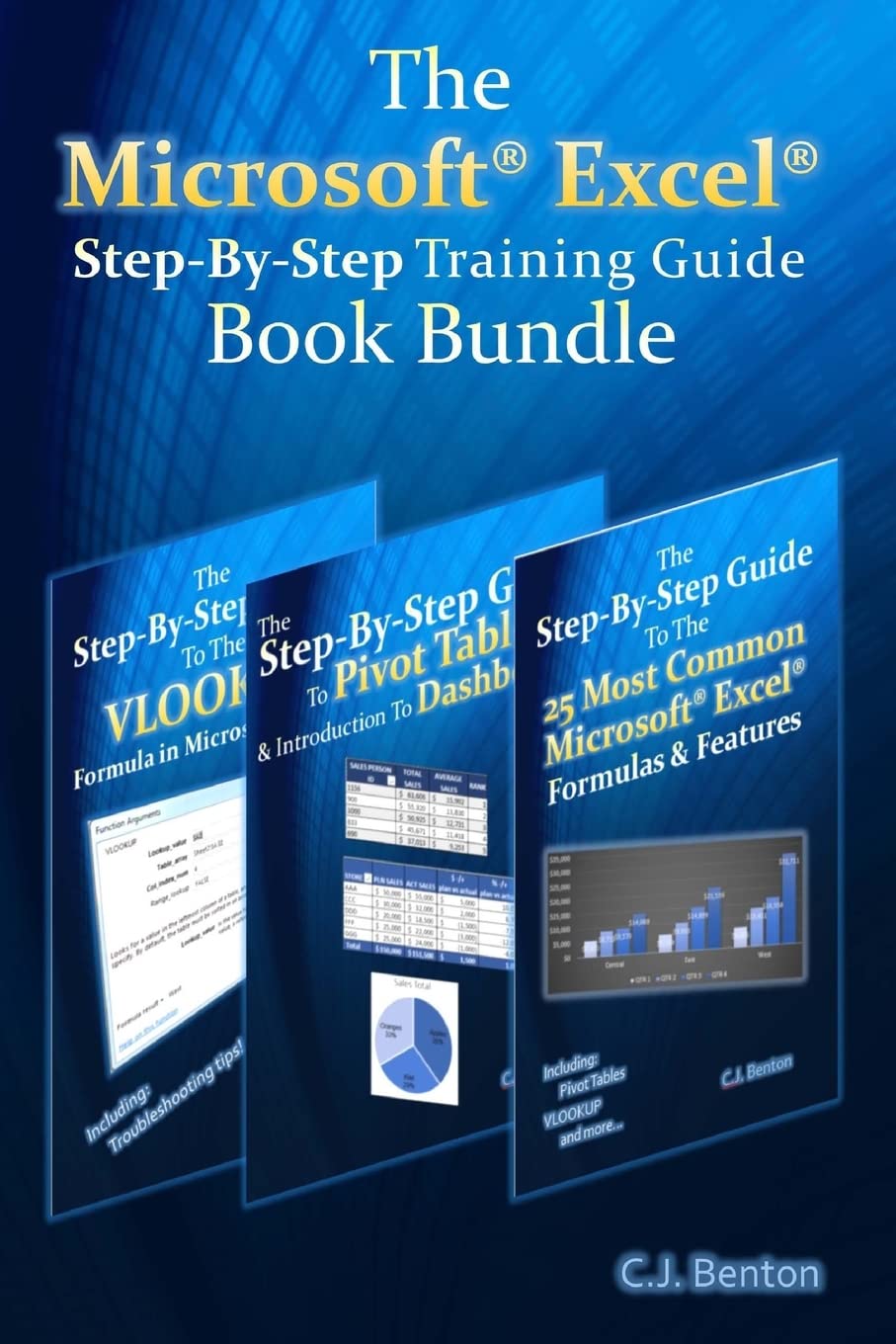
The Microsoft Excel StepByStep Training Guide Book Bundle (The Microsoft Excel StepByStep Training Guide Series),Used
Sold by Ergodebooks, an authorized reseller.
Returns accepted within 30 days | support@ergodebooks.com
Shipping Information
- Free Standard Shipping — United States only
- Processing Time: 3–5 business days
- Estimated Delivery: 6–10 business days after dispatch
- Double-boxed, fully insured & discreetly packaged
- Tracking number sent via email once dispatched
Returns & Refund
Returns accepted within 30 days of delivery.
Damaged or Defective Item
Free return shipping + replacement or full refund
Wrong Item Received
Free return shipping + replacement or full refund
Change of Mind
Return shipping at customer's expense · 25% restocking fee applies
Payment Option

3 books in 1 a consolidation of three books in the Microsoft Excel StepByStep Training Guide SeriesThis book bundle offers easy to follow examples with screenshots demonstrating how to use the most common basic and intermediate Microsoft Excel formulas & features, including Pivot Tables, & the VLOOKUP formula. The book bundle is organized into 6 stepbystep sections, allowing you to grow your knowledge of Microsoft Excel at your own pace.In addition to the following, this book bundle also includes sections on Excel keyboard shortcuts and how to change the currency symbol, for example to the British Pound or Euro .Part 1 Excel Formula Fundamentals SUM, SUBTRACTION, MULTIPLICATION, & DIVISION AVERAGE MIN & MAX TODAY & NETWORKDAYS SUMIFPart 2 Pivot Tables & Dashboards Organize and summarize data Format results Insert Pivot Charts Display averages & percentages Group data into predefined ranges Rank results Insert calculated fields How to create and update a basic Dashboard using Pivot Table dataPart 3 Excel Features Data Sorting Formula Trace TextToColumns Conditional Formatting & FilteringPart 4 Text Functions LEN & TRIM CONCATENATE & MID PROPER, UPPER, & LOWERPart 5 Logic Formulas IF Nested IFPart 6 The VLOOKUP Formula What the VLOOKUP formula does The parts of a VLOOKUP formula Detailed examples on how to use the VLOOKUP formula Incorporating the IFERROR functionality into your VLOOKUP formula How to apply the VLOOKUP formula across multiple tabs & workbooks How to troubleshoot and resolve common VLOOKUP errors, including reasons why you may be getting the #N/A or #REF error
⚠️ WARNING (California Proposition 65):
This product may contain chemicals known to the State of California to cause cancer, birth defects, or other reproductive harm.
For more information, please visit www.P65Warnings.ca.gov.