If you have any questions, you are always welcome to contact us. We'll get back to you as soon as possible, withing 24 hours on weekdays.
Customer service
All questions about your order, return and delivery must be sent to our customer service team by e-mail at yourstore@yourdomain.com
Sale & Press
If you are interested in selling our products, need more information about our brand or wish to make a collaboration, please contact us at press@yourdomain.com
Help
If you have any questions, you are always welcome to contact us. We'll get back to you as soon as possible, withing 24 hours on weekdays.
Customer service
All questions about your order, return and delivery must be sent to our customer service team by e-mail at yourstore@yourdomain.com
Sale & Press
If you are interested in selling our products, need more information about our brand or wish to make a collaboration, please contact us at press@yourdomain.com
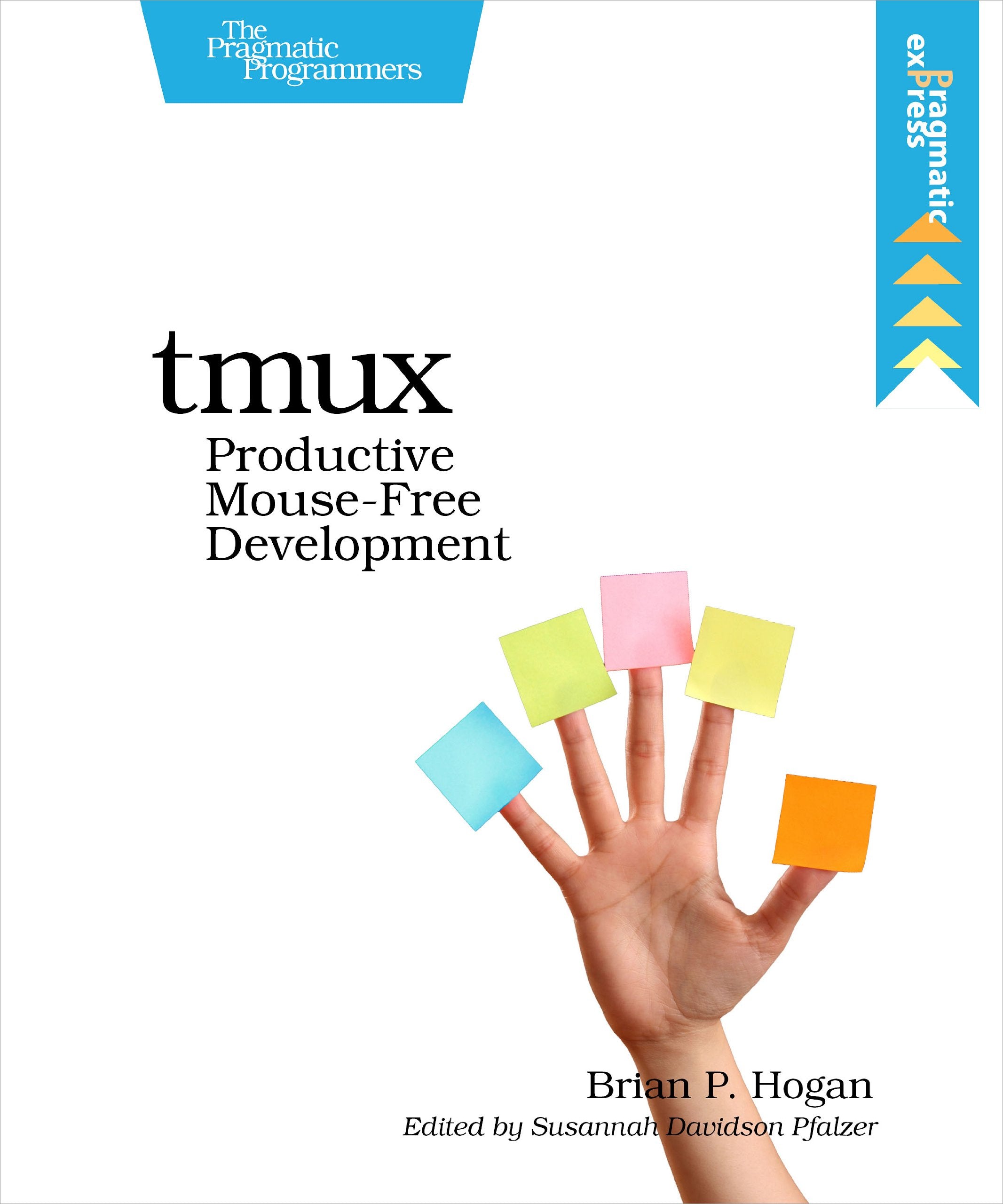
Your mouse is slowing you down. The time you spend context switching between your editor and your consoles eats away at your productivity. Take control of your environment with tmux, a terminal multiplexer that you can tailor to your workflow. Learn how to customize, script, and leverage tmux's unique abilities and keep your fingers on your keyboard's home row.It's pretty common for a modern developer to have a database console, web server, and a text editor running at the same time. Switching between these with the mouse takes up valuable time and can break your concentration. By using tmux, you can improve your productivity and regain your focus. This book will show you how.You'll learn how to manage multiple terminal sessions within tmux using only your keyboard. You'll see how to manage and run programs sidebyside in panes, and you'll learn how to create the perfect development environment with custom scripts so that when you're ready to work, your programs are waiting for you. Then you'll discover how to manipulate text with tmux's copy and paste buffers. Once you've got the basics down, you'll discover how easy it is to use tmux to collaborate remotely with others. Finally, you'll explore more advanced usage as you manage multiple tmux sessions, add custom scripts into the tmux status line, and integrate tmux with your system.Whether you're an application developer or a system administrator, you'll find many useful tricks and techniques to help you take control of your terminal.What You Need:You'll need a Mac or Linux machine and some experience using shell commands.
⚠️ WARNING (California Proposition 65):
This product may contain chemicals known to the State of California to cause cancer,
birth defects, or other reproductive harm.
For MAP (Minimum Advertised Price) violations and Intellectual Property (IP) or Trademark concerns, please contact:
support@ergodebooks.com
⚠️ California Proposition 65 Warning: Some products sold on this website may expose you to chemicals known to the State of California to cause cancer, birth defects, or other reproductive harm. For more information, visit www.P65Warnings.ca.gov.