
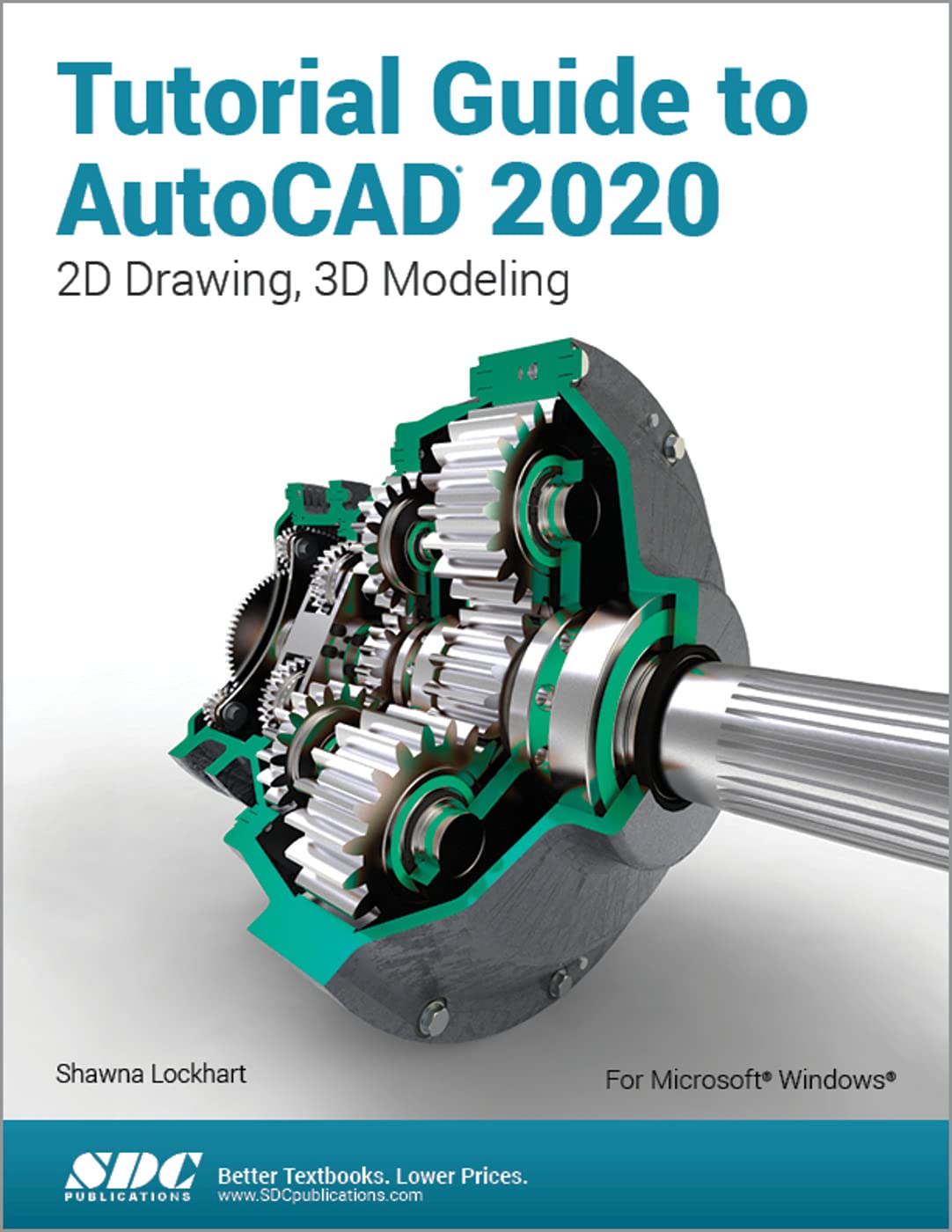
Title

Tutorial Guide to AutoCAD 2020,Used
Sold by Ergodebooks, an authorized reseller.
Returns accepted within 30 days | support@ergodebooks.com
Shipping Information
- Free Standard Shipping — United States only
- Processing Time: 3–5 business days
- Estimated Delivery: 6–10 business days after dispatch
- Double-boxed, fully insured & discreetly packaged
- Tracking number sent via email once dispatched
Returns & Refund
Returns accepted within 30 days of delivery.
Damaged or Defective Item
Free return shipping + replacement or full refund
Wrong Item Received
Free return shipping + replacement or full refund
Change of Mind
Return shipping at customer's expense · 25% restocking fee applies
Payment Option

Tutorial Guide to AutoCAD 2020 provides a stepbystep introduction to AutoCAD with commands presented in the context of each tutorial. In fifteen clear and comprehensive chapters, the author guides you through all the important commands and techniques in AutoCAD 2020, from 2D drawing to solid modeling and finally finishing with rendering. In each lesson, the author provides stepbystep instructions with frequent illustrations showing exactly what appears on the AutoCAD screen. Later, individual steps are no longer provided, and you are asked to apply what youve learned by completing sequences on your own. A carefully developed pedagogy reinforces this cumulativelearning approach and supports you in becoming a skilled AutoCAD user.Tutorial Guide to AutoCAD 2020 begins with three Getting Started chapters that include information to get readers of all levels prepared for the tutorials. The author includes tips that offer suggestions and warnings as you progress through the tutorials. Key Terms and Key Commands are listed at the end of each chapter to recap important topics and commands learned in each tutorial.
⚠️ WARNING (California Proposition 65):
This product may contain chemicals known to the State of California to cause cancer, birth defects, or other reproductive harm.
For more information, please visit www.P65Warnings.ca.gov.
- Q: How many pages does this book have? A: This book has seven hundred pages. It provides a comprehensive introduction to AutoCAD 2020 with detailed tutorials.
- Q: What is the binding type of this book? A: The binding type is paperback. This makes it lightweight and easy to handle for readers.
- Q: What are the dimensions of the book? A: The dimensions of the book are eight and a half inches by eleven and a quarter inches by one and twenty-six hundredths inches. These dimensions make it suitable for desktop use.
- Q: How do I start learning with this book? A: You start by reading the Getting Started chapters. They prepare you for the tutorials with essential tips and commands.
- Q: Is this book suitable for beginners? A: Yes, this book is suitable for beginners. It provides step-by-step instructions and is structured to support cumulative learning.
- Q: Can I use this book for advanced AutoCAD techniques? A: Yes, this book covers advanced techniques including solid modeling and rendering. It progresses from basic commands to more complex applications.
- Q: How should I store this book? A: Store this book in a cool, dry place, away from direct sunlight. This will help preserve its condition and longevity.
- Q: What if the book gets damaged? A: If the book arrives damaged, contact the seller for a return or replacement. Most sellers have policies in place for such issues.
- Q: Are there any illustrations in this book? A: Yes, the book contains frequent illustrations. They show exactly what appears on the AutoCAD screen, aiding visual learners.
- Q: Is there a glossary in the book? A: Yes, a glossary of Key Terms and Key Commands is included. This helps recap important topics at the end of each chapter.
- Q: What level of AutoCAD knowledge is needed? A: No prior knowledge is required. The book is designed to teach you from the ground up, making it accessible for all levels.
- Q: Can this book help me with 2D drawing? A: Yes, it covers 2D drawing extensively. It provides foundational skills necessary for mastering AutoCAD.
- Q: What kind of tips are included in the tutorials? A: The tutorials include tips that offer suggestions and warnings as you progress. This helps you avoid common pitfalls.
- Q: Is the author experienced in AutoCAD? A: Yes, the author, Shawna Lockhart, is experienced in AutoCAD and provides expert guidance throughout the book.
- Q: Will I learn rendering techniques from this book? A: Yes, rendering techniques are covered towards the end of the book. You'll learn how to finish projects with professional-quality outputs.
- Q: Are there practice exercises in the book? A: Yes, the book includes exercises for you to apply what you've learned. This hands-on approach reinforces your skills.