
Title
Ubuntu Linux Toolbox: 1000+ Commands for Ubuntu and Debian Power Users,Used
Sold by Ergodebooks, an authorized reseller.
Returns accepted within 30 days | support@ergodebooks.com
Shipping Information
- Free Standard Shipping — United States only
- Processing Time: 3–5 business days
- Estimated Delivery: 6–10 business days after dispatch
- Double-boxed, fully insured & discreetly packaged
- Tracking number sent via email once dispatched
Returns & Refund
Returns accepted within 30 days of delivery.
Damaged or Defective Item
Free return shipping + replacement or full refund
Wrong Item Received
Free return shipping + replacement or full refund
Change of Mind
Return shipping at customer's expense · 25% restocking fee applies
Payment Option

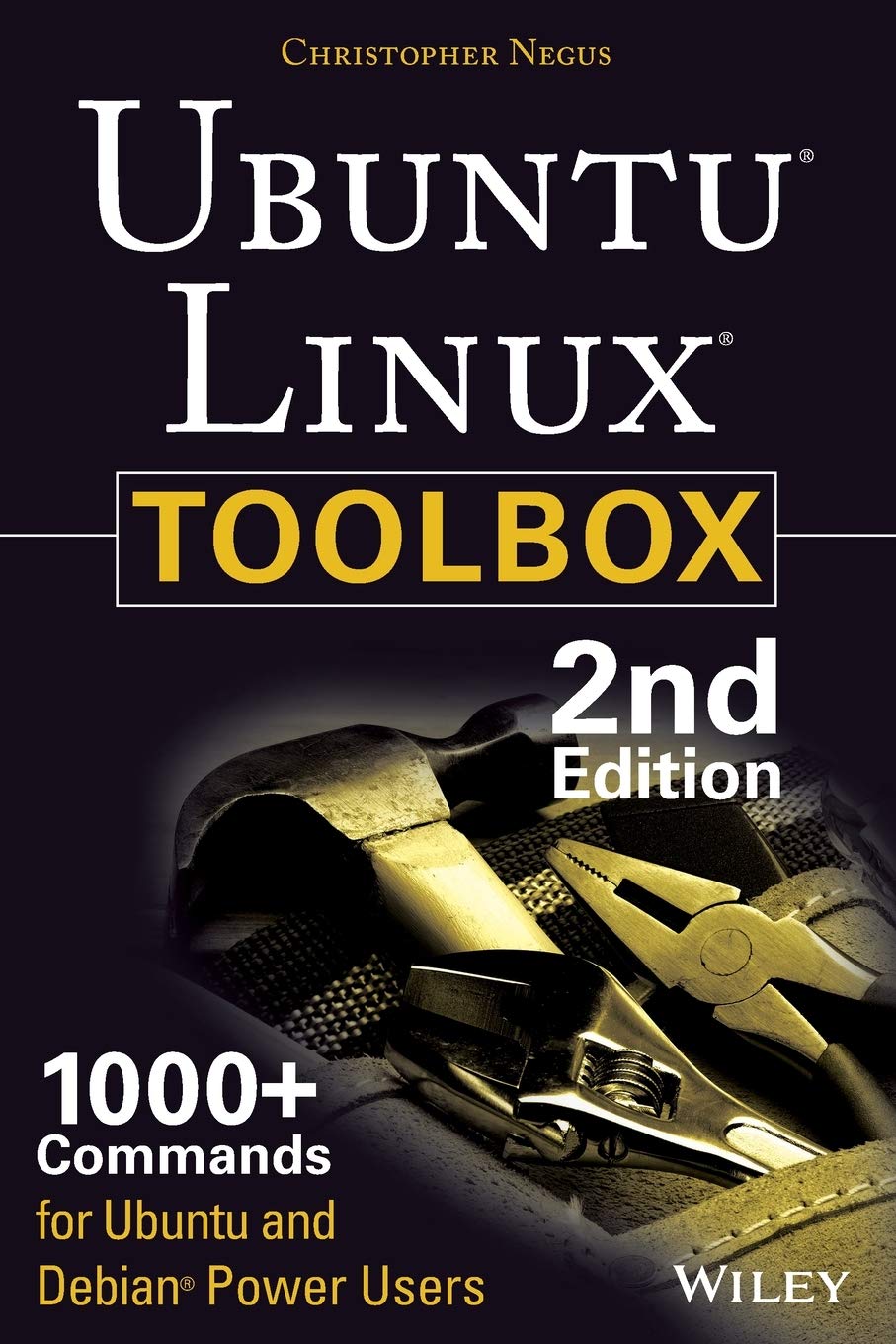
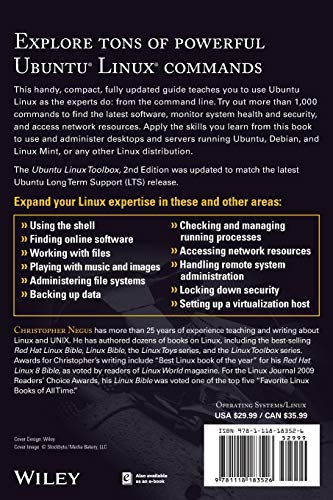
This updated bestseller from Linux guru Chris Negus is packed with an array of new and revised materialAs a longstanding bestseller, Ubuntu Linux Toolbox has taught you how to get the most out Ubuntu, the world's most popular Linux distribution. With this anticipated new edition, Christopher Negus returns with a host of new and expanded coverage on tools for managing file systems, ways to connect to networks, techniques for securing Ubuntu systems, and a look at the latest Long Term Support (LTS) release of Ubuntu, all aimed at getting you up and running with Ubuntu Linux quickly. Covers installation, configuration, shell primer, the desktop, administrations, servers, and security Delves into coverage of popular applications for the web, productivity suites, and email Highlights setting up a server (Apache, Samba, CUPS) Boasts a handy trim size so that you can take it with you on the goUbuntu Linux Toolbox, Second Edition prepares you with a host of updated tools for today's environment, as well as expanded coverage on everything you know to confidently start using Ubuntu today.
⚠️ WARNING (California Proposition 65):
This product may contain chemicals known to the State of California to cause cancer, birth defects, or other reproductive harm.
For more information, please visit www.P65Warnings.ca.gov.
- Q: How many pages does the book have? A: This book has three hundred sixty-eight pages. It provides comprehensive coverage on various tools and topics related to Ubuntu and Debian.
- Q: What is the binding type of the book? A: The book is paperback. This makes it lightweight and portable, ideal for users who wish to take it on the go.
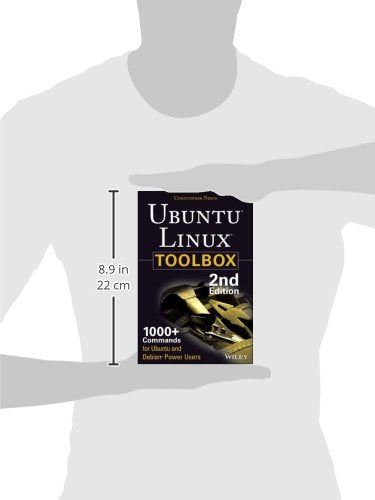
- Q: What are the dimensions of the book? A: The book measures six inches in length, nine point zero two inches in height, and zero point nine inches in width. These dimensions make it easy to handle.
- Q: Who is the author of this book? A: The author of this book is Christopher Negus. He is a well-known Linux guru with extensive experience in the field.
- Q: Is this book suitable for beginners? A: Yes, this book is suitable for beginners. It includes a shell primer and covers installation and configuration in a user-friendly manner.
- Q: Can experienced users benefit from this book? A: Yes, experienced users can benefit from this book. It offers advanced coverage on file management, networking, and system security.
- Q: How do I install Ubuntu Linux using this book? A: You can install Ubuntu Linux by following the detailed installation instructions in the book. It guides you step-by-step through the installation process.
- Q: Are there tips for securing Ubuntu systems in the book? A: Yes, the book includes tips for securing Ubuntu systems. It offers techniques to enhance system security and protect against vulnerabilities.
- Q: What should I do to keep this book in good condition? A: To keep this book in good condition, store it in a cool, dry place and avoid exposing it to direct sunlight. Handle it carefully to prevent wear.
- Q: Is there a warranty for this book? A: No, there is typically no warranty for books. However, check the return policy for any issues like damage upon arrival.
- Q: What if the book arrives damaged? A: If the book arrives damaged, you should contact the seller for a return or exchange. Most sellers have return policies in place for such situations.
- Q: Can I use this book for reference while working on projects? A: Yes, this book is an excellent reference for various projects. It covers topics like server setup, file system management, and more.
- Q: Is this book focused on any specific Linux distribution? A: Yes, this book focuses on Ubuntu and Debian. It is tailored for users of these popular Linux distributions.
- Q: Are there sections on popular applications in the book? A: Yes, the book highlights popular applications for web browsing, productivity, and email. It helps users get the most out of their Ubuntu experience.
- Q: Is this book considered a bestseller? A: Yes, this book is a bestselling title in the Linux category. It has been well-received by users for its comprehensive content.
- Q: What is the primary category of this book? A: The primary category of this book is Linux. It is specifically aimed at users of Ubuntu and Debian operating systems.