
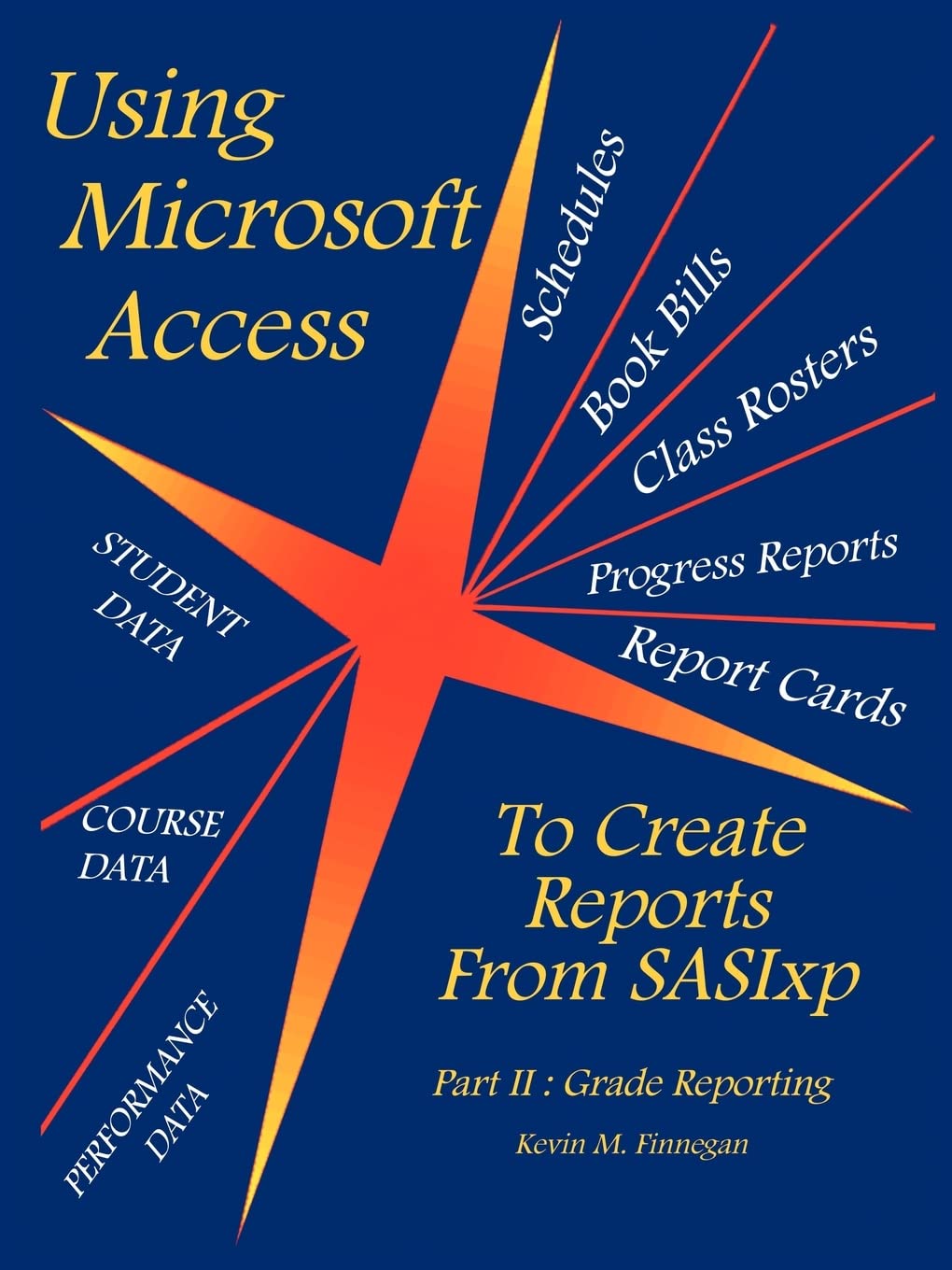
Title
Using Microsoft Access To Create Reports From SASIxp: Part II: Grade Reporting,Used
Sold by Ergodebooks, an authorized reseller.
Returns accepted within 30 days | support@ergodebooks.com
Shipping Information
- Free Standard Shipping — United States only
- Processing Time: 3–5 business days
- Estimated Delivery: 6–10 business days after dispatch
- Double-boxed, fully insured & discreetly packaged
- Tracking number sent via email once dispatched
Returns & Refund
Returns accepted within 30 days of delivery.
Damaged or Defective Item
Free return shipping + replacement or full refund
Wrong Item Received
Free return shipping + replacement or full refund
Change of Mind
Return shipping at customer's expense · 25% restocking fee applies
Payment Option

If you work in a K12 school that uses SASIxp, then this book is for you! All schools need to produce reports such as Schedules, Rosters, Progress Reports, Report Cards and so on. Wouldn't it be nice to be able to modify the design of these reports, so that they meet the needs of YOUR school? Would you like to be able to add, delete or edit the information that is going on your school's official documents? Would you like to see your school's logo on the report cards? Would it be helpful to have your school's bell schedule on the bottom of the class rosters? Microsoft Access can easily use SASIxp data files to produce functional and visually attractive reports. This book will show you the essential steps in creating these reports. Only three things are needed: student data files contained within a SASIxp database, Microsoft Access, and the courage to try something new. Anyone can use this book! The author wrote it to meet the needs of the Access beginner; no previous experience with MS Access is necessary. Even if you've been using Access for a while, you will still find this book a valuable resource. Inside, you will find easytofollow guidelines that will help you: Learn the basics of Access tables, queries, reports and macro's; what they are, how they work, and when to use them Create and modify Access data tables to store your data Design and create various types of Access queries Design and produce schedules, class rosters, book bills, progress reports, report cards, honor roll reports, and mailings Make MS Access to calculate GPA's within queries or directly on reports. Use special characters to "flag" students who meet predetermined criteria, such as course failures, excessive absences, etc. Use Access macro programming to automate the entire process so that it runs automatically Save your valuable time and energy by using existing queries, reports and macro's as templates for new databases How to make your boss and your colleagues think you're a genius!
⚠️ WARNING (California Proposition 65):
This product may contain chemicals known to the State of California to cause cancer, birth defects, or other reproductive harm.
For more information, please visit www.P65Warnings.ca.gov.