
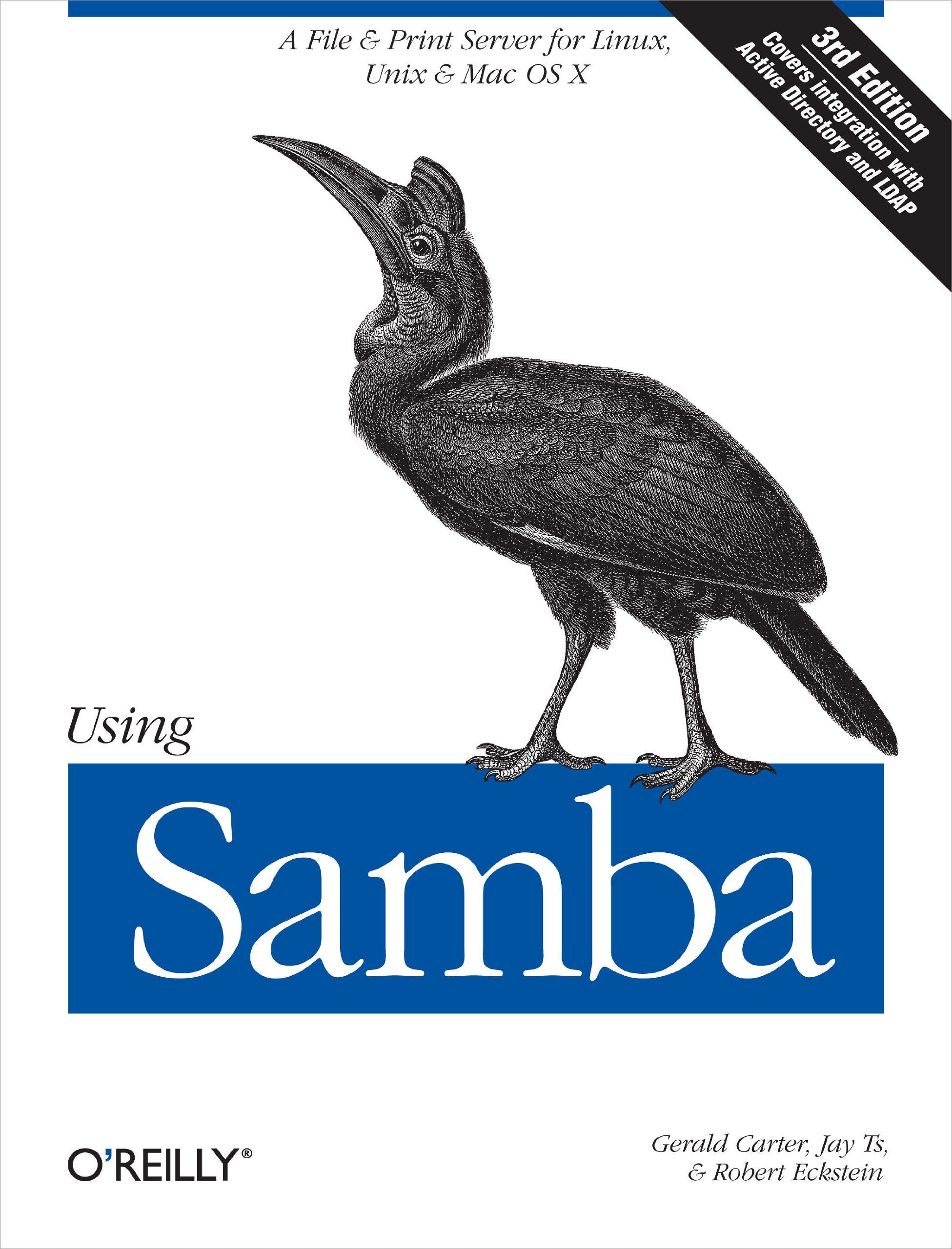
Title
Using Samba: A File & Print Server For Linux, Unix & Mac Os X
Sold by Ergodebooks, an authorized reseller.
Returns accepted within 30 days | support@ergodebooks.com
Shipping Information
- Free Standard Shipping — United States only
- Processing Time: 3–5 business days
- Estimated Delivery: 6–10 business days after dispatch
- Double-boxed, fully insured & discreetly packaged
- Tracking number sent via email once dispatched
Returns & Refund
Returns accepted within 30 days of delivery.
Damaged or Defective Item
Free return shipping + replacement or full refund
Wrong Item Received
Free return shipping + replacement or full refund
Change of Mind
Return shipping at customer's expense · 25% restocking fee applies
Payment Option

This Book Is The Comprehensive Guide To Samba Administration, Officially Adopted By The Samba Team. Wondering How To Integrate Samba'S Authentication With That Of A Windows Domain? How To Get Samba To Serve Microsoft Dfs Shares? How To Share Files On Mac Os X? These And A Dozen Other Issues Of Interest To System Administrators Are Covered. A Whole Chapter Is Dedicated To Troubleshooting!The Range Of This Book Knows Few Bounds. Using Samba Takes You From Basic Installation And Configuration On Both The Client And Server Side, For A Wide Range Of Systems To Subtle Details Of Security, Crossplatform Compatibility, And Resource Discovery That Make The Difference Between Whether Users See The Folder They Expect Or A Cryptic Error Message.The Current Edition Covers Such Advanced 3.X Features As:Integration With Active Directory And Openldap Migrating From Windows Nt 4.0 Domains To Samba Delegating Administrative Tasks To Nonroot Users Central Printer Management Advanced File Serving Features, Such As Making Use Of Virtual File System (Vfs) Plugins.Samba Is A Crossplatform Triumph: Robust, Flexible And Fast, It Turns A Unix Or Linux System Into A File And Print Server For Microsoft Windows Network Clients. This Book Will Help You Make Your File And Print Sharing As Powerful And Efficient As Possible. The Authors Delve Into The Internals Of The Windows Activities And Protocols To An Unprecedented Degree, Explaining The Strengths And Weaknesses Of Each Feature In Windows Domains And In Samba Itself.Whether You'Re Playing On Your Personal Computer Or An Enterprise Network, On One Note Or A Full Threeoctave Range, Using Samba Will Give You An Efficient And Secure Server.
⚠️ WARNING (California Proposition 65):
This product may contain chemicals known to the State of California to cause cancer, birth defects, or other reproductive harm.
For more information, please visit www.P65Warnings.ca.gov.
- Q: How many pages does 'Using Samba' have? A: This book has four hundred forty-seven pages. It contains comprehensive information on Samba administration across various systems.
- Q: What is the binding type of 'Using Samba'? A: The binding type is paperback. This makes it lightweight and easier to handle for reading and referencing.
- Q: Who is the author of 'Using Samba'? A: The author is Gerald Carter. He is known for his expertise in Samba and network administration.
- Q: What is the recommended way to use 'Using Samba'? A: It is recommended to read 'Using Samba' as a guide for setting up Samba on Linux, Unix, and Mac OS X systems. It provides step-by-step instructions for both beginners and advanced users.
- Q: Is 'Using Samba' suitable for beginners? A: Yes, the book is suitable for beginners. It starts with basic installation and configuration before delving into advanced features.
- Q: Can 'Using Samba' help with troubleshooting? A: Yes, it includes a whole chapter dedicated to troubleshooting. This is essential for resolving common issues encountered during Samba administration.
- Q: How do I keep 'Using Samba' in good condition? A: To keep the book in good condition, store it in a cool, dry place and avoid exposing it to direct sunlight. Handle it carefully to prevent wear and tear.
- Q: Is 'Using Samba' safe for all ages? A: Yes, 'Using Samba' is safe for all ages. It is a technical manual and does not contain inappropriate content.
- Q: What type of audience is 'Using Samba' aimed at? A: The book is aimed at system administrators and IT professionals. It is also useful for anyone interested in file and print sharing.
- Q: What should I do if 'Using Samba' arrives damaged? A: If the book arrives damaged, contact the seller for return instructions or a replacement. Most sellers have a satisfaction guarantee.
- Q: Is there a warranty for 'Using Samba'? A: Typically, there is no warranty for books. However, check with the retailer for their specific return policy.
- Q: Does 'Using Samba' contain advanced features? A: Yes, it covers advanced features like integration with Active Directory and OpenLDAP. These topics are essential for advanced users.
- Q: What makes 'Using Samba' a comprehensive guide? A: It is comprehensive due to its detailed coverage of installation, configuration, security, and troubleshooting of Samba.
- Q: Can 'Using Samba' help with file sharing on Mac OS X? A: Yes, the book includes instructions on sharing files on Mac OS X. It addresses various cross-platform compatibility issues.
- Q: How can I contact support for 'Using Samba'? A: To contact support, reach out to the retailer or publisher. They can provide assistance with any inquiries related to the book.