
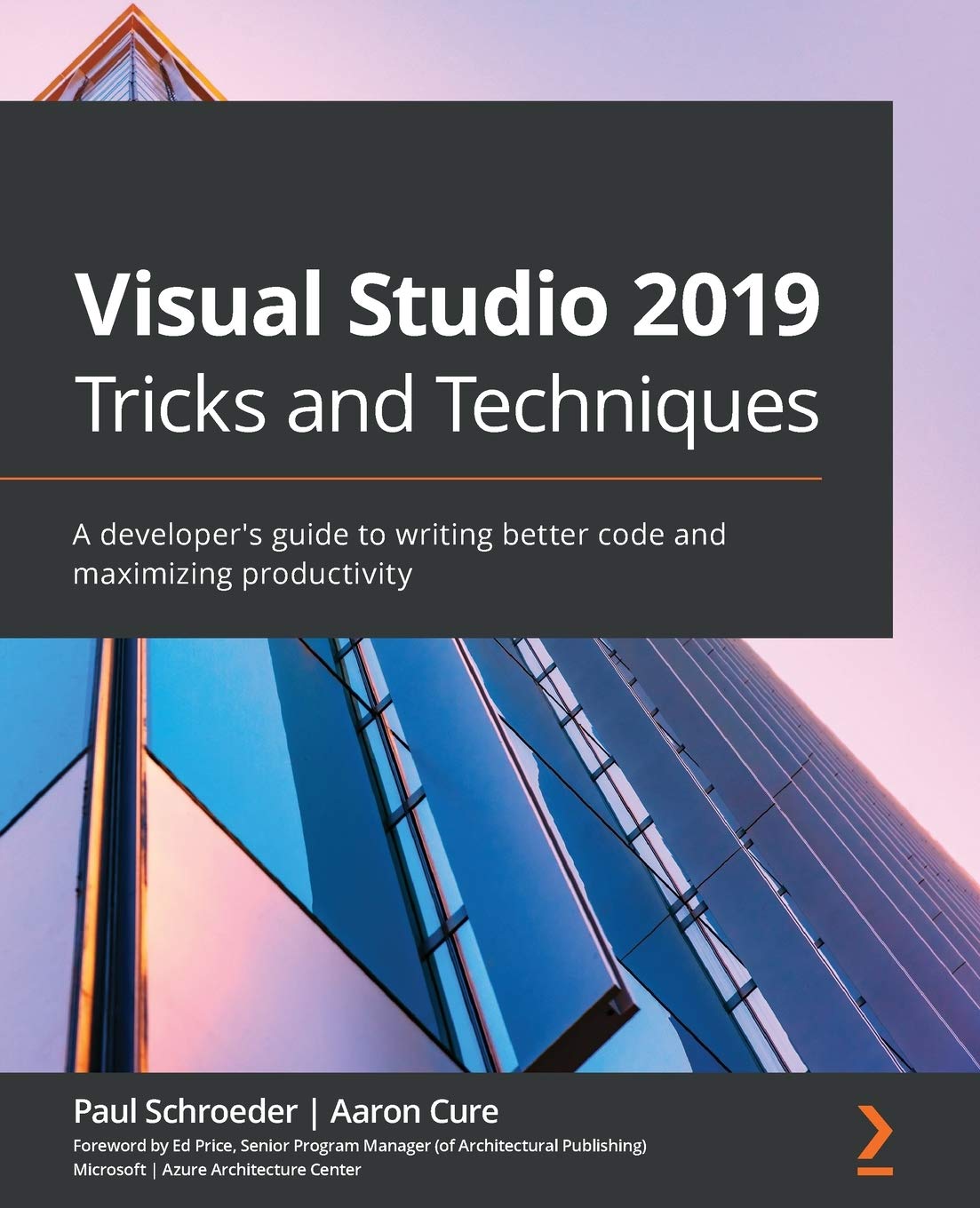
Title
Visual Studio 2019 Tricks and Techniques: A developers guide to writing better code and maximizing productivity,Used
Sold by Ergodebooks, an authorized reseller.
Returns accepted within 30 days | support@ergodebooks.com
Shipping Information
- Free Standard Shipping — United States only
- Processing Time: 3–5 business days
- Estimated Delivery: 6–10 business days after dispatch
- Double-boxed, fully insured & discreetly packaged
- Tracking number sent via email once dispatched
Returns & Refund
Returns accepted within 30 days of delivery.
Damaged or Defective Item
Free return shipping + replacement or full refund
Wrong Item Received
Free return shipping + replacement or full refund
Change of Mind
Return shipping at customer's expense · 25% restocking fee applies
Payment Option

Harness the full power of the Visual Studio IDE to take your coding skills to the next level by learning about IDE productivity practices and exclusive techniquesKey Features Increase your productivity by leveraging Visual Studio 2019s improvements and features Explore powerful editing, code intelligence, and source code control features to increase productivity Delve into VSs powerful, untapped features such as custom project templates and extensionsBook DescriptionVisual Studio 2019 (VS 2019) and Visual Studio Code (VS Code) are powerful professional development tools that help you to develop applications for any platform with ease. Whether you want to create web, mobile, or desktop applications, Microsoft Visual Studio is your onestop solution. This book demonstrates some of the most sophisticated capabilities of the tooling and shows you how to use the integrated development environment (IDE) more efficiently to be more productive.Youll begin by gradually building on concepts, starting with the basics. The introductory chapters cover shortcuts, snippets, and numerous optimization tricks, along with debugging techniques, source control integration, and other important IDE features that will help you make your time more productive. With that groundwork in place, more advanced concepts such as the inner workings of project and item templates are covered. You will also learn how to write quality, secure code more efficiently as well as discover how certain Visual Studio features work under the hood.By the end of this Visual Studio book, youll have learned how to write more secure code faster than ever using your knowledge of the extensions and processes that make developing successful solutions more enjoyable and repeatable.What You Will Learn Understand the similarities and differences between VS 2019 and VS Code Get to grips with numerous keyboard shortcuts to improve efficiency Discover IDE tips and tricks that make it easier to write code Experiment with code snippets that make it easier to write repeating code patterns Find out how to customize project and item templates with the help of handson exercises Use Visual Studio extensions for ease and improved productivity Delve into Visual Studios behind the scene operationsWho this book is forThis book is for C# and .NET developers who want to become more efficient and take advantage of features they may not be aware of in the IDE. Those looking to increase their productivity and write quality code more quickly by fully utilizing the power of the Visual Studio IDE will also find this book useful.
⚠️ WARNING (California Proposition 65):
This product may contain chemicals known to the State of California to cause cancer, birth defects, or other reproductive harm.
For more information, please visit www.P65Warnings.ca.gov.
- Q: How many pages does this book have? A: This book has three hundred eighty-six pages. It provides an in-depth exploration of Visual Studio 2019 and its features.
- Q: What is the binding type of this book? A: The book is available in paperback binding. This makes it lightweight and easy to handle for reading and note-taking.
- Q: What are the dimensions of this book? A: The book measures seven point five two inches in length, zero point eight inches in width, and nine point two five inches in height. These dimensions make it convenient to carry around.
- Q: What is the reading level for this book? A: This book is suitable for intermediate to advanced readers, particularly C# and .NET developers. It's designed to enhance coding skills and productivity.
- Q: How can I use the tips in this book? A: You can apply the tips by following the techniques and productivity practices outlined in the chapters. The book includes hands-on exercises to facilitate learning.
- Q: Is this book suitable for beginners? A: No, this book is not primarily for beginners. It focuses on helping developers who already have some experience with Visual Studio to improve their efficiency.
- Q: How should I care for this book? A: To keep the book in good condition, store it in a cool, dry place and avoid exposing it to direct sunlight. Handle it carefully to prevent bending or tearing.
- Q: Is this book safe for all ages? A: Yes, the content is appropriate for adult readers, especially those in the tech field. However, it is not specifically aimed at children.
- Q: What if the book arrives damaged? A: If the book arrives damaged, you should contact the seller for a return or exchange. Ensure you have your order details ready for assistance.
- Q: What kind of techniques are covered in this book? A: The book covers productivity techniques, debugging methods, and the use of custom project templates and extensions. These strategies enhance coding efficiency.
- Q: Who is the author of this book? A: The author of this book is Paul Schroeder. He provides insights and practical knowledge on using Visual Studio effectively.
- Q: Can I find exercises in this book? A: Yes, the book includes hands-on exercises that allow you to practice customizing project and item templates. This helps reinforce the concepts learned.
- Q: What topics are discussed in relation to Visual Studio features? A: The book discusses numerous Visual Studio features, including code snippets, keyboard shortcuts, debugging techniques, and source control integration.
- Q: Is this book focused on any specific programming languages? A: Yes, the book focuses on C# and .NET programming. It is designed for developers looking to enhance their skills in these areas.
- Q: Does the book provide information on Visual Studio Code? A: Yes, the book includes comparisons between Visual Studio 2019 and Visual Studio Code, helping readers understand their similarities and differences.