If you have any questions, you are always welcome to contact us. We'll get back to you as soon as possible, withing 24 hours on weekdays.
Customer service
All questions about your order, return and delivery must be sent to our customer service team by e-mail at yourstore@yourdomain.com
Sale & Press
If you are interested in selling our products, need more information about our brand or wish to make a collaboration, please contact us at press@yourdomain.com
Help
If you have any questions, you are always welcome to contact us. We'll get back to you as soon as possible, withing 24 hours on weekdays.
Customer service
All questions about your order, return and delivery must be sent to our customer service team by e-mail at yourstore@yourdomain.com
Sale & Press
If you are interested in selling our products, need more information about our brand or wish to make a collaboration, please contact us at press@yourdomain.com
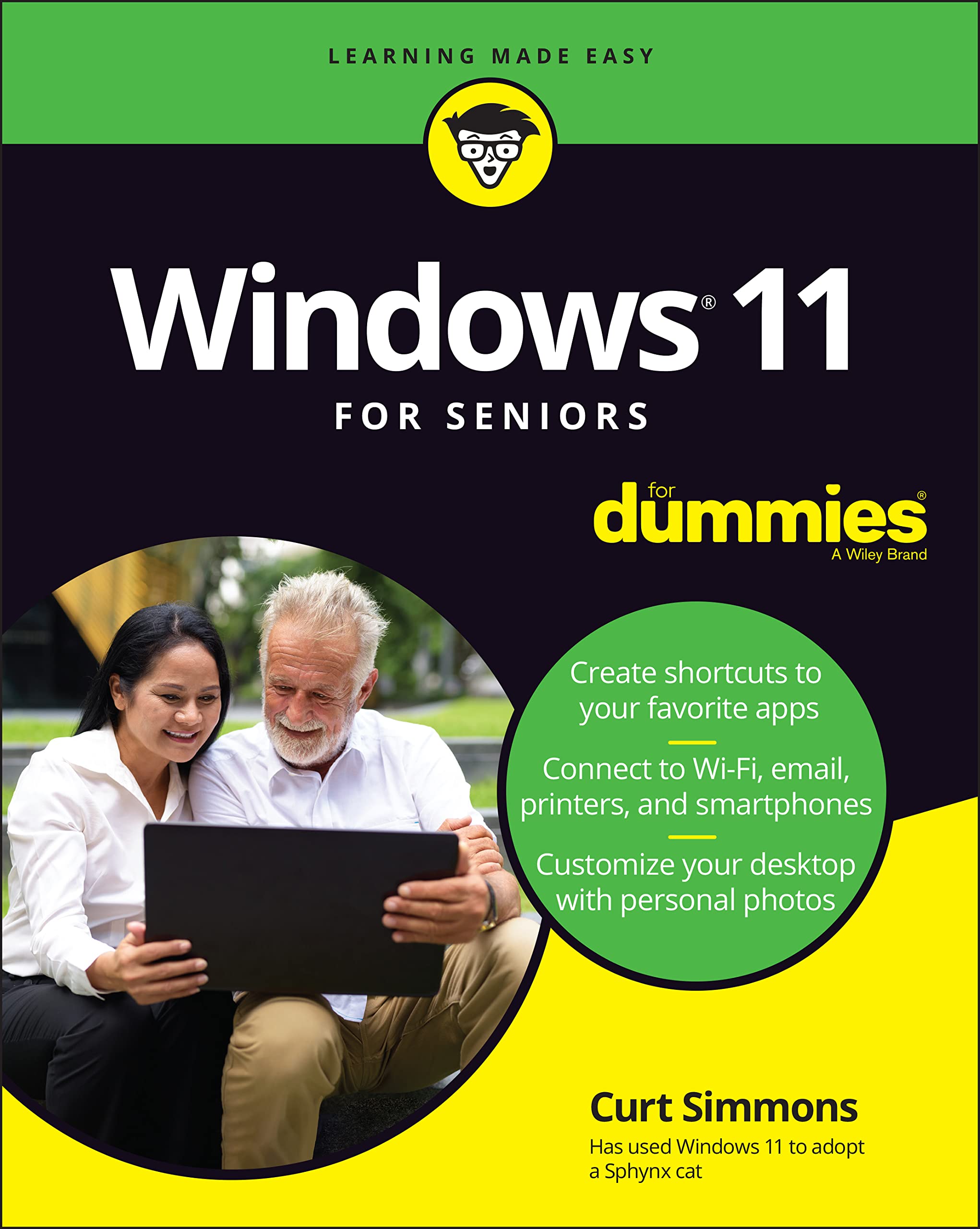
Don't call your tech guru for helpget this book and help yourself!What do you want to do with your Windows computer? Sign up for Facebook to keep up with your friends? Watch a video taken during the latest family trip? Find your latest email messages with a single click of the mouse? Look no further than Windows 11 For Seniors For Dummies to discover how to do these tasks and others that you depend on a daily basis. With this guide to the popular operating system, you find the clear and easy instructions to checking tech tasks off your todo list.This book focuses on giving you the stepswith plenty of helpful illustrationsyou need to complete the essential tasks that you perform throughout your day, like connecting with friends on social media, customizing your Windows 11 desktop with personal photos, and emailing the family about weekend plans. You also find out how to navigate Windows 11 and enhance it with the apps and widgets that you use. Other topics include: Adding shortcuts to favorite apps Personalizing your desktop Creating your private Windows account Setting up the email app Having news delivered to your desktop Chasing down lost files Tweaking your digital photos Setting your security and forgetting about itReach for Windows 11 For Seniors For Dummies whether you need a basic introduction to Windows, want a refresher on Windows 11, or have a question you want answered right away. You can then spend less time looking for help on how your computer works and more time enjoying the fun parts of life.
⚠️ WARNING (California Proposition 65):
This product may contain chemicals known to the State of California to cause cancer,
birth defects, or other reproductive harm.
For MAP (Minimum Advertised Price) violations and Intellectual Property (IP) or Trademark concerns, please contact:
support@ergodebooks.com
⚠️ California Proposition 65 Warning: Some products sold on this website may expose you to chemicals known to the State of California to cause cancer, birth defects, or other reproductive harm. For more information, visit www.P65Warnings.ca.gov.