If you have any questions, you are always welcome to contact us. We'll get back to you as soon as possible, withing 24 hours on weekdays.
Customer service
All questions about your order, return and delivery must be sent to our customer service team by e-mail at yourstore@yourdomain.com
Sale & Press
If you are interested in selling our products, need more information about our brand or wish to make a collaboration, please contact us at press@yourdomain.com
Help
If you have any questions, you are always welcome to contact us. We'll get back to you as soon as possible, withing 24 hours on weekdays.
Customer service
All questions about your order, return and delivery must be sent to our customer service team by e-mail at yourstore@yourdomain.com
Sale & Press
If you are interested in selling our products, need more information about our brand or wish to make a collaboration, please contact us at press@yourdomain.com
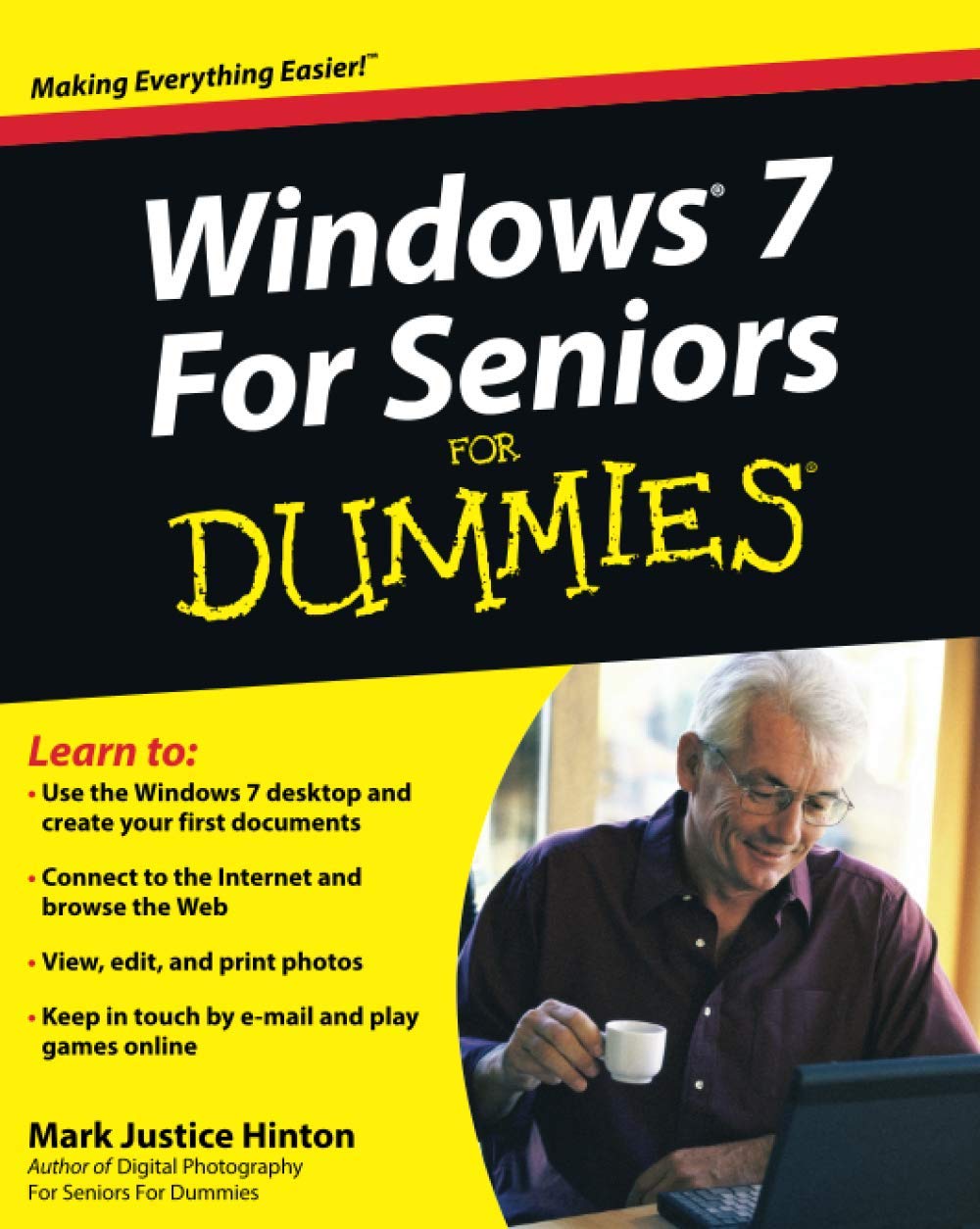
This easytounderstand guide helps seniors get started with Windows 7!Many seniors use a home computer to stay connected to family and friends. This fun and friendly guide shows how to use Windows 7, the most popular operating system preloaded onto personal computers and laptops, to write emails, connect with family via Windows Live Messenger, download pictures with Photo Gallery, and listen to music using Windows Media Player.Windows 7 For Seniors For Dummies uses a large font for the text that makes the book easier to read and it features magnified screen shots to help make the subject matter less intimidating. For Dummies author Mark Justice Hinton walks you through the basics of Windows 7, shows you how to customize the desktop so that it accommodates your needs, and explains how to use the webcam and instant messenger to keep in contact with family and friends. Plus, you'll get critical insight for protecting your personal information. Shows seniors how to stay connected to family and friends using the features of Windows 7 Explains how to use the Internet, send and receive email, upload and download photos, view video, listen to music, play games, use webcam and instant messenger, and more Discusses the important topic of keeping data and personal information safe and secure Uses a larger font for text and includes more than 150 enlarged screen shotsFor seniors interested in getting started using the exciting features of Windows 7, Windows 7 For Seniors For Dummies is the ideal beginner guide!
⚠️ WARNING (California Proposition 65):
This product may contain chemicals known to the State of California to cause cancer,
birth defects, or other reproductive harm.
For MAP (Minimum Advertised Price) violations and Intellectual Property (IP) or Trademark concerns, please contact:
support@ergodebooks.com
⚠️ California Proposition 65 Warning: Some products sold on this website may expose you to chemicals known to the State of California to cause cancer, birth defects, or other reproductive harm. For more information, visit www.P65Warnings.ca.gov.