If you have any questions, you are always welcome to contact us. We'll get back to you as soon as possible, withing 24 hours on weekdays.
Customer service
All questions about your order, return and delivery must be sent to our customer service team by e-mail at yourstore@yourdomain.com
Sale & Press
If you are interested in selling our products, need more information about our brand or wish to make a collaboration, please contact us at press@yourdomain.com
Help
If you have any questions, you are always welcome to contact us. We'll get back to you as soon as possible, withing 24 hours on weekdays.
Customer service
All questions about your order, return and delivery must be sent to our customer service team by e-mail at yourstore@yourdomain.com
Sale & Press
If you are interested in selling our products, need more information about our brand or wish to make a collaboration, please contact us at press@yourdomain.com
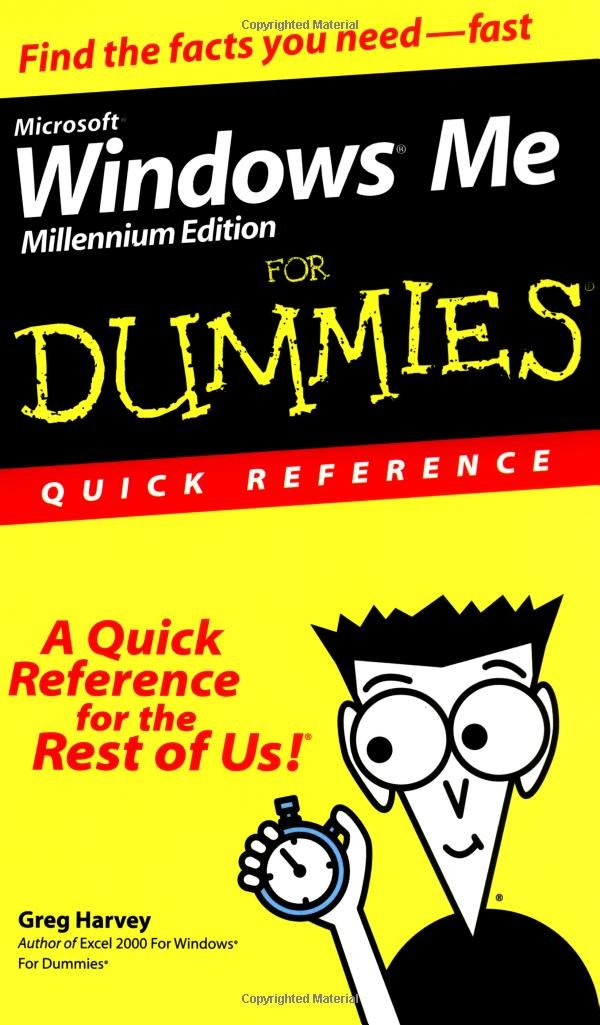
Microsoft Windows Me (Millennium Edition) makes home networking easier than ever. You can connect multiple computers to share files, printers, an Internet connection, and more. Don't let the word "networking" intimidate you, however. With Microsoft Windows Me (Millennium Edition) For Dummies Quick Reference at your fingertips, you'll be a Windows whiz in no time.This handy guide is right for you if Your computer crashes a lot when using Windows 95 or Windows 98 (it may be time to upgrade) You just got a new computer with Windows Me preinstalled and don't know what to do with it You already use Windows Me and want to know more about its advanced features You want quick, accessible answers to questions about Windows MeWindows Me offers quite a few improvements over earlier versions; features such as Windows Movie Maker and Windows Media Player are entertaining, to say the least. Here's a peek at just the type of quick, "getin, getout" information that you'll find in Microsoft Windows Me (Millennium Edition) For Dummies Quick Reference: Communicating via Outlook Express, instant messaging, chats, and video conferencing Viewing television channels Browsing the Web Mastering Windows basics such as renaming or deleting files and folders Controlling desktop icons, adding and removing software and printers Launching programs Playing Internet games Using Windows accessories such as Notepad, Paint, Disk Cleanup, and Calculator Making changes to your computer settings by using the Control PanelAuthor Greg Harvey has written numerous technical books, including the bestselling Excel 2003 For Dummies and Windows XP For Dummies Quick Reference.
⚠️ WARNING (California Proposition 65):
This product may contain chemicals known to the State of California to cause cancer,
birth defects, or other reproductive harm.
For MAP (Minimum Advertised Price) violations and Intellectual Property (IP) or Trademark concerns, please contact:
support@ergodebooks.com
⚠️ California Proposition 65 Warning: Some products sold on this website may expose you to chemicals known to the State of California to cause cancer, birth defects, or other reproductive harm. For more information, visit www.P65Warnings.ca.gov.